Mac Studio Unboxing and Setup
TL;DR
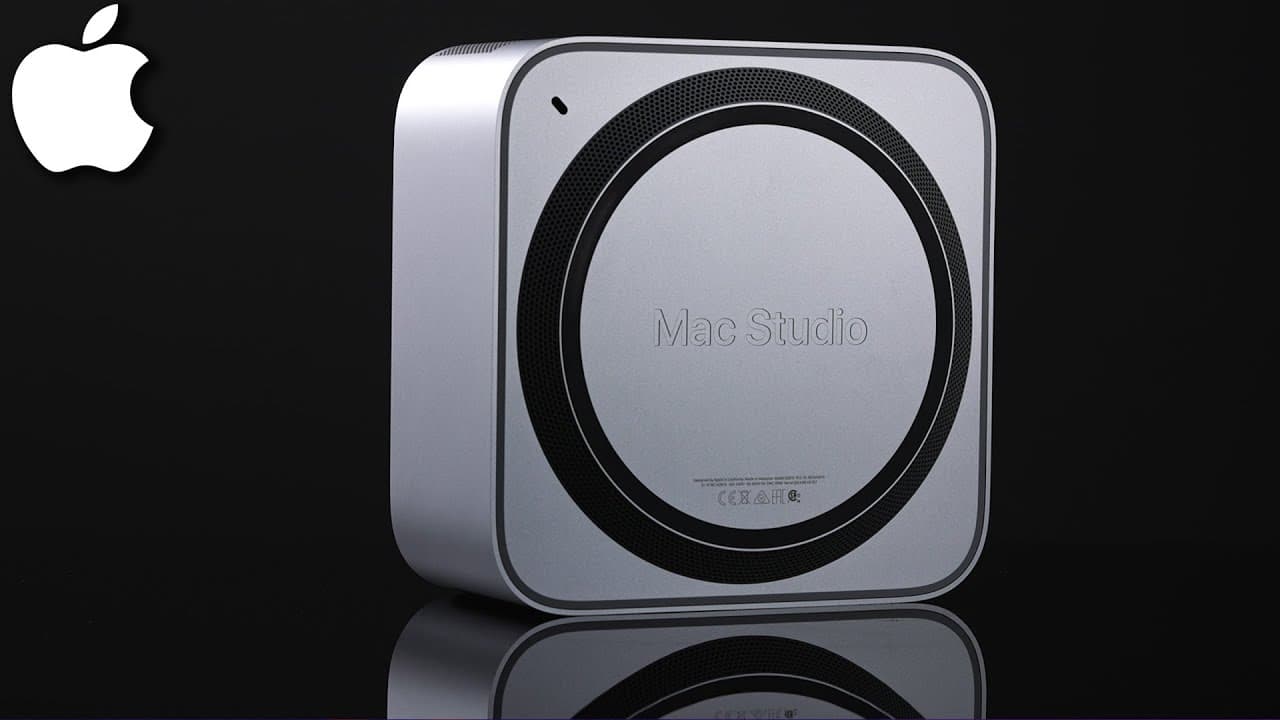
Unbox and set up the Mac Studio, showcasing its features and differences between the M1 Max and M1 Ultra chips.
Transcript
i finally got my hands on the new mac studio here so i'm gonna do a quick unboxing video and then i'll show you exactly how to set it up so pretty much out of the box you get the mac studio there's two versions i'll show you in a second which one i got here and you got a power supply that's it there's no keyboard there's no mouse there is no monito... Read More
Key Insights
- ✊ The Mac Studio comes in two versions, powered by either the M1 Max or M1 Ultra chip, catering to different levels of performance needs.
- 😫 Setting up the Mac Studio involves connecting essential peripherals like a keyboard, mouse, and monitor for a complete experience.
- 🕴️ Upgrades for the Mac Studio include customizing memory and storage options to suit individual usage preferences.
- 🧡 The Mac Studio features a range of ports including Thunderbolt 4, HDMI, USB 3, ethernet, and headphone jack for versatile connectivity options.
- 🐿️ The M1 Ultra chip in the Mac Studio offers double the power in terms of CPU cores, graphics capabilities, and neural engine compared to the M1 Max chip.
- 😀 Software updates for the Mac Studio can be easily checked and installed through the System Preferences app, ensuring the device is running the latest software for optimal performance.
- 📶 The Mac Studio setup process is straightforward, guiding users through language selection, Wi-Fi connection, Apple ID sign-in, and software update procedures.
Install to Summarize YouTube Videos and Get Transcripts
Explore YouTube Video Summarizer or Get YouTube Transcript Extractor
Questions & Answers
Q: What are the key differences between the M1 Max and M1 Ultra chips in the Mac Studio?
The M1 Max chip offers a 10-core CPU, while the M1 Ultra provides a 20-core CPU, double the graphics, and a 16-core neural engine. The M1 Ultra is suited for tasks like handling 8k footage or high-end animation.
Q: What are the essential ports available on the Mac Studio?
The Mac Studio features an SD card reader, USB-C slots, Thunderbolt 4 slots, headphone jack, HDMI port, USB 3 ports, power supply, ethernet, and Thunderbolt 4 ports.
Q: How do you set up the Mac Studio for first-time use?
To set up the Mac Studio, connect a keyboard, mouse, and monitor, power on the device, select language, connect to Wi-Fi, sign in with Apple ID, choose settings, and update the software.
Q: What upgrades are available for the Mac Studio in terms of memory and storage?
The Mac Studio can be upgraded to have more memory (RAM) and storage, with options ranging from one terabyte to eight terabytes, depending on the user's needs.
Summary & Key Takeaways
-
Unboxing the Mac Studio reveals the device and power supply, with key ports on the front and back.
-
Two versions of the Mac Studio are available, differentiated by the M1 Max and M1 Ultra chips.
-
Setting up the Mac Studio involves connecting peripherals, activating the device, and updating the software.
Read in Other Languages (beta)
Share This Summary 📚
Summarize YouTube Videos and Get Video Transcripts with 1-Click
Try YouTube Summary with ChatGPT & Claude or YouTube Transcript Generator
Explore More Summaries from Howfinity 📚






Summarize YouTube Videos and Get Video Transcripts with 1-Click
Try YouTube Summary with ChatGPT & Claude or YouTube Transcript Generator