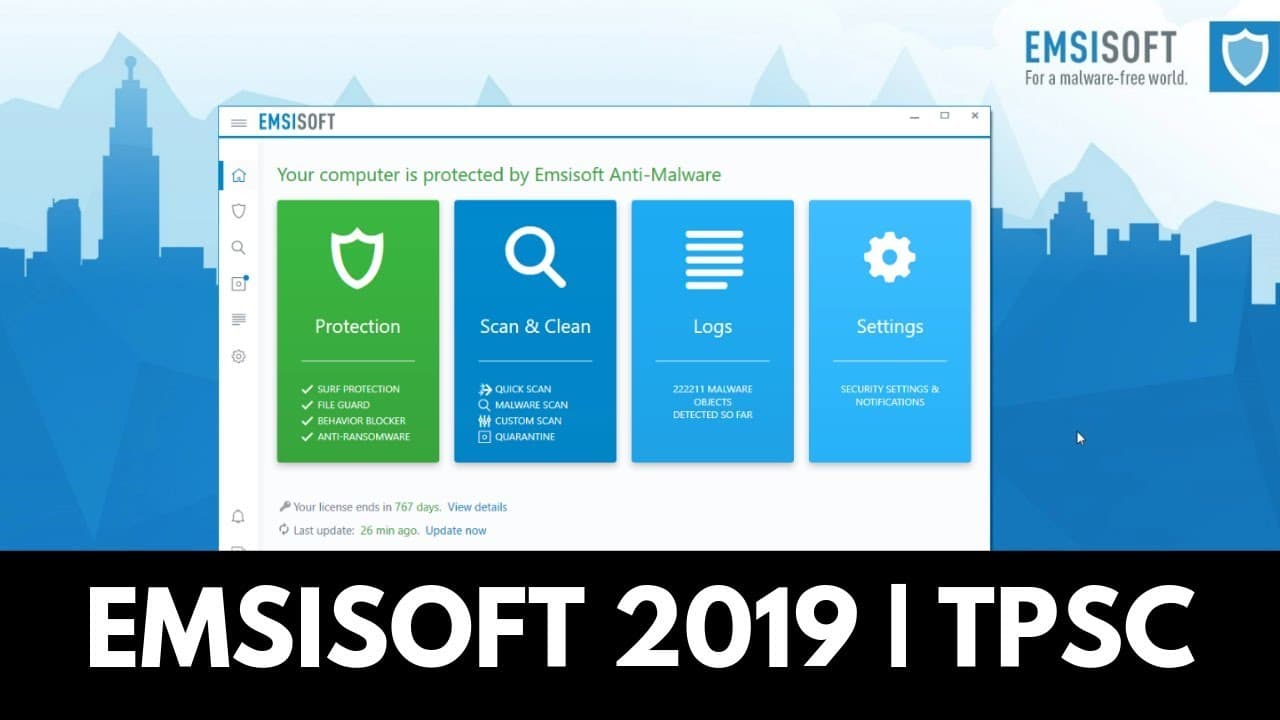
Emsisoft 2019 | New Features and Special Promo
TL;DR
MC Soft introduces new features in 2019, including a cloud console for remote management and a browser extension for more powerful web security.
Transcript
hello and welcome to the PC Security Channel ask most of your aware I also work for MC soft and today I get to talk to you about some of the new features we introduced in 2019 later on we'll also do a quick demo with some malicious links see how that goes and there's also a really special promotion just for you guys fewer shifty PLC so stay tuned t... Read More
Key Insights
- 👤 The MC Soft Cloud Console is a useful feature for users with multiple devices, offering remote management capabilities and a consistent UI across desktop and web interfaces.
- 👥 The workspace feature within the Cloud Console allows users to configure specific settings for different groups of computers, providing efficient and centralized management.
- ✊ The browser extension enhances web security by blocking specific malware on websites and malicious redirects, offering more flexibility and power compared to previous features.
- 🫵 MC Soft offers a special promotion for viewers, providing a discount of 20% on any MC Soft products purchased through the provided links in the video description.
- 😄 The demonstration of the browser extension showed its effectiveness in blocking malicious websites and showcasing its ease of use.
- 🌱 MC Soft plans on creating more insider demos and sharing insights into their malware detection process in the future.
- 👤 Users who previously had MC Soft should ensure that their license is assigned to a workspace in the Cloud Console to avoid any issues when connecting to the online interface.
Install to Summarize YouTube Videos and Get Transcripts
Explore YouTube Video Summarizer or Get YouTube Transcript Extractor
Questions & Answers
Q: What is the MC Soft Cloud Console and how does it benefit users?
The MC Soft Cloud Console is a remote management feature that allows users to manage multiple computers. It provides better policies, automation, and a consistent UI across desktop and web interfaces, making it convenient for users with multiple devices.
Q: How does the workspace feature in the Cloud Console work?
The workspace feature in the Cloud Console allows users to set up different workspaces for specific groups of computers, such as management, development, and sales. Users can configure settings and apply them to all the computers within each group, providing efficient and centralized management.
Q: What is the purpose of the free browser extension offered by MC Soft?
The browser extension enhances web security by allowing users to block specific malware on websites and malicious redirects. It provides more flexibility and power compared to the previous surf protection feature, making it a valuable addition for MC Soft users.
Q: How does the browser extension work?
The browser extension blocks specific malicious elements on websites, such as malware uploads and malicious redirects. It provides real-time blocking notifications and allows users to report errors or visit the site anyway. It is available for free on Chrome and Firefox.
Summary & Key Takeaways
-
MC Soft introduces the MC Soft Cloud Console, a remote management feature that allows users to manage multiple computers and set up better policies and automation.
-
The Cloud Console includes a workspace feature that is still in beta but provides all the functionality needed for remote management.
-
MC Soft also offers a free browser extension that enhances web security by blocking specific malware on websites and malicious redirects.
Read in Other Languages (beta)
Share This Summary 📚
Summarize YouTube Videos and Get Video Transcripts with 1-Click
Try YouTube Summary with ChatGPT & Claude or YouTube Transcript Generator
Explore More Summaries from The PC Security Channel 📚






Summarize YouTube Videos and Get Video Transcripts with 1-Click
Try YouTube Summary with ChatGPT & Claude or YouTube Transcript Generator