How to Download and Install iOS 15 on iPhone
TL;DR
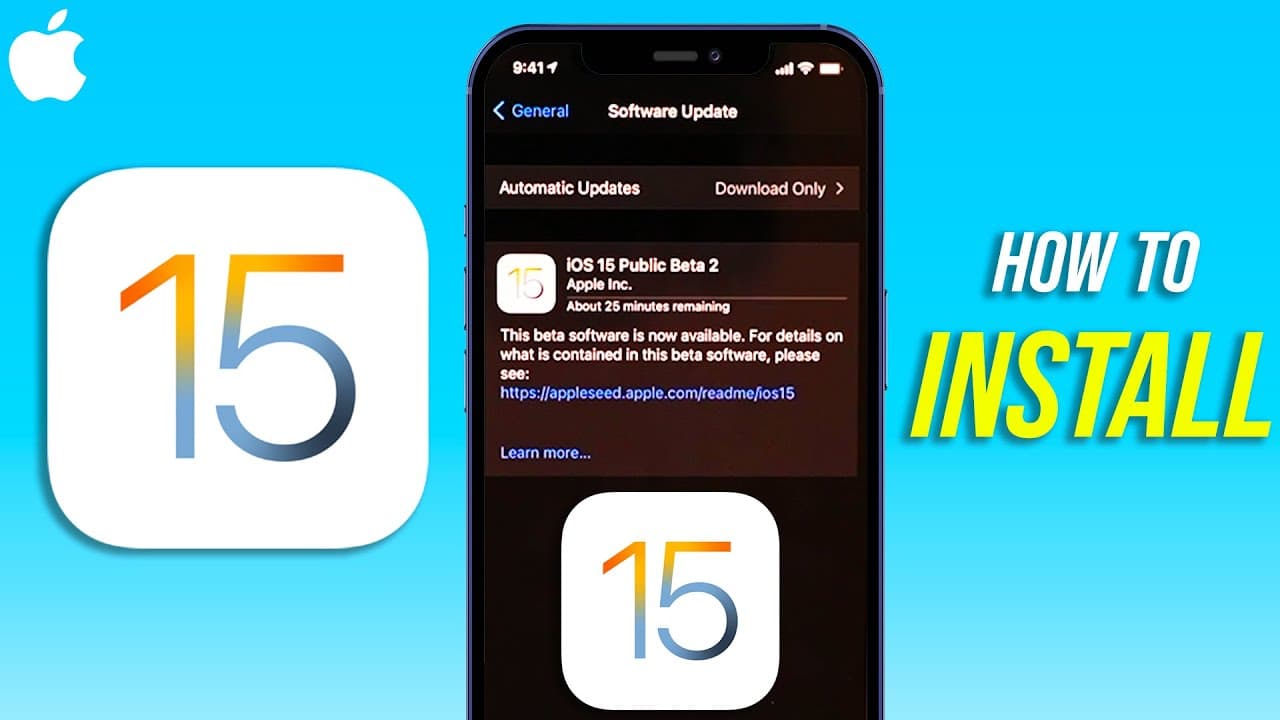
Learn how to update your device to iOS 15 beta through a step-by-step guide.
Transcript
everyone in today's video i'm going to show you how to update your phone to ios 15 beta go to the settings of your phone first now the first thing we need to do is we need to back up our phone because betas could have problems so you definitely don't want to skip this step so click on your name right here and on this page choose your device right h... Read More
Key Insights
- 🥹 Backing up your device is crucial before installing beta updates to prevent data loss.
- ♿ Enrolling in the official beta program on beta.apple.com grants access to beta versions like iOS 15.
- ❓ Removing existing beta profiles ensures a smooth installation process of iOS 15 beta.
- ❓ Verifying the software update version in settings confirms a successful installation of iOS 15 beta.
- ✊ Plugging your device into power during the update process prevents any interruptions.
- 🤢 The software update bar may appear to go backward during installation, but it is processing forward.
- ✅ Checking the software version in settings after the update will display iOS 15 if installed successfully.
Install to Summarize YouTube Videos and Get Transcripts
Explore YouTube Video Summarizer or Get YouTube Transcript Extractor
Questions & Answers
Q: How important is it to backup your device before installing the iOS 15 beta?
It is crucial to backup your device to iCloud before updating to the iOS 15 beta as beta versions can have bugs that may lead to data loss. Follow the steps provided to ensure a seamless update process.
Q: What is the significance of enrolling in the beta program on beta.apple.com?
Enrolling in the beta program on beta.apple.com allows you to officially access and install beta versions of iOS, like iOS 15. Follow the guide to enroll in the program and gain early access to the latest updates.
Q: Why is it necessary to remove any existing beta profiles before installing iOS 15 beta?
Removing any existing beta profiles ensures a clean installation of iOS 15 beta without any conflicts or issues. Follow the steps outlined to seamlessly install the new beta profile on your device.
Q: How can you verify that the iOS 15 beta update has been successfully installed on your device?
Check your device's software version in the settings to confirm if the update to iOS 15 beta was successful. Follow the steps provided to ensure that your device is running the latest beta version.
Summary & Key Takeaways
-
Backup your device through iCloud before updating to iOS 15 beta.
-
Enroll in the iOS beta program on beta.apple.com to get access to the update.
-
Download and install the iOS 15 beta update on your device following the provided steps.
Read in Other Languages (beta)
Share This Summary 📚
Summarize YouTube Videos and Get Video Transcripts with 1-Click
Try YouTube Summary with ChatGPT & Claude or YouTube Transcript Generator
Explore More Summaries from Howfinity 📚






Summarize YouTube Videos and Get Video Transcripts with 1-Click
Try YouTube Summary with ChatGPT & Claude or YouTube Transcript Generator