Is Bitdefender Internet Security 2015 a Good Choice?
TL;DR
Bitdefender Internet Security 2015 provides strong protection against malware with a 98.3% detection rate, effectively blocking and removing threats during tests. Its user-friendly interface is easier for Windows 8 users, but RAM usage is slightly high, which may concern those with older computers. Overall, it's a solid choice for users seeking reliable and automated security.
Transcript
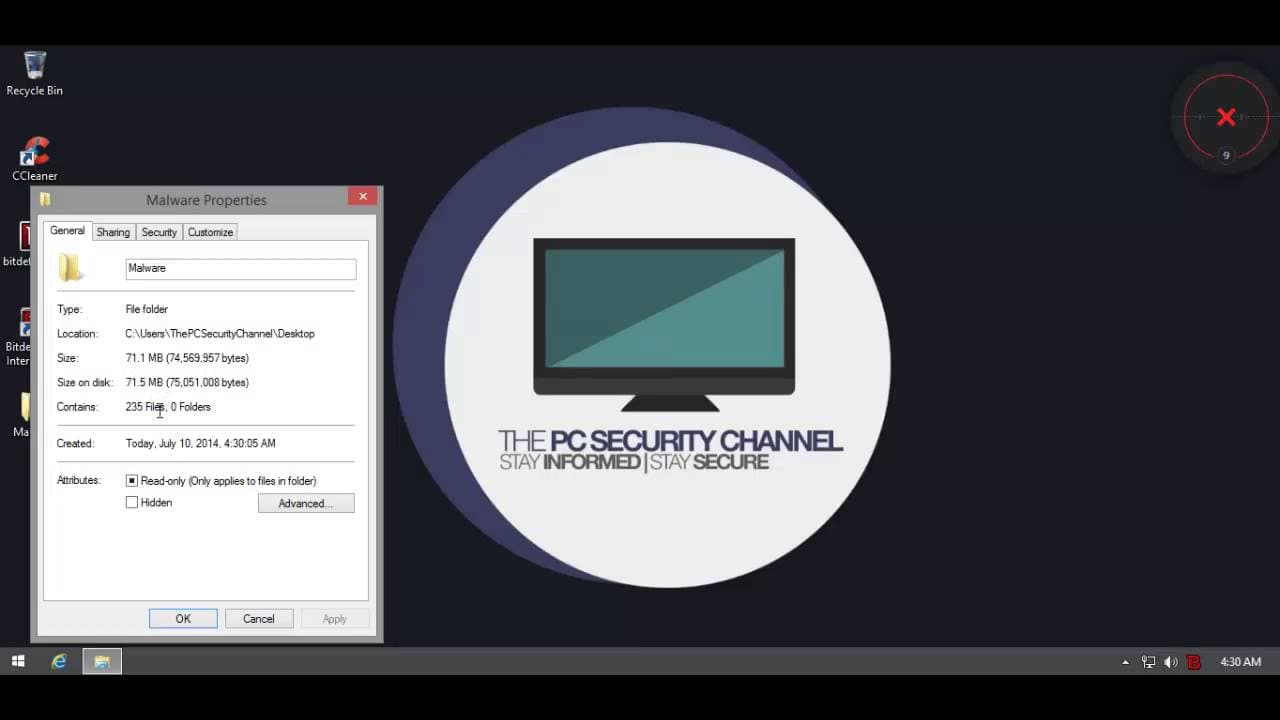
hello and welcome to the PE security Channel today I'll be testing one of the most popular anti-malware companies out there it's bid Defender and they have a brand new version out it's their 2015 lineup and I'll be testing the earnet security so first of all you notice uh the icon it's changed so is the user interface they've given it a complete ov... Read More
Key Insights
- 👤 Bit Defender 2015 has a revamped user interface, making it easier to use for Windows 8 users.
- ❤️🔥 The security features of Bit Defender, including on-access scanning and active fire control, remain unchanged and provide reliable protection against malware.
- 🙂 The RAM usage of Bit Defender 2015 is slightly high, which may be a concern for older computers.
- 💪 Bit Defender 2015 demonstrated strong signature-based detection and website blocking capabilities during the security test.
- ☠️ It effectively detected and removed 156 out of 231 malware objects, resulting in a detection rate of 98.3%.
- ❤️🔥 Bit Defender 2015's active fire control and intrusion detection system successfully blocked and removed malicious files during the test.
- 👤 Advanced users may prefer more control over the decision-making process, suggesting the need for a more hybrid system in future versions.
Install to Summarize YouTube Videos and Get Transcripts
Explore YouTube Video Summarizer or Get YouTube Transcript Extractor
Questions & Answers
Q: How does the user interface of Bit Defender 2015 compare to previous versions?
The user interface of Bit Defender 2015 has been completely overhauled and is now easier to use, especially for Windows 8 users.
Q: What security features does Bit Defender 2015 offer?
Bit Defender 2015 offers on-access scanning, active fire control, firewall, and intrusion prevention, providing reliable protection against malware.
Q: Is the RAM usage of Bit Defender 2015 a concern for older computers?
The RAM usage of Bit Defender 2015 is slightly high, averaging around 150-160 megabytes. While it may be a concern for older computers, it is not a significant issue considering the decreasing use of older computers.
Q: How does Bit Defender 2015 perform in a security test against malware URLs?
Bit Defender 2015 effectively blocked the majority of malware URLs tested, demonstrating its strong signature-based detection and website blocking service.
Q: How does Bit Defender 2015 perform in detecting and removing malware from the system?
Bit Defender 2015 detected and removed 156 out of 231 malware objects, resulting in a detection rate of 98.3%. The removal process was moderately fast, although some files were missed and had to be dealt with separately.
Q: How does Bit Defender 2015 protect against unknown files and zero-day threats?
Bit Defender 2015 utilizes active fire control and an intrusion detection system to protect against unknown files and zero-day threats. It demonstrated effective blocking and removal of malicious files during the test.
Q: What should advanced users consider when using Bit Defender 2015?
Bit Defender 2015's completely automated protection may not satisfy advanced users who prefer more control over the decision-making process. However, it is still a strong choice for inexperienced users.
Q: Is Bit Defender 2015 recommended for inexperienced users?
Yes, Bit Defender 2015 is highly recommended for inexperienced users as it offers user-friendly and completely automated protection against malware.
Summary & Key Takeaways
-
The user interface of Bit Defender 2015 has been completely overhauled, making it easier to use, especially for Windows 8 users.
-
The security features, including on-access scanning and active fire control, remain unchanged from previous versions.
-
The RAM usage of Bit Defender 2015 is slightly high, but the product still offers sufficient protection against malware.
Read in Other Languages (beta)
Share This Summary 📚
Summarize YouTube Videos and Get Video Transcripts with 1-Click
Try YouTube Summary with ChatGPT & Claude or YouTube Transcript Generator
Explore More Summaries from The PC Security Channel 📚






Summarize YouTube Videos and Get Video Transcripts with 1-Click
Try YouTube Summary with ChatGPT & Claude or YouTube Transcript Generator