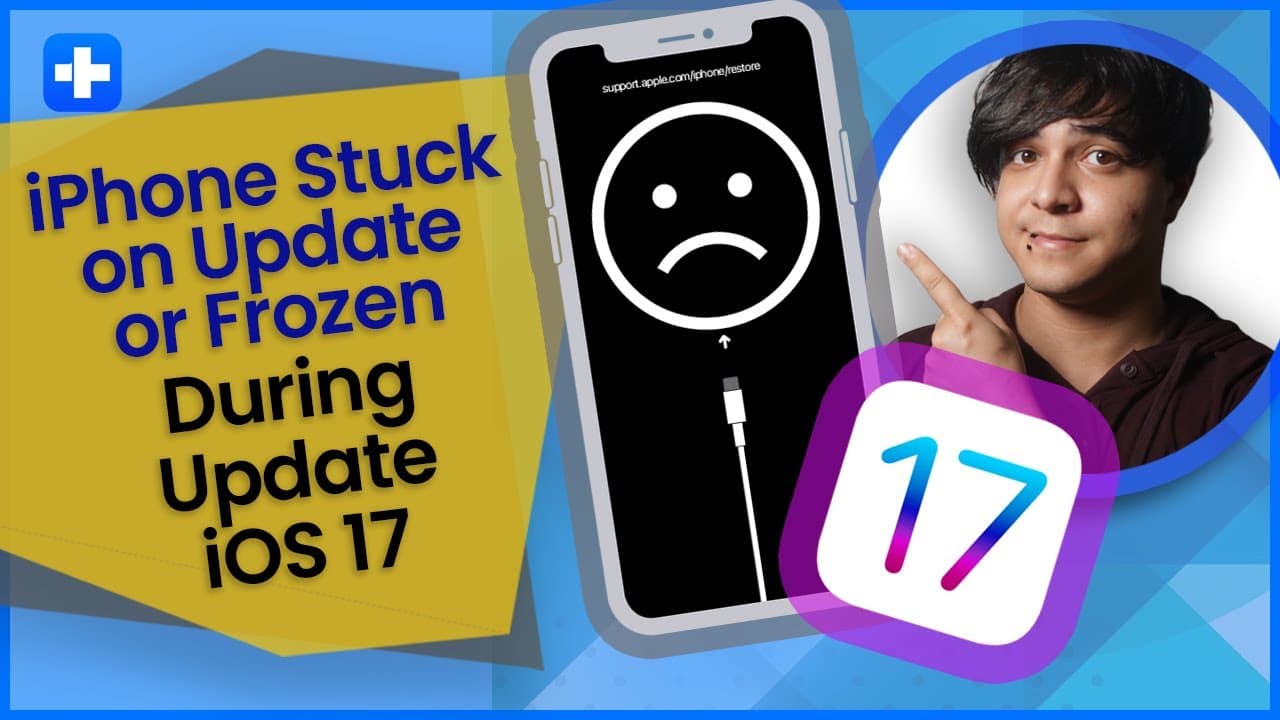
How To Fix iPhone Stuck On Updating iOS 17?
TL;DR
Learn how to resolve the issue of iPhones getting stuck or frozen during the update to iOS 17.
Transcript
and welcome back to a new iOS 17 problems video I want your doctor phone Channel this is your host Francisco with a solution to fix iPhone stuck while updating on iOS 17. Apple has recently launched its new iOS 17 version with some new unique features however it is reported that sometimes the iPhone gets stuck for Frozen when it is being updated to... Read More
Key Insights
- 😀 iPhones can get stuck or frozen during an update due to storage issues, internet connection problems, corrupted iOS versions, and app compatibility conflicts.
- ❓ Force restarting an iPhone can often resolve the frozen issue during an update.
- 🥳 Third-party software like wondershare Dr phone provides a solution to fix frozen iPhones without data loss.
- ❓ Restoring a frozen iPhone with iTunes or Finder can also fix the issue, but it involves erasing all data on the device.
- 🧑🏭 The time taken for an iOS update depends on factors like update size, internet speed, and internal storage capacity.
- 🛟 To avoid freezing during an update, ensure a stable internet connection, sufficient internal storage, and battery life.
- 🌸 Canceling an iPhone update that is already in progress is not possible and may result in data loss.
Install to Summarize YouTube Videos and Get Transcripts
Explore YouTube Video Summarizer or Get YouTube Transcript Extractor
Questions & Answers
Q: What are the common reasons for an iPhone getting stuck during an update?
Common reasons include storage issues, unstable internet connection, corrupted iOS version, and app compatibility issues.
Q: How can I force restart my iPhone to fix the frozen issue?
To force restart an iPhone, press and quickly release the volume up button, then the volume down button, and finally hold the side button until the Apple logo appears.
Q: Can I fix a frozen iPhone during an update without losing data?
Yes, you can use wondershare Dr phone's iOS system repair tool, which fixes more than 150 iOS system issues without the need to jailbreak your iPhone.
Q: Is there a way to restore a frozen iPhone with iTunes without data loss?
Yes, you can restore a frozen iPhone using iTunes or Finder, but it will result in complete data loss.
Key Insights:
- iPhones can get stuck or frozen during an update due to storage issues, internet connection problems, corrupted iOS versions, and app compatibility conflicts.
- Force restarting an iPhone can often resolve the frozen issue during an update.
- Third-party software like wondershare Dr phone provides a solution to fix frozen iPhones without data loss.
- Restoring a frozen iPhone with iTunes or Finder can also fix the issue, but it involves erasing all data on the device.
- The time taken for an iOS update depends on factors like update size, internet speed, and internal storage capacity.
- To avoid freezing during an update, ensure a stable internet connection, sufficient internal storage, and battery life.
- Canceling an iPhone update that is already in progress is not possible and may result in data loss.
- Interrupted iPhone updates can lead to incomplete installations and data loss, but they can be resolved using third-party repair tools like wondershare Dr phone.
Summary & Key Takeaways
-
Some common reasons for iPhones getting stuck during an update include storage issues, unstable internet connection, corrupted iOS version, and app compatibility issues.
-
The first solution is to force restart the iPhone by following specific steps involving the volume buttons and side button.
-
Another option is to use third-party software like wondershare Dr phone, which offers an iOS system repair tool to fix iOS devices without data loss.
Read in Other Languages (beta)
Share This Summary 📚
Summarize YouTube Videos and Get Video Transcripts with 1-Click
Try YouTube Summary with ChatGPT & Claude or YouTube Transcript Generator