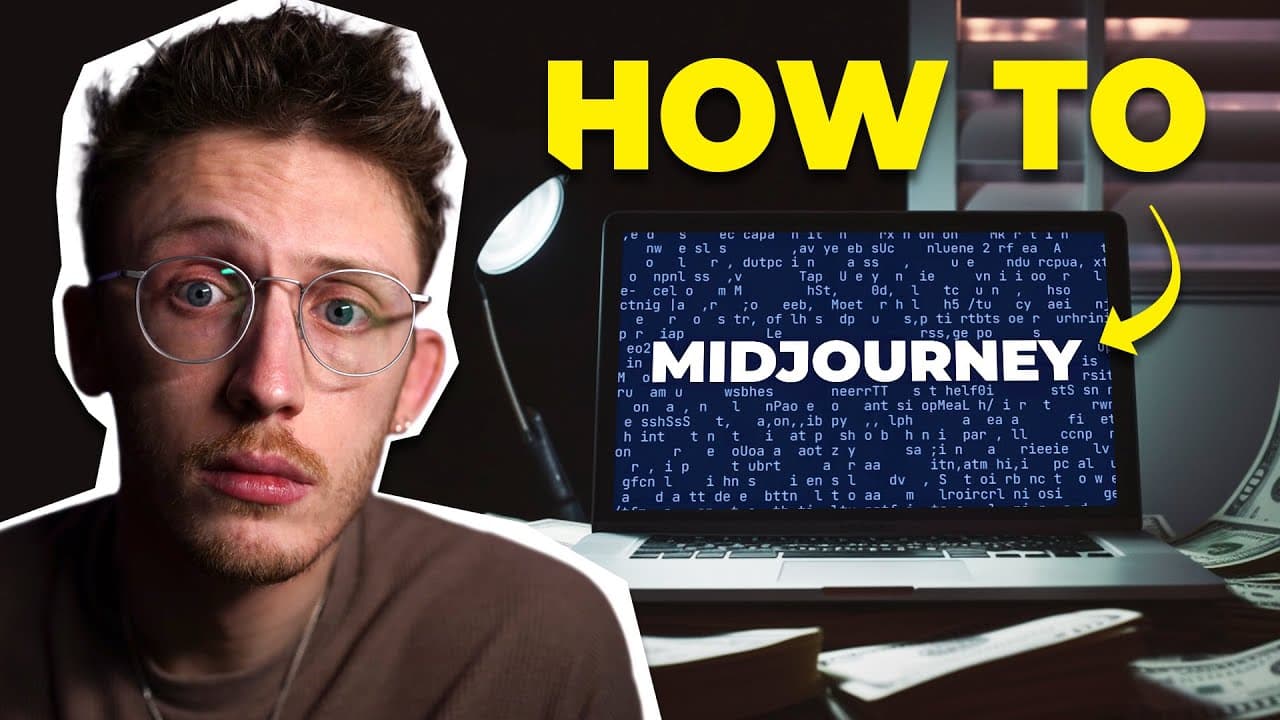
How to Make Digital Products You Can Sell Using AI (Beginner Midjourney Tutorial)
TL;DR
Learn how to use AI, specifically the tool Mid-Journey, to create digital products and templates that can be sold online.
Transcript
there's loads of videos out right now claiming that you can earn insane amounts of money by using AI to make digital products that you can sell online and the ideas Behind these videos are great but for me they left one thing unanswered how do you actually do it how can you use AI to make these products within this video we're going to answer exact... Read More
Key Insights
- 🎨 Mid-Journey is a popular AI tool for creating digital assets and designs that can be sold online.
- ❓ Specific prompts yield better results, so it is important to be clear and detailed.
- ❓ Upscaling default images is recommended, but experimenting with other upscalers can be useful.
- 😫 Creating variants of images and building sets is a valuable strategy for selling matching templates.
- ♿ There is a workaround to access previous image commands in Discord.
- 🥶 Mid-Journey requires a paid subscription, but a free option may be available in the future.
- ❓ Being specific and iterating through different prompts increases the chances of creating marketable digital products.
Install to Summarize YouTube Videos and Get Transcripts
Explore YouTube Video Summarizer or Get YouTube Transcript Extractor
Questions & Answers
Q: What is Mid-Journey and how does it work?
Mid-Journey is an AI tool that generates art designs and digital assets. You enter a prompt, and it returns multiple image options based on that prompt.
Q: How can I set up an account on Mid-Journey?
To set up an account, visit the Mid-Journey website and join the beta. Enter a unique username, accept the terms and conditions, and verify your email.
Q: Does Mid-Journey offer a free option?
At the time of recording, Mid-Journey did not have a free option, only paid subscription plans. However, they may reintroduce a free option in the future.
Q: How can I access and manage the images I created on Mid-Journey?
You can access your images in your profile, where you can compare different versions, download assets, and create sets of matching images.
Q: How can I create higher resolution versions of images on Mid-Journey?
You can upscale an image by using the "U" buttons below the image options. Mid-Journey offers default upscaling options and also a beta upscaler for larger sizes.
Q: Is it possible to create variations of an image on Mid-Journey?
Yes, by using the "V" buttons, you can create variants of an image. This is useful for tweaking the image or creating a larger set with a similar look and feel.
Q: How can I access previously generated images in the chat on Mid-Journey?
Currently, there is a workaround to access the commands of a generated image. Copy the job ID from your profile and type "/show [paste job ID]" in Discord to jump to the desired message.
Q: How can I create sets of matching images on Mid-Journey?
To create matching sets, download an image from your profile and upload it using the "+ icon" in the chat box. Type "/imagine" and add a new prompt to generate versions based on the existing image.
Summary & Key Takeaways
-
Mid-Journey is an AI tool used to generate art designs and digital assets for selling online.
-
The process involves entering a prompt and receiving multiple options, which can be further refined and upscaled.
-
The video provides a step-by-step guide on how to set up an account, use prompts, upscale images, create variants, and build sets of matching images.
Read in Other Languages (beta)
Share This Summary 📚
Summarize YouTube Videos and Get Video Transcripts with 1-Click
Try YouTube Summary with ChatGPT & Claude or YouTube Transcript Generator
Explore More Summaries from Tim Hill 📚

Summarize YouTube Videos and Get Video Transcripts with 1-Click
Try YouTube Summary with ChatGPT & Claude or YouTube Transcript Generator