How to Create 3D Scenes in CreateStudio
TL;DR
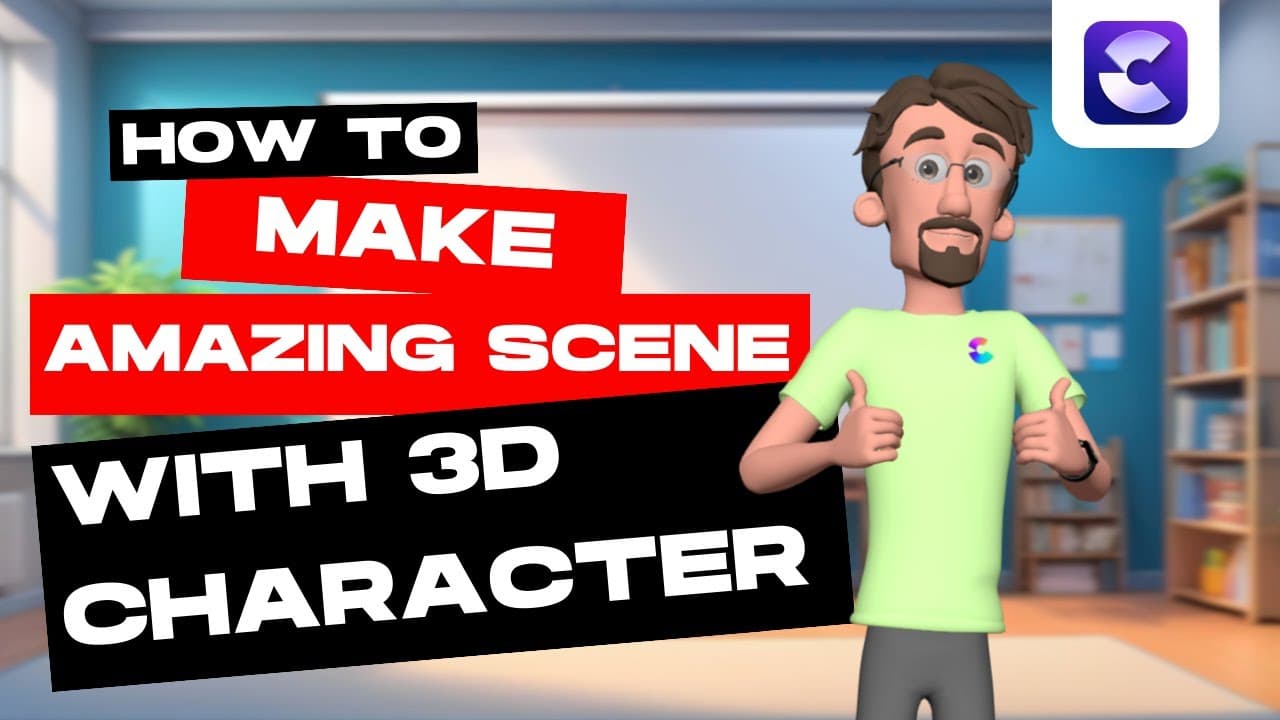
Learn to create interactive 3D scenes using CreateStudio 3.0. Start by setting up backgrounds and text animations, then customize and animate 3D characters like Tom. Utilize camera movements and sync dialogue for a professional look. This tutorial provides essential tips for both beginners and experienced creators to enhance digital storytelling.
Transcript
hey guys will here with C studio and in this video I'm going to show you how to create a really cool interactive scene inside of czy Studio 3.0 all right so let's go ahead and dive in and take a look at what you're going to be creating modern learning Technologies we use Cutting Edge methodologies and platforms for maximum l... Read More
Key Insights
- CreateStudio 3.0 allows users to create interactive scenes with 3D characters.
- Users can customize backgrounds and text animations to enhance their scenes.
- 3D characters like Tom can be customized in appearance and animations.
- Camera movements can be added for dynamic scene transitions and effects.
- Dialogue can be synced with character animations for realistic interactions.
- The software supports adding blur effects for smooth scene transitions.
- Keyframe animations allow for precise control over character movements.
- CreateStudio offers pre-built scenes for all-access users to save time.
Install to Summarize YouTube Videos and Get Transcripts
Explore YouTube Video Summarizer or Get YouTube Transcript Extractor
Questions & Answers
Q: How to customize 3D characters in CreateStudio?
To customize 3D characters in CreateStudio, select a character from the 3D characters section. Use the customize tool to adjust clothing, hairstyles, and accessories like glasses. You can also change colors and apply animations to fit the narrative. This feature allows for a personalized touch to your scenes.
Q: What are keyframe animations in CreateStudio?
Keyframe animations in CreateStudio allow users to define specific points of movement for elements like text or characters. By setting keyframes, users can control the speed and direction of animations, creating smooth transitions and dynamic scenes. This feature is essential for detailed and precise animation work.
Q: How to add camera movements in CreateStudio?
To add camera movements in CreateStudio, drag a camera component onto your canvas. Set start and end points for the camera's path, adjusting the angle and zoom to create dynamic shots. Camera movements enhance the visual storytelling by providing different perspectives and adding motion to static scenes.
Q: How to sync dialogue with characters in CreateStudio?
To sync dialogue with characters in CreateStudio, import your audio file and align it with the character's animation timeline. Right-click on the audio and select 'sync with [character name]'. Ensure the dialogue overlaps the animation to achieve realistic mouth movements, enhancing the character's interaction within the scene.
Q: What are the benefits of using pre-built scenes in CreateStudio?
Pre-built scenes in CreateStudio offer a quick start for users by providing ready-to-use layouts and animations. These scenes save time, allowing creators to focus on customizing elements and adding personal touches. They are especially beneficial for beginners or those looking to streamline their workflow.
Q: How to apply blur effects in CreateStudio?
To apply blur effects in CreateStudio, select the desired image or video clip, then navigate to the effects menu. Drag the blur effect onto the selected item and adjust the strength and type of blur. This effect can be used to create smooth transitions or focus attention on specific elements within the scene.
Q: What is the role of text animations in scene creation?
Text animations in scene creation add visual interest and emphasis to messages or information presented in the video. By animating text, creators can guide the viewer's attention, highlight key points, and enhance the overall narrative flow. CreateStudio provides various animation options to suit different storytelling needs.
Q: How does CreateStudio support digital storytelling?
CreateStudio supports digital storytelling by offering tools for creating interactive and visually engaging scenes. With features like 3D character customization, text animations, camera movements, and dialogue syncing, users can craft compelling narratives. The software's intuitive interface and pre-built scenes make it accessible for all skill levels.
Summary & Key Takeaways
-
CreateStudio 3.0 enables users to craft interactive 3D scenes by customizing backgrounds and adding text animations. Users can animate 3D characters like Tom, adjusting their appearance and actions to fit the scene. The software supports camera movements and dialogue syncing for a polished finish.
-
The tutorial walks through steps to add blur effects and keyframe animations for seamless scene transitions. With CreateStudio, users can control character movements precisely, enhancing their digital storytelling capabilities. Pre-built scenes are available for all-access users, providing a time-saving option.
-
CreateStudio provides tools for both novice and experienced creators to elevate their animation skills. By incorporating advanced features like camera panning and speech synchronization, users can produce engaging and professional-looking scenes, expanding the possibilities for digital narratives.
Read in Other Languages (beta)
Share This Summary 📚
Summarize YouTube Videos and Get Video Transcripts with 1-Click
Try YouTube Summary with ChatGPT & Claude or YouTube Transcript Generator