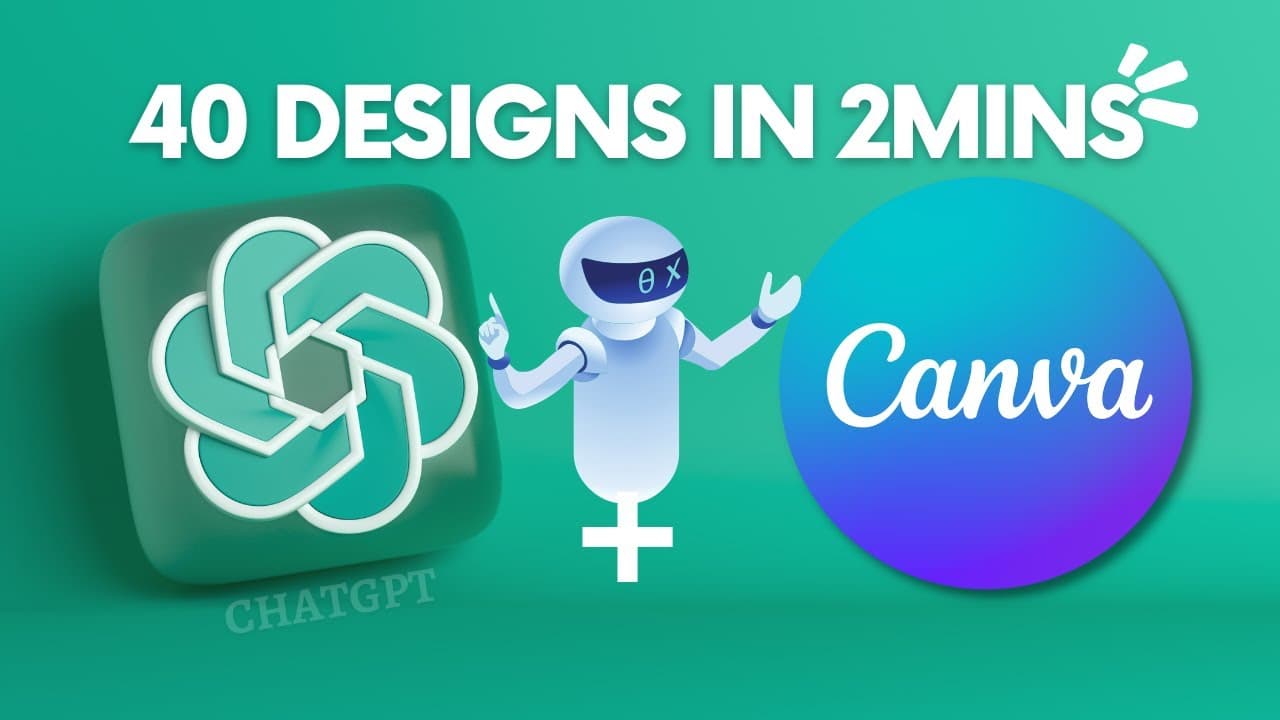
How to Create 40 Social Media Post Designs in 2mins Using ChatGPT and Canva AI
TL;DR
Learn how to use Chat GPT and Canva to quickly generate and design 40 social media posts, with captions, in just two minutes.
Transcript
you agree with me that one of the biggest challenges that will face as an entrepreneur in today's world is being consistent on social media that is it's so difficult to create content for social media and having to keep up with the whole thing you have to come up with the idea you have to come up with the caption you have to come up with the write-... Read More
Key Insights
- 🔉 Consistency on social media is crucial for entrepreneurs, but the content creation process can be overwhelming.
- 👊 Chat GPT and Canva provide a solution by generating ideas, captions, and offering customizable design templates.
- 🏣 The process involves copying the generated content from Chat GPT, pasting it into a Google Excel sheet, and then using Canva to design the posts.
- 🤑 Users can save time, create professional-looking posts, and even offer this service to make money.
- 😃 Additional customization can be done to make each post unique and eye-catching.
- 👻 Chat GPT allows for regenerating responses if the initial results are not satisfactory.
- 🥶 Canva's free version offers sufficient features for creating these social media posts.
Install to Summarize YouTube Videos and Get Transcripts
Explore YouTube Video Summarizer or Get YouTube Transcript Extractor
Questions & Answers
Q: What are the main challenges entrepreneurs face in being consistent on social media?
Entrepreneurs often struggle with coming up with ideas, writing captions, and designing graphics for their social media posts, leading to inconsistent posting schedules.
Q: How can Chat GPT and Canva help in creating social media posts?
Chat GPT can generate ideas and captions based on desired topics, while Canva provides customizable design templates for social media posts.
Q: Can Chat GPT regenerate responses if the generated content isn't satisfactory?
Yes, Chat GPT allows users to click "regenerate response" to generate new ideas or captions if they are not satisfied with the initial results.
Q: How can the generated content be organized and saved for later use?
The content can be copied from Chat GPT and pasted into a Google Excel sheet. The title can be added, and the sheet can be saved as a CSV file for future reference.
Q: How can Canva be used to design the social media posts?
Canva offers pre-designed templates for Instagram posts, and users can choose a template, customize it with their branding, and add the generated content from the Google Excel sheet.
Q: Is Canva's free version sufficient for creating these social media posts?
Yes, the free version of Canva can be used to create and customize the social media posts. The paid version offers additional features for more advanced designs.
Q: Can the generated posts be customized further to make them unique?
Yes, users can customize the design by changing colors, fonts, and other elements to make each post unique and visually appealing.
Q: How can individuals make money using this method?
By offering the service of generating and designing social media posts to others, individuals can potentially monetize their skills on platforms like Fiverr or through personal outreach on social media.
Key Insights:
- Consistency on social media is crucial for entrepreneurs, but the content creation process can be overwhelming.
- Chat GPT and Canva provide a solution by generating ideas, captions, and offering customizable design templates.
- The process involves copying the generated content from Chat GPT, pasting it into a Google Excel sheet, and then using Canva to design the posts.
- Users can save time, create professional-looking posts, and even offer this service to make money.
- Additional customization can be done to make each post unique and eye-catching.
- Chat GPT allows for regenerating responses if the initial results are not satisfactory.
- Canva's free version offers sufficient features for creating these social media posts.
- Individuals can expand their income potential by offering this service to others on platforms like Fiverr or through personal outreach.
Summary & Key Takeaways
-
Entrepreneurs often struggle to be consistent on social media due to the time-consuming process of creating content.
-
This video demonstrates how to use Chat GPT and Canva to generate 40 social media post ideas and quickly design them.
-
By following the steps outlined, individuals can save time, create professional-looking posts, and even potentially make money by offering this service to others.
Read in Other Languages (beta)
Share This Summary 📚
Summarize YouTube Videos and Get Video Transcripts with 1-Click
Try YouTube Summary with ChatGPT & Claude or YouTube Transcript Generator
Explore More Summaries from 7figureboss Academy 📚

Summarize YouTube Videos and Get Video Transcripts with 1-Click
Try YouTube Summary with ChatGPT & Claude or YouTube Transcript Generator