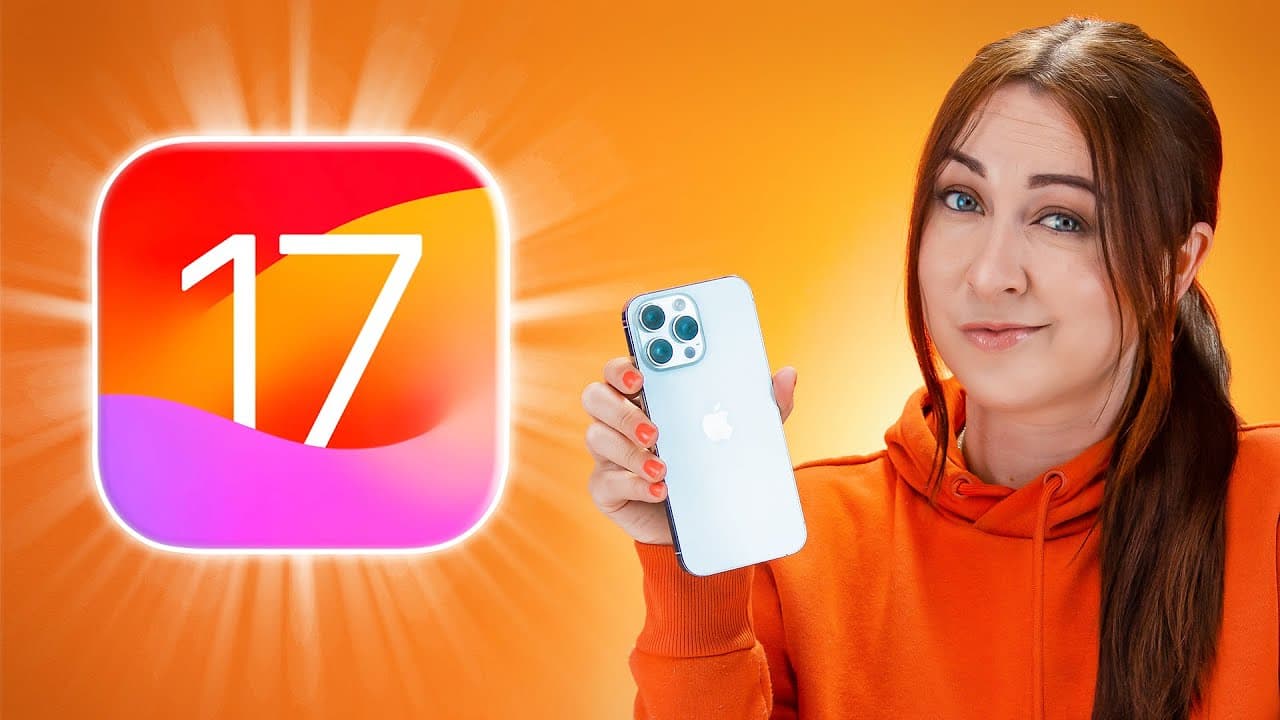
iOS 17 - TOP Features YOU HAVE TO KNOW!!!
TL;DR
iOS 17 introduces AI voice cloning, a bedside clock mode, and hidden customization features.
Transcript
iOS 17 has some amazing new features that you just have to know like an AI voice cloning tool that can talk for you this is my clone voice a brand new mode that turns your iPhone into a bedside clock and a few new hidden customization features there are just so many cool new things so let's get into it okay now you guys have gotta check out this aw... Read More
Key Insights
- 🪜 iOS 17 introduces the ability to create custom stickers and add effects to them, enhancing communication.
- 🤙 Contact posters give users the opportunity to personalize their contact information and make their calls more visually appealing.
- ⏰ Standby mode turns an iPhone into a versatile bedside clock with customizable clock styles, widgets, and a night mode.
- 👻 The find my widget allows users to track items and view their battery status directly from the widget.
- 🏪 Multiple timers and improved voice control options improve convenience and functionality.
- 😀 Interactive widgets, such as reminders and music, allow users to perform actions without opening the corresponding apps.
- ⏰ The lock screen offers more customization options, including adjusting the clock font and choosing new wallpapers.
Install to Summarize YouTube Videos and Get Transcripts
Explore YouTube Video Summarizer or Get YouTube Transcript Extractor
Questions & Answers
Q: How can users create custom stickers from their images in iOS 17?
Users can tap on the "Add Sticker" option after selecting an image, and the system will automatically create a custom sticker. These stickers can be used within the Messages app and in third-party apps like WhatsApp.
Q: Can users customize their contact information in iOS 17?
Yes, iOS 17 introduces contact posters, allowing users to choose from various options like using a photo, emoji, or monogram for their contact posters. They can resize and position their image, choose a different background color, and customize the font style and thickness.
Q: How does standby mode work in iOS 17?
By enabling standby mode in settings, users can turn their iPhone into a bedside clock. They can choose different clock styles and widgets, customize colors, and even add a widget on the opposite side. Standby mode also automatically switches to a sleep-friendly red night mode at night.
Q: What new customization options are available for widgets in iOS 17?
Widgets in iOS 17 are now interactive, allowing users to perform actions like messaging or calling directly from the widget. Users can also choose specific photo albums to display in the Photos widget and add buttons to the Contact widget for easy calling or messaging.
Summary & Key Takeaways
-
iOS 17 allows users to create custom stickers from their images and add effects to them in messages, enhancing communication.
-
Contact posters are a new feature that allows users to customize their contact information and have a personalized poster shown to the person they call.
-
Standby mode turns an iPhone into a customizable bedside clock, complete with different clock styles, widgets, and night mode.
Read in Other Languages (beta)
Share This Summary 📚
Summarize YouTube Videos and Get Video Transcripts with 1-Click
Try YouTube Summary with ChatGPT & Claude or YouTube Transcript Generator
Explore More Summaries from Hayls World 📚





Summarize YouTube Videos and Get Video Transcripts with 1-Click
Try YouTube Summary with ChatGPT & Claude or YouTube Transcript Generator