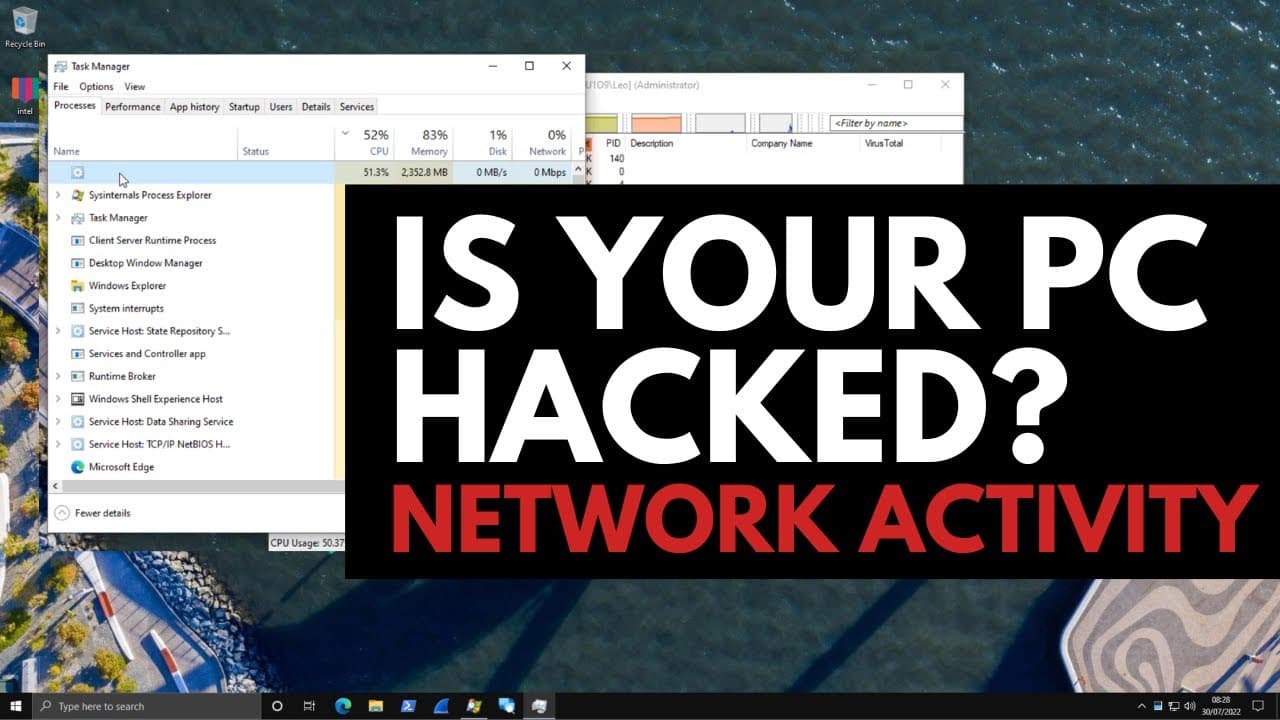
How to know if your PC is hacked? Suspicious Network Activity 101
TL;DR
Learn how to detect suspicious network connections and identify malicious activity on your computer.
Transcript
so how can you tell if your pc is hacked it's one of the most common questions everybody has in this video we're going to look at your network activity and figure out if there's anything suspicious going on in your computer if you're connected to any threat actors and so on in the previous video in the series which is our beginner's guide to cyber ... Read More
Key Insights
- 🫥 Malicious network activity can occur without any visible malware processes or obvious signs of compromise.
- 🤨 Monitoring network connections and resolving suspicious IP addresses can help identify malicious activities.
- 🤐 Reporting suspicious IPs to the appropriate authorities or service providers can help shut down those activities.
- 🤗 Crypto miners can be cleverly disguised and may temporarily reduce resource usage when monitoring tools like Task Manager are open.
- 🕸️ Analyzing samples on web platforms like Interzer or VirusTotal can provide additional insights into the threat.
- ❓ Process hollowing is a technique used by attackers to replace legitimate system processes for malicious purposes.
- 👤 Users can practice threat investigation and learn more about cybersecurity concepts in live workshops conducted on Discord.
Install to Summarize YouTube Videos and Get Transcripts
Explore YouTube Video Summarizer or Get YouTube Transcript Extractor
Questions & Answers
Q: How can you tell if your PC is hacked?
You can detect hacking by monitoring your network activity and looking for suspicious connections, such as high CPU and RAM usage without any visible malicious processes.
Q: What tools are used to analyze network activity?
The video recommends using free tools from the Sysinternals suite, such as Process Explorer, TCPView, and Whois, to analyze network connections and resolve IP addresses.
Q: How can you shut down malicious network activity on your system?
Once you have identified a suspicious IP address, you can report it to the vendor or hosting service responsible for that IP address to shut down the malicious activity. Killing the associated process tree can also stop the activity temporarily.
Q: What are some signs of a crypto miner on your system?
A crypto miner may not be visible in the process list or be flagged by antivirus scanners. However, it can consume high CPU resources, and examining network connections can reveal its presence.
Summary & Key Takeaways
-
This video focuses on identifying and analyzing malicious network activity on a PC.
-
It demonstrates how even without visible malware processes, a crypto miner can be embedded within the system and consume CPU resources.
-
The video provides step-by-step instructions on using free tools to identify suspicious IP addresses, report them, and take action against the malicious activities.
Read in Other Languages (beta)
Share This Summary 📚
Summarize YouTube Videos and Get Video Transcripts with 1-Click
Try YouTube Summary with ChatGPT & Claude or YouTube Transcript Generator
Explore More Summaries from The PC Security Channel 📚






Summarize YouTube Videos and Get Video Transcripts with 1-Click
Try YouTube Summary with ChatGPT & Claude or YouTube Transcript Generator