Figma components and variants for beginners
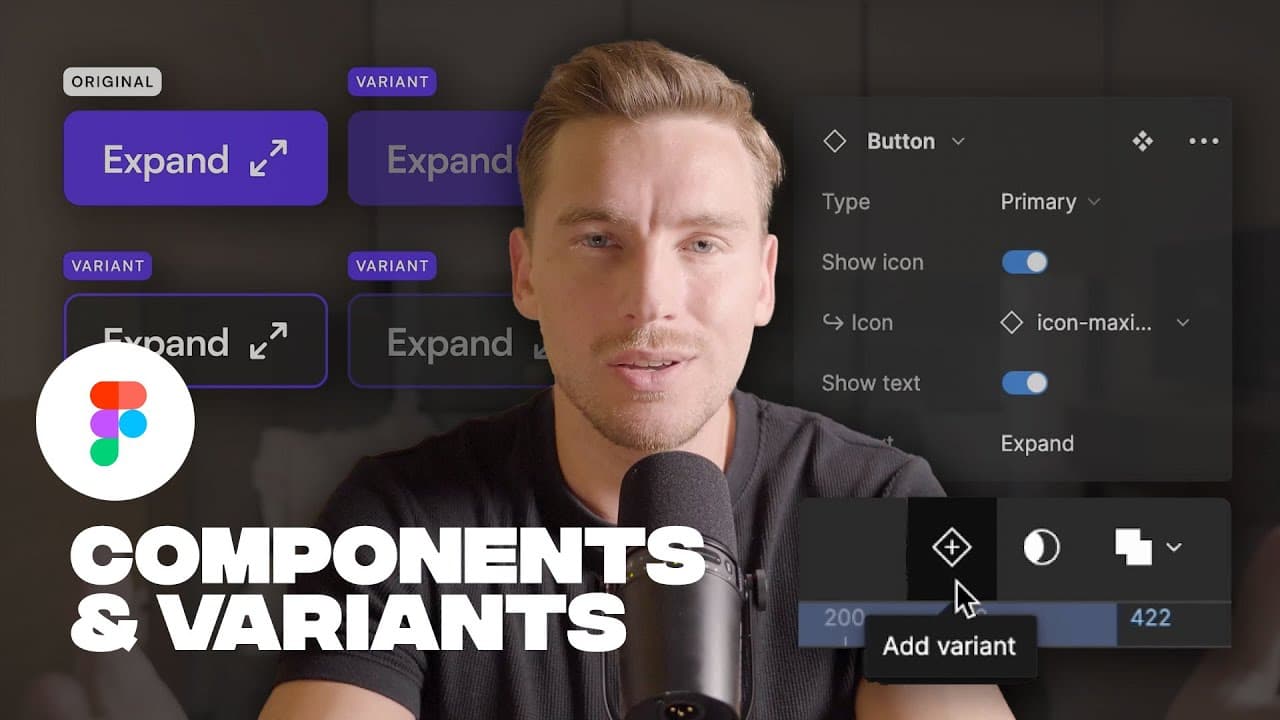
TL;DR
Learn how to use Figma components to save time and improve efficiency in your design process.
Transcript
as you use figma more and more you'll soon find yourself duplicating things again and again and then you'll see how you keep changing things in those duplications this is incredibly annoying and just a complete waste of time luckily though in figma we have something called components and in this video I'll teach you what they are and how to use the... Read More
Key Insights
- 🧑🏭 Figma components act as reusable templates for design elements, promoting consistency and efficiency.
- 👻 Variants within components allow for different styles or states, such as hover effects, without the need to create separate components.
- 🪡 Component properties enable dynamic changes to specific attributes, reducing the number of variants needed.
- 🎨 The ability to switch between different icons and preferred values within components streamlines the design process.
- 🐎 Using Figma components can significantly speed up the design workflow and minimize time wasted on duplicating and updating elements.
- 📼 Components can be accessed and managed in the assets panel of the Figma UI.
- 💁 Figma components can be used not only for buttons and icons but also for various other elements like headers, forms, or navigation menus.
Install to Summarize YouTube Videos and Get Transcripts
Explore YouTube Video Summarizer or Get YouTube Transcript Extractor
Questions & Answers
Q: What are Figma components?
Figma components are templates for reusable design elements like buttons or icons that can be easily added to your projects.
Q: How do you create variants of a Figma component?
To create variants, simply add a new variant within the component and customize its appearance, such as a hover state or different style.
Q: What are component properties in Figma?
Component properties allow you to change specific attributes of a component, such as text content or visibility, making it more versatile and reducing the need for multiple variants.
Q: How can Figma components improve design efficiency?
By utilizing components, designers can easily reuse elements, make changes simultaneously, and save time on repetitive tasks.
Key Insights:
- Figma components act as reusable templates for design elements, promoting consistency and efficiency.
- Variants within components allow for different styles or states, such as hover effects, without the need to create separate components.
- Component properties enable dynamic changes to specific attributes, reducing the number of variants needed.
- The ability to switch between different icons and preferred values within components streamlines the design process.
- Using Figma components can significantly speed up the design workflow and minimize time wasted on duplicating and updating elements.
- Components can be accessed and managed in the assets panel of the Figma UI.
- Figma components can be used not only for buttons and icons but also for various other elements like headers, forms, or navigation menus.
- Learning how to effectively use Figma components can greatly benefit designers in terms of organization, collaboration, and productivity.
Summary & Key Takeaways
-
Figma components are reusable templates for elements like buttons and icons, saving time and effort in designing websites or apps.
-
Variants are different looks or states of a component, such as a hover or secondary button, and can be easily created within Figma.
-
Component properties allow for dynamic changes to content, such as text and icons, reducing the need to create multiple variant components.
Read in Other Languages (beta)
Share This Summary 📚
Summarize YouTube Videos and Get Video Transcripts with 1-Click
Try YouTube Summary with ChatGPT & Claude or YouTube Transcript Generator
Explore More Summaries from Flux Academy 📚






Summarize YouTube Videos and Get Video Transcripts with 1-Click
Try YouTube Summary with ChatGPT & Claude or YouTube Transcript Generator