How to Get Started with MicroPython on Raspberry Pi Pico
TL;DR
To start programming your Raspberry Pi Pico with MicroPython, first install the MicroPython firmware on the device, then set up Thonny as your coding environment. Use simple commands to control GPIO pins and print outputs, and ensure your main script is saved as 'main.py' for automatic execution on boot.
Transcript
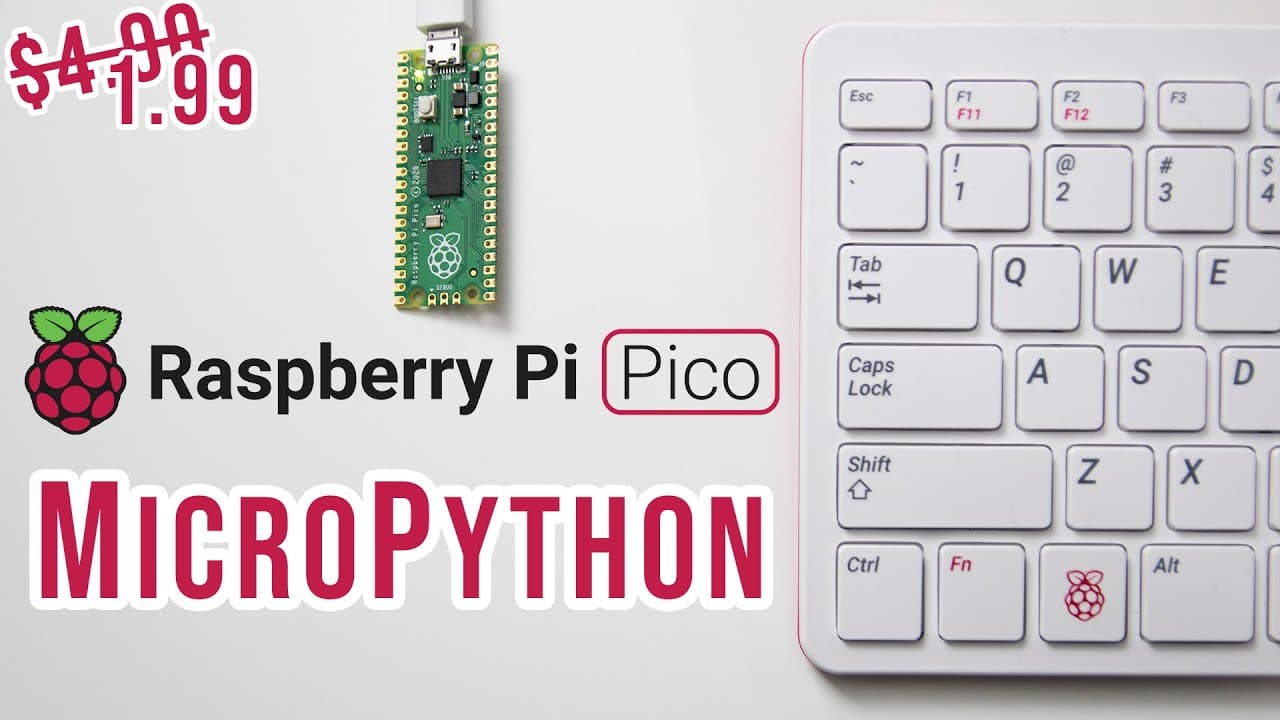
hey guys it's don here from nova spare tech and welcome back to the channel and today we are going to get started with micro python on the raspberry pi pico so let's get started now to begin i do want to mention that you can actually pick up your raspberry pi pico from your local market center and as of right now they actually have a promotion goin... Read More
Key Insights
- 💄 The Raspberry Pi Pico can be purchased at a significant discount, making it an affordable choice for projects.
- 👨💻 MicroPython enables a seamless coding experience across different operating systems, including Linux and Windows.
- ❓ Proper installation and setup of MicroPython firmware are essential to maximize the Pico's capabilities.
- 😴 Users can manipulate GPIO pins, allowing them to control hardware components like LEDs through simple scripts.
- 💆 It is important to manage file systems carefully with MicroPython, distinguishing between mass storage and onboard flash memory.
- 👣 Learning Python basics, like print statements and variable increments, is crucial for effective coding in MicroPython.
- 📚 The use of libraries is fundamental for enhancing Pico functionality, as external libraries can be incorporated effectively through file transfers.
Install to Summarize YouTube Videos and Get Transcripts
Explore YouTube Video Summarizer or Get YouTube Transcript Extractor
Questions & Answers
Q: What is the first step to get started with MicroPython on Raspberry Pi Pico?
To start with MicroPython, first ensure your Raspberry Pi Pico is powered on while holding the boot select button. This will mount it as a USB storage device on your computer, allowing you to transfer necessary files to it. You should then download the MicroPython firmware (a .uf2 file) from the official Raspberry Pi MicroPython page and transfer it to the mounted Pico.
Q: Why is it important to name the main script as "main.py"?
Naming the primary script "main.py" is crucial because the Raspberry Pi Pico automatically looks for this file to execute upon booting. If the file is named differently, it will not run automatically, requiring manual intervention each time you restart the Pico.
Q: How can users print messages or interact with the console in MicroPython?
Users can print messages to the console by using the print() function in their code. For example, simply typing print("Hello, World") and executing the code will display "Hello, World" in the console. This allows easy debugging and interaction during development.
Q: What is the function of the Tawny application in this context?
Tawny is an application used to interface with the Raspberry Pi Pico, allowing users to write and upload MicroPython code. It provides a user-friendly environment for coding, running scripts, and interacting with the Pico’s GPIO pins, enhancing the coding experience.
Q: How can you install the Tawny application on a Linux-based system?
To install the Tawny application on a Linux-based system, open the terminal and execute the command sudo apt install tawny. This command fetches the Tawny application from the package repository, allowing you to use it directly after installation.
Q: What should you do if you want to store variables and perform calculations in MicroPython?
To store variables and perform calculations, you can define variables in your script, such as x = 0, and then use expressions like print(3 * x) to perform operations. You can loop through calculations using a while True: loop to automate processes, like incrementing a counter or toggling LEDs.
Q: What tools can you use to transfer files to and from the Raspberry Pi Pico?
You can use the rshell tool to transfer files. By executing rshell -p /dev/ttyACM0, users can access the Pico’s file system. The command cp source_file.py pyboard/ enables users to copy files directly to the Pico, facilitating easier file management.
Q: What are some alternatives to MicroPython for Raspberry Pi Pico programming?
An alternative to MicroPython is CircuitPython, which provides similar functionality but with additional libraries that support features like keyboard or mouse emulation. CircuitPython is a good choice for beginners looking for an easier entry point into programming with hardware projects.
Summary & Key Takeaways
-
The video introduces how to set up and use MicroPython on the Raspberry Pi Pico, including obtaining and transferring the necessary files.
-
Viewers learn the essential programming steps, from coding simple commands like printing to the console to controlling the onboard LED with GPIO pins.
-
The tutorial also covers file system management, transferring files, and the importance of naming scripts properly to ensure they execute as intended.
Read in Other Languages (beta)
Share This Summary 📚
Summarize YouTube Videos and Get Video Transcripts with 1-Click
Try YouTube Summary with ChatGPT & Claude or YouTube Transcript Generator
Explore More Summaries from Novaspirit Tech 📚






Summarize YouTube Videos and Get Video Transcripts with 1-Click
Try YouTube Summary with ChatGPT & Claude or YouTube Transcript Generator