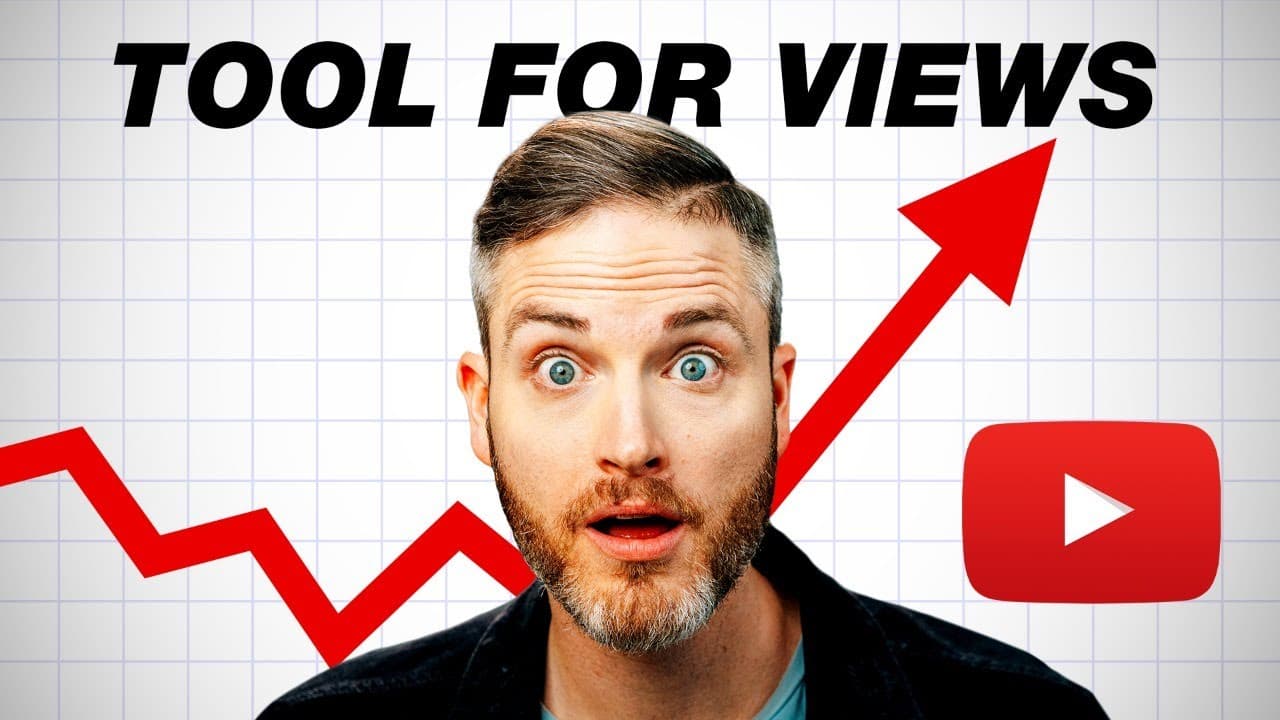
Get More VIEWS with This Cool YouTube Tool!
TL;DR
Learn how to improve YouTube analytics and maximize views by asking four key questions and using the VidIQ Channel Audit Tool.
Transcript
what gets measured gets improved and in this video we're going to be talking about how to maximize your youtube analytics to get more views and a really cool tool that makes the complication and the kind of sometimes overwhelming nature of youtube analytics really simple but i want to give you four questions you should ask every time you look at yo... Read More
Key Insights
- 😷 Asking specific questions about video performance can help inform content creation strategies and maximize views and growth.
- 💄 The VidIQ Channel Audit Tool simplifies YouTube analytics, making it easier to understand and make data-driven decisions.
- 👤 Optimizing the YouTube channel homepage can improve user experience and increase engagement.
Install to Summarize YouTube Videos and Get Transcripts
Explore YouTube Video Summarizer or Get YouTube Transcript Extractor
Questions & Answers
Q: What are the four key questions to ask when looking at YouTube analytics?
The key questions to ask are: 1) Which videos are performing best? 2) What videos can I make today that will continue to perform well in the future? 3) What videos from my competitors are performing best? 4) What topics and content should I stop doing?
Q: How can the VidIQ Channel Audit Tool help with YouTube analytics?
The VidIQ Channel Audit Tool simplifies and organizes YouTube analytics, providing insights into content performance, views per hour, and subscriber growth. It can help identify areas to improve and optimize your channel.
Q: How can optimizing the YouTube channel homepage improve performance?
By selecting a compelling channel trailer or best performing video, organizing playlists effectively, and showcasing other channels to subscribe to, you can provide a better user experience and increase engagement on your channel.
Q: What insights can the VidIQ Channel Audit Tool provide?
The tool offers insights on content to double down on, top search terms, top suggested videos, end screen and card click rates, and practical improvements for video content, such as optimizing titles, descriptions, and actionable SEO.
Summary & Key Takeaways
-
Asking yourself important questions about video performance, such as which videos are performing best and what topics and content should be stopped.
-
Utilizing the VidIQ Channel Audit Tool to simplify and organize YouTube analytics for easy understanding and decision-making.
-
Tips for optimizing your YouTube channel homepage, including selecting the right videos for subscribers and organizing playlists effectively.
Read in Other Languages (beta)
Share This Summary 📚
Summarize YouTube Videos and Get Video Transcripts with 1-Click
Try YouTube Summary with ChatGPT & Claude or YouTube Transcript Generator
Explore More Summaries from Think Media Podcast 📚
Summarize YouTube Videos and Get Video Transcripts with 1-Click
Try YouTube Summary with ChatGPT & Claude or YouTube Transcript Generator