Workflow: Git
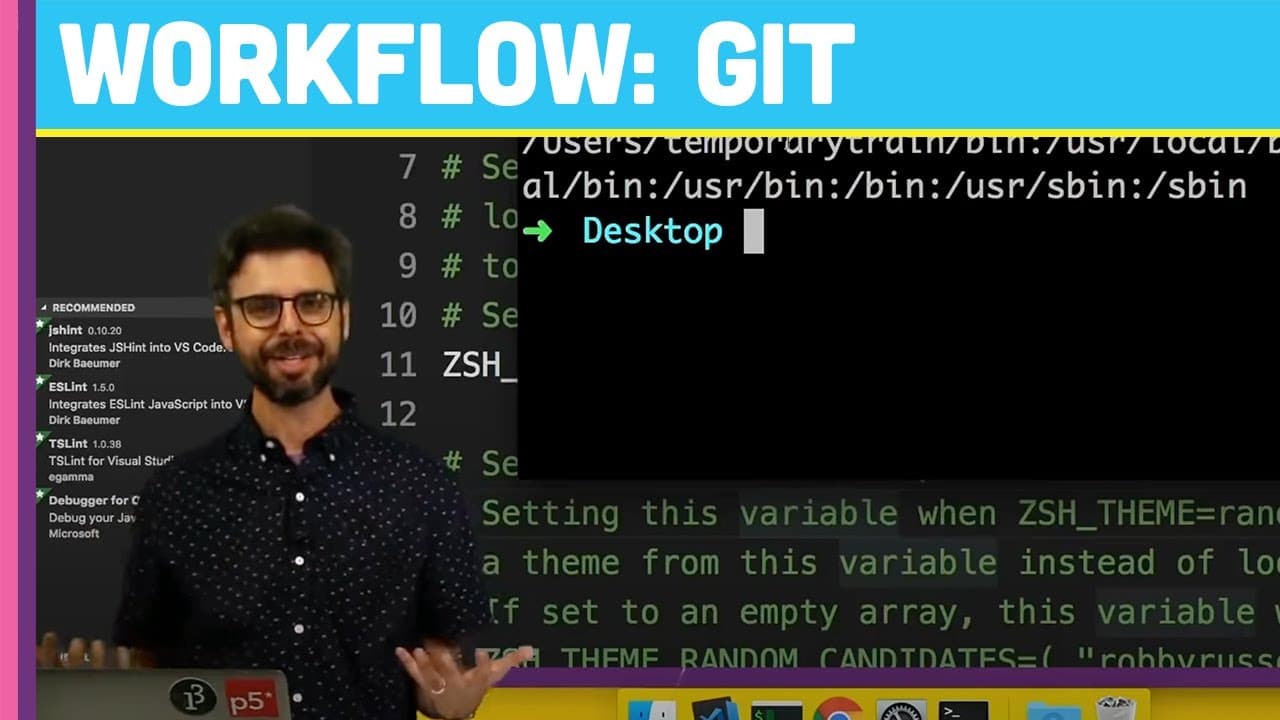
TL;DR
Learn how to set up Git and GitHub on a new machine, including configuring, creating repositories, committing files, and more.
Transcript
(bell dings) - Okay, so, I have a whole playlist of videos about Git and GitHub if you haven't, if you don't know anything about Git and GitHub you might want to go and look at some of those as we'll assume basic knowledge. What I'm going to show you is, if you're on a new machine, hopefully you might have set this up already, but what if right now... Read More
Key Insights
- 😫 Installing Git and setting up user details are essential first steps in working with Git and GitHub on a new machine.
- 👨💻 Utilizing Visual Studio Code's Git integration enhances code management and version control within the editor.
- 🔐 Configuring SSH keys for GitHub authentication improves security and streamlines the process of pushing code to repositories.
- 🎮 Understanding Git commands for creating repositories, adding files, committing changes, and managing branches is crucial for efficient version control.
- 🤩 Following GitHub's instructions for generating and associating SSH keys ensures a secure connection between your machine and GitHub repositories.
- 👻 Working with Git branches allows for better organization and collaboration on development projects.
- 🦻 Visual indicators in Visual Studio Code highlight changes in code, aiding in tracking modifications and commits.
Install to Summarize YouTube Videos and Get Transcripts
Explore YouTube Video Summarizer or Get YouTube Transcript Extractor
Questions & Answers
Q: What are the initial steps for setting up Git on a new machine?
To begin, install Git on your machine, configure your user details using git config, create a repository with git init, and start tracking changes using Git commands.
Q: How can Visual Studio Code aid in managing Git operations?
Visual Studio Code provides integration with Git, allowing users to track changes, create commits, and manage branches within the code editor, enhancing the development workflow.
Q: Why is configuring SSH keys important for GitHub authentication?
SSH keys provide a secure way to authenticate with GitHub without repeatedly entering usernames and passwords, ensuring secure communication between your machine and GitHub repositories.
Q: How can users efficiently work with Git branches in the command line?
By utilizing commands like git branch, git checkout, and git merge, users can create, switch between, and merge branches in Git to organize development tasks effectively.
Summary & Key Takeaways
-
Setting up Git and GitHub on a new machine involves installing Git, configuring user details, creating repositories, committing files, and managing branches.
-
Visual Studio Code integration with Git allows for easy tracking of changes and commits within the code editor.
-
Configuring SSH keys for GitHub authentication can streamline the process of pushing code to repositories securely.
Read in Other Languages (beta)
Share This Summary 📚
Summarize YouTube Videos and Get Video Transcripts with 1-Click
Try YouTube Summary with ChatGPT & Claude or YouTube Transcript Generator
Explore More Summaries from The Coding Train 📚






Summarize YouTube Videos and Get Video Transcripts with 1-Click
Try YouTube Summary with ChatGPT & Claude or YouTube Transcript Generator