How setup and use breakout room of ZOOM meeting
TL;DR
This content explains how to enable and manage Zoom breakout rooms.
Transcript
okay today we will talk about zoom breakout room so when you log into your zoom account first you need a enable breakout room so after you log in you go to the sightings on your search play card room for brick okay you search breakout room then you'll need to enable it first after you enable it it will show on the zoom client software so now let's ... Read More
Key Insights
- 😒 Breakout rooms must be enabled before use; this requires navigating the Zoom settings as a host.
- 👻 The host controls the assignment of participants to breakout rooms and can choose either automatic or manual assignment.
- 👻 Each breakout room operates independently, allowing private conversations without interference from the main meeting.
- 🤵 Conversations and activities can be tailored within breakout rooms, enhancing participant interaction.
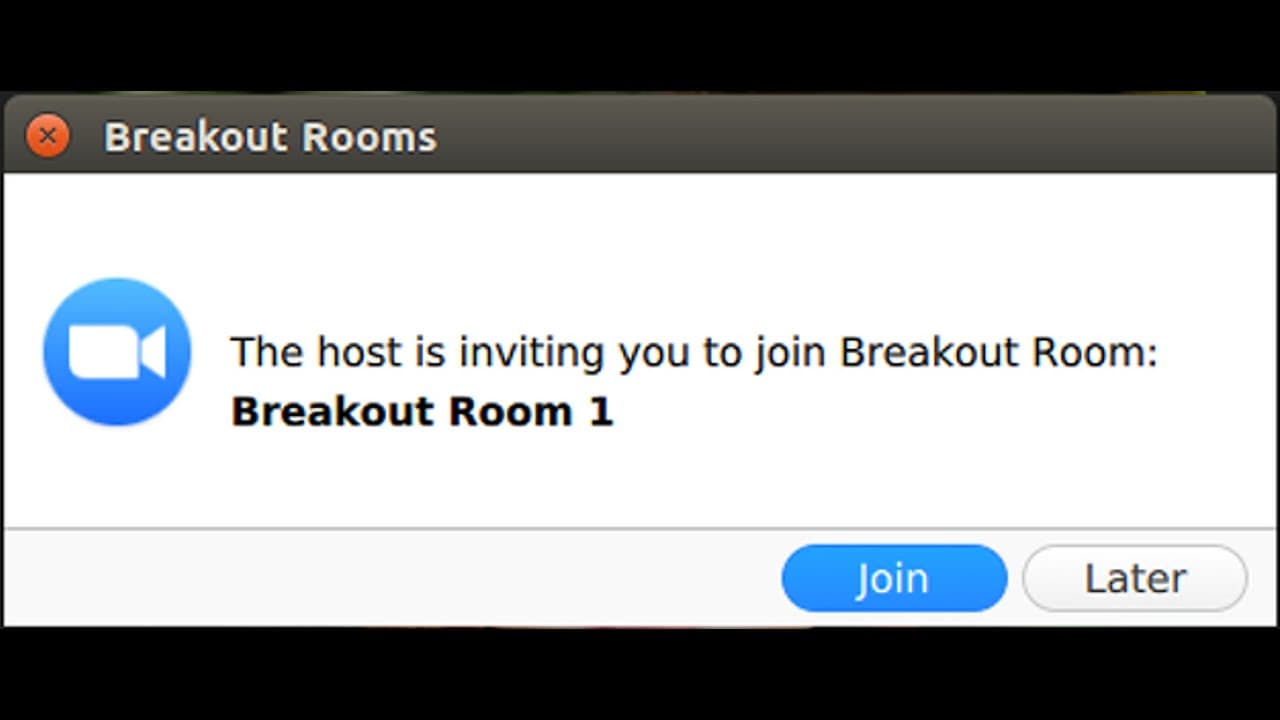
- 🤵 Participants will receive notifications on their devices when they are moved to breakout rooms.
- 👻 Hosts can close breakout rooms for all participants simultaneously, allowing for a coordinated return to the main meeting.
- 🤵 Breakout rooms can improve engagement and lesson effectiveness in educational settings by facilitating focused group discussions.
Install to Summarize YouTube Videos and Get Transcripts
Explore YouTube Video Summarizer or Get YouTube Transcript Extractor
Questions & Answers
Q: How do you enable breakout rooms in Zoom?
To enable breakout rooms, log into your Zoom account and navigate to the settings. Look for the "Breakout Room" feature, and toggle it on. Once enabled, you will see this option during your Zoom meetings, enabling you to organize participants effectively.
Q: What are the benefits of using breakout rooms in Zoom meetings?
Breakout rooms allow hosts to divide participants into smaller groups for focused discussions, collaboration, or activities. They enhance interaction among participants and can increase engagement levels by providing an environment conducive to discussion without the distractions of the main session.
Q: Can participants join and leave breakout rooms at will?
Participants cannot freely leave during the breakout session; however, they can leave the breakout room to return to the main meeting at any time if the host has permitted it. Hosts can close rooms centrally, after which participants will be prompted to return to the main meeting.
Q: How does a host assign participants to breakout rooms?
A host can manually assign participants to breakout rooms by clicking on the "Breakout Rooms" option and selecting participants from the list. This allows for targeted groupings based on the meeting’s objectives, ensuring a tailored experience for each group.
Summary & Key Takeaways
-
Enabling breakout rooms in Zoom requires accessing the settings and activating the feature, which will then appear in the Zoom client during meetings.
-
As a host, you can create and manage breakout rooms by manually assigning participants, allowing for focused discussions away from the main meeting.
-
Participants are notified when they are moved to breakout rooms, and hosts can close these rooms to return everyone to the main meeting.
Read in Other Languages (beta)
Share This Summary 📚
Summarize YouTube Videos and Get Video Transcripts with 1-Click
Try YouTube Summary with ChatGPT & Claude or YouTube Transcript Generator
Explore More Summaries from E Micro Tech 📚

Summarize YouTube Videos and Get Video Transcripts with 1-Click
Try YouTube Summary with ChatGPT & Claude or YouTube Transcript Generator