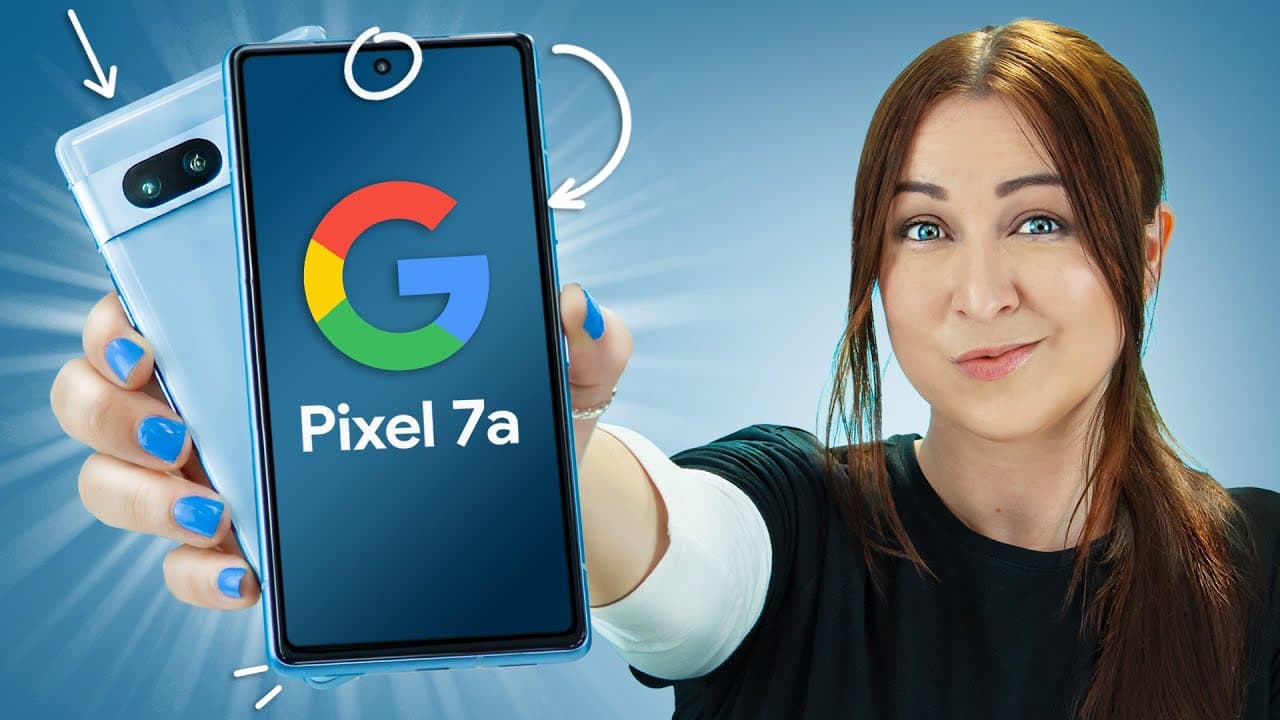
Google Pixel 7a Tips Tricks & Hidden Features | YOU MUST SEE!!
TL;DR
The Pixel 7A offers innovative features, including call screening, immersive view in Google Maps, face unlock, smooth display, wireless charging, battery widgets, hidden features in recent apps, enhanced camera modes, adaptive features, privacy and security options, and Google Assistant functionalities.
Transcript
foreign along with the 7 Pro is one of the best smartphones in the world right now because of how much you can do with it like did you know if the spammer calls you your pixel 7A can talk with them instead this is such a cool feature and it's so simple if you get a phone call all you got to do is tap on this new screen call icon and here's what the... Read More
Key Insights
- 👤 The Pixel 7A offers innovative features that enhance user experience and convenience.
- 🫵 Google Maps now provides immersive view for well-known landmarks, along with weather and timeline information.
- 😀 The phone introduces face unlock, smooth display, and wireless charging features, making it more responsive and seamless.
- 😀 Battery widgets and hidden features in recent apps improve accessibility and usability.
- 🎥 Enhanced camera modes, like long exposure and improved selfie videos, elevate the photography experience on the Pixel 7A.
- 👤 Adaptive features, privacy and security options, and Google Assistant functionalities provide users with more control and personalization.
- 📣 The phone's hidden features and settings optimize performance and offer additional functionality.
Install to Summarize YouTube Videos and Get Transcripts
Explore YouTube Video Summarizer or Get YouTube Transcript Extractor
Questions & Answers
Q: How does call screening work on the Pixel 7A?
Call screening on the Pixel 7A allows users to have a screening service from Google where an automated response can be provided to spam callers. By tapping on the screen call icon, users can listen to the caller's message and respond accordingly, ensuring privacy and filtering unwanted calls.
Q: What is immersive view in Google Maps?
Immersive view in Google Maps offers users a 3D replica of well-known landmarks, such as Big Ben. Users can rotate and zoom in on the 3D model, providing an immersive experience of the area. Additional features like time and weather information make it even more interactive for planning trips.
Q: How does face unlock enhance user experience?
Face unlock on the Pixel 7A allows users to unlock their phones by simply scanning their faces. By toggling on the skip lock screen option, the phone automatically unlocks to the home screen. This eliminates the need for swiping to unlock, offering convenience and ease of use.
Q: What are some hidden features in recent apps on the Pixel 7A?
Users can select and copy text from any application in recent apps, making it easier to share or save. Additionally, users can save images from Instagram or the internet directly from recent apps, and instantly call a phone number by selecting and holding it down. These hidden features enhance productivity and quick access to essential functions.
Summary & Key Takeaways
-
The Pixel 7A introduces call screening, allowing users to have a screening service from Google to respond to spam calls.
-
Google Maps now offers immersive view, providing a 3D replica of well-known landmarks, along with weather and lighting conditions.
-
Face unlock, smooth display, wireless charging, and battery widgets are new features that enhance user experience.
-
Hidden features in recent apps, camera modes like long exposure and improved selfie video, adaptive features, and privacy and security options make the Pixel 7A stand out.
-
The Pixel 7A also offers convenient features like a free VPN, lockdown mode, and quick phrases for Google Assistant.
Read in Other Languages (beta)
Share This Summary 📚
Summarize YouTube Videos and Get Video Transcripts with 1-Click
Try YouTube Summary with ChatGPT & Claude or YouTube Transcript Generator
Explore More Summaries from Hayls World 📚





Summarize YouTube Videos and Get Video Transcripts with 1-Click
Try YouTube Summary with ChatGPT & Claude or YouTube Transcript Generator