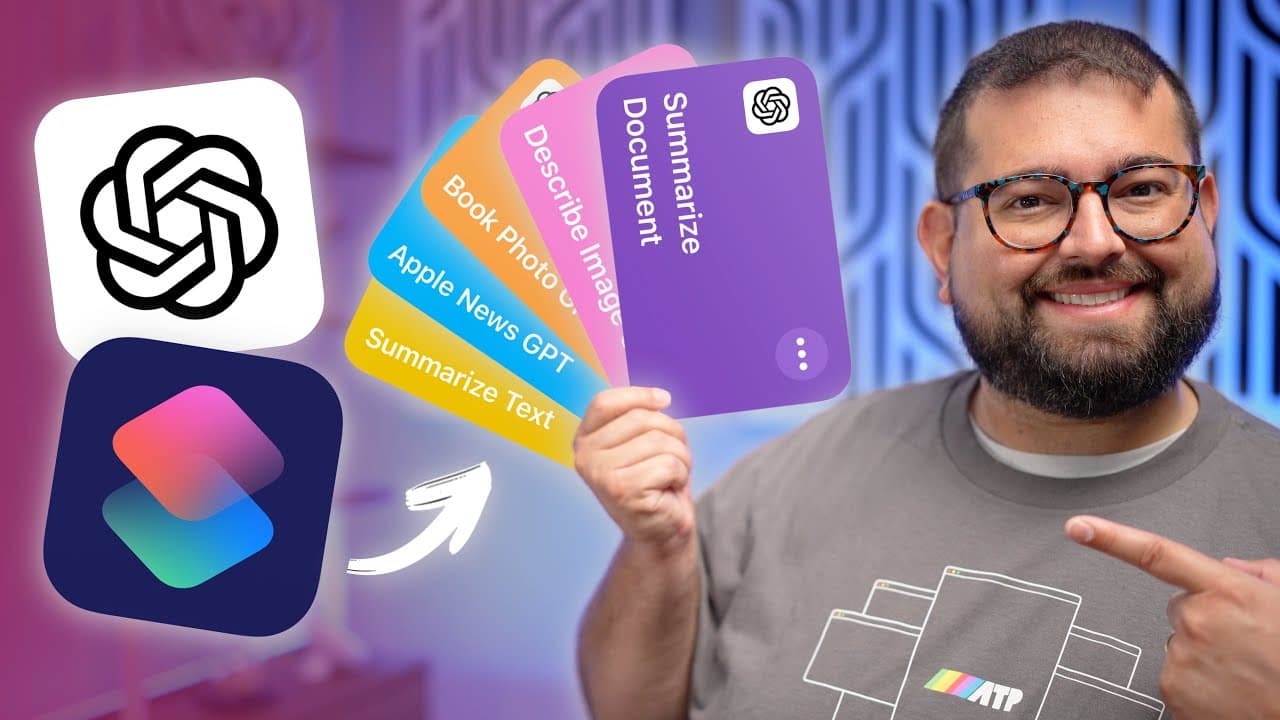
13 Amazing ChatGPT-4o Shortcuts for iPhone
TL;DR
Learn to automate various tasks with ChatGPT shortcuts for efficient summarization and organization.
Transcript
In this video, I'm going to show you how to build 13 more powerful shortcuts using chat GPT-4o, from having it summarize any document, whether it's a PDF word document or otherwise automate shortcuts to summarize emails as they come in. No action even needed on your part. Automate text messages with chat GPT, get descriptions of images, get highlig... Read More
Key Insights
- 📁 Shortcuts can process various file types, including PDFs, rich text, and even direct text copying for summarization.
- 🫠 Automation features allow users to save time by summarizing incoming emails without manually reading them.
- 💁 The integration of ChatGPT facilitates quick and clear communications, reducing information overload.
- 👋 Users can create personalized messaging automation for regular correspondence, like sending good morning texts.
- 📔 Extracting and summarizing content from images and physical books can enhance note-taking and studying.
- ⚡ Using ChatGPT to generate titles, descriptions, and tags for video content promotes efficiency in content creation.
- 👻 RSS feed integration allows users to receive summarized news updates directly through their shortcuts, optimizing information consumption.
Install to Summarize YouTube Videos and Get Transcripts
Explore YouTube Video Summarizer or Get YouTube Transcript Extractor
Questions & Answers
Q: What is the main purpose of the shortcuts discussed in the video?
The shortcuts discussed aim to automate various mundane tasks like summarizing documents, processing emails, and extracting information from images. By leveraging ChatGPT 4.0, users can streamline their workflows, reduce the time spent on repetitive activities, and enhance overall productivity.
Q: How can I automate email summarization based on the sender?
You can set up an automation that triggers whenever an email from a specific sender arrives in your inbox. By selecting the ‘email’ trigger and specifying the sender's email address, the automation runs a shortcut that summarizes the email's content immediately upon receipt, keeping you informed without manual checking.
Q: Can the shortcuts work with text messages too?
Yes, there's a specific shortcut to summarize long text messages. Since the iPhone doesn't allow sharing directly from text messages, you can copy the message content, then run the summarization shortcut to receive a concise summary, making communication more efficient.
Q: How does the image description shortcut function?
The image description shortcut utilizes actions to recognize objects in a photo and extract text through Optical Character Recognition (OCR). After processing the image, it sends a request to ChatGPT for a description, returning a summary with confidence levels for the identified elements.
Summary & Key Takeaways
-
The content explores 13 advanced shortcuts using ChatGPT 4.0 that enhance efficiency in managing documents, emails, and text messages.
-
Viewers are shown how to automate email summaries, process PDFs, and generate meaningful text from images, improving daily task management.
-
Each shortcut is easily accessible through the iPhone share menu, ensuring seamless integration with existing apps and workflows.
Read in Other Languages (beta)
Share This Summary 📚
Summarize YouTube Videos and Get Video Transcripts with 1-Click
Try YouTube Summary with ChatGPT & Claude or YouTube Transcript Generator
Explore More Summaries from Stephen Robles 📚

Summarize YouTube Videos and Get Video Transcripts with 1-Click
Try YouTube Summary with ChatGPT & Claude or YouTube Transcript Generator