How to Create Engaging Real Estate Videos with Motion Graphics
TL;DR
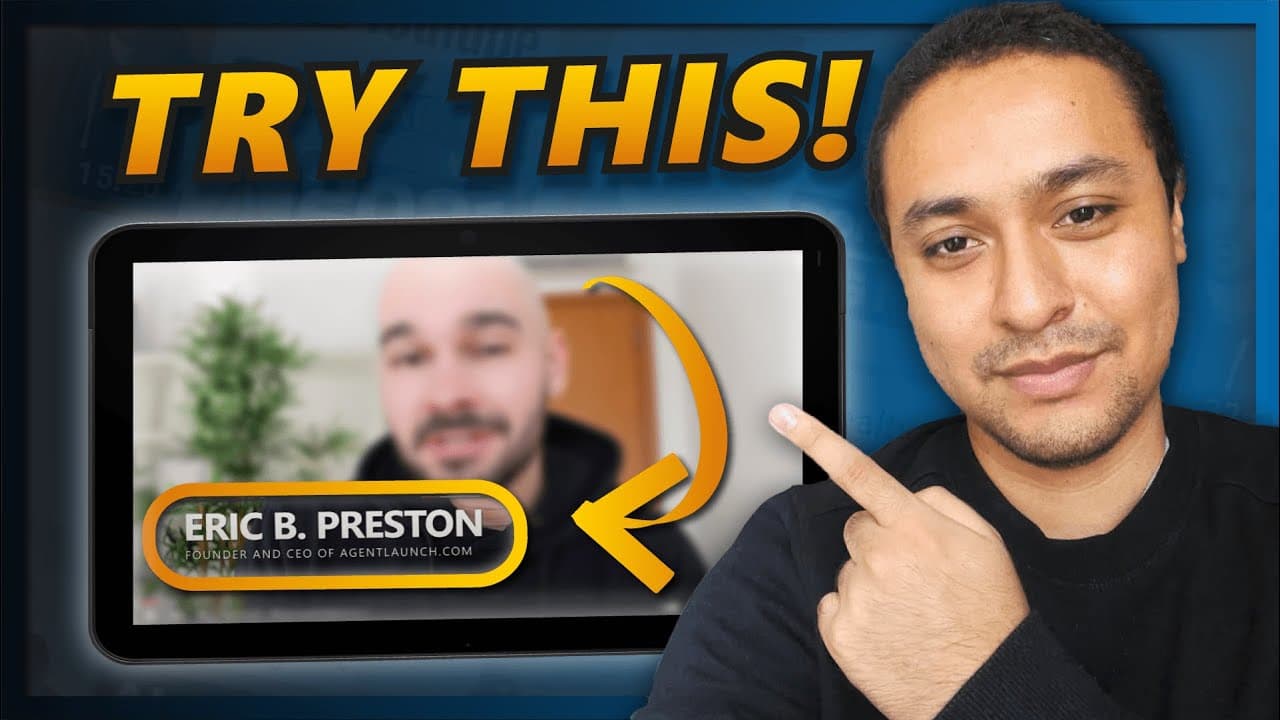
Learn how to use Motion Graphics to make YouTube videos more engaging and lively, with examples for real estate marketing.
Transcript
so you want to spice up your YouTube videos well in this video my client creative manager is actually gonna break down how to use Motion Graphics to make your videos on YouTube far more engaging this is something we do for all of our clients that join our program is we edit some of their videos to set the tone and the pace of how their videos shoul... Read More
Key Insights
- 🎮 Motion Graphics are a powerful tool in video editing, helping to bring videos to life and engage viewers.
- 😥 They can be used in various ways in real estate videos, such as telling stories, highlighting important points, and creating suspense.
- 📌 Transition effects, text animations, infographics, logos, and location animations are all effective Motion Graphics elements.
- 💐 Motion Graphics should be used strategically and not overdone to maintain the flow of the video.
- ❓ Using legible colors in text animations is important for readability.
- 😒 Sensory fonts are recommended for social media and video use to ensure playability.
- 🫵 Maps and location animations can help familiarize viewers with specific areas.
Install to Summarize YouTube Videos and Get Transcripts
Explore YouTube Video Summarizer or Get YouTube Transcript Extractor
Questions & Answers
Q: What are Motion Graphics?
Motion Graphics are dynamic visual elements created by manipulating static images to create movement in videos. They can include transition effects, text animations, infographics, and more.
Q: How can Motion Graphics be used in real estate videos?
Motion Graphics can make real estate videos more engaging by telling stories, creating suspense, and emphasizing important points. For example, using animations during interview-style videos can make them more dynamic and memorable.
Q: What are some examples of Motion Graphics in real estate videos?
Examples include transitions to separate different segments or content in the video, text animations for lower thirds or subtitles, animated infographics to highlight important stats, logos with eye-catching animations, and maps or location animations to show viewers where a specific area is located.
Q: Why is adding Motion Graphics important in video editing?
Motion Graphics can elevate the edit of a video and create a connection between the creator and the audience. They show attention to detail and professionalism, giving potential clients an idea of what to expect when working with the creator.
Key Insights:
- Motion Graphics are a powerful tool in video editing, helping to bring videos to life and engage viewers.
- They can be used in various ways in real estate videos, such as telling stories, highlighting important points, and creating suspense.
- Transition effects, text animations, infographics, logos, and location animations are all effective Motion Graphics elements.
- Motion Graphics should be used strategically and not overdone to maintain the flow of the video.
- Using legible colors in text animations is important for readability.
- Sensory fonts are recommended for social media and video use to ensure playability.
- Maps and location animations can help familiarize viewers with specific areas.
- Adding Motion Graphics demonstrates the level of detail and professionalism in real estate marketing videos and can help build connections with potential clients.
Summary & Key Takeaways
-
Motion Graphics can bring videos to life by setting the tone and pace of the edit, making them more engaging.
-
Using Motion Graphics in real estate videos can help tell stories, create suspense, and emphasize important points.
-
Transition effects, text animations, animated infographics, logos, and location animations are all examples of Motion Graphics that can enhance videos.
Read in Other Languages (beta)
Share This Summary 📚
Summarize YouTube Videos and Get Video Transcripts with 1-Click
Try YouTube Summary with ChatGPT & Claude or YouTube Transcript Generator
Explore More Summaries from Eric Preston 📚

Summarize YouTube Videos and Get Video Transcripts with 1-Click
Try YouTube Summary with ChatGPT & Claude or YouTube Transcript Generator