5 Amazing MidJourney Prompt Tips
TL;DR
Learn 5 advanced tips for using images as prompts in Mid-Journey to enhance AI text-to-image generation.
Transcript
I created three tutorials on AI text to image generators and some of you mentioned in the comments the importance of prompting to which I completely agree so I did some research on mid-journey prompting so you don't have to and I discovered 5 amazing tips to take your prompt game to another level and I'm gonna share them with you because I like you... Read More
Key Insights
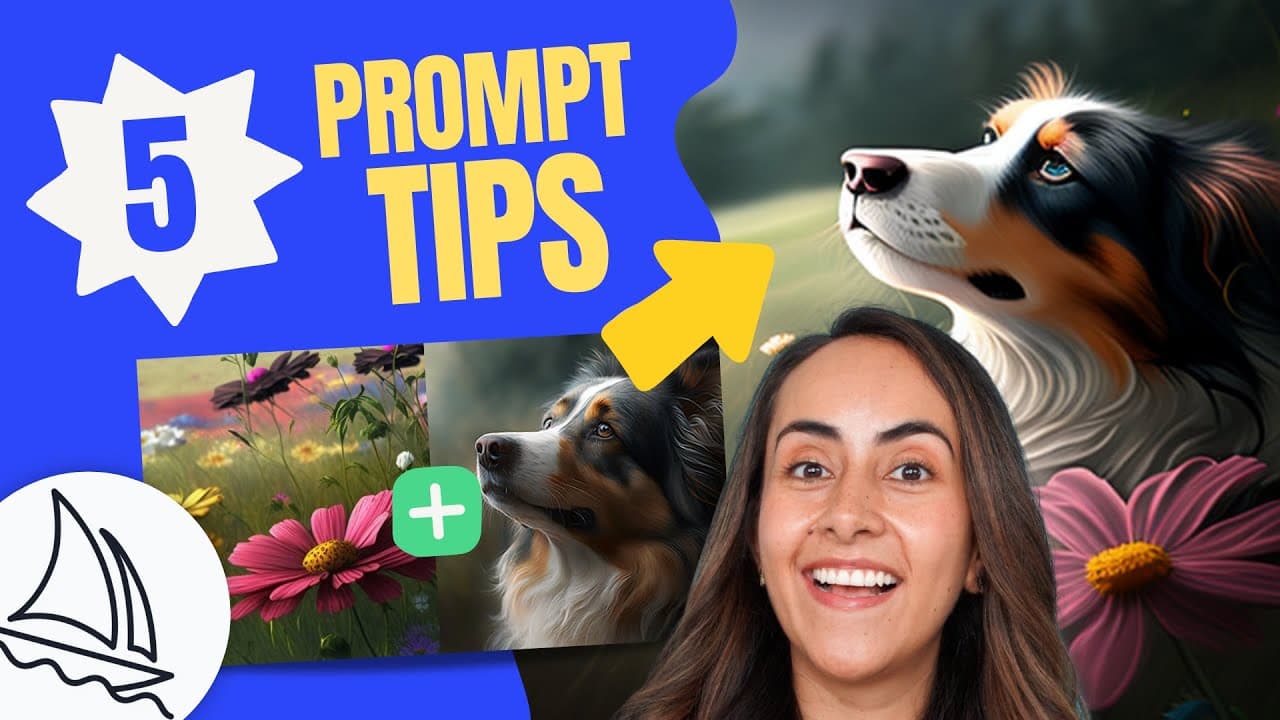
- ❓ Utilize images as prompts for more creative and accurate image generation in Mid-Journey.
- ⏫ Double colons help separate concepts and enhance the specificity of prompts in AI text-to-image generation.
- 🏋️ Assigning different weights to concepts in prompts can prioritize certain elements in generated images.
- 💨 The parameter "dash dash no" can exclude unwanted elements, refining the image generation process.
- 💨 The "dash dash niji" parameter activates an animate aesthetic or illustrative style for generated images in Mid-Journey.
- 💁 Tips shared in the tutorial can enhance prompt crafting skills and improve results.
- 🫵 Consider viewer interest in potential tutorials on other AI text generation topics like Chat GPT.
Install to Summarize YouTube Videos and Get Transcripts
Explore YouTube Video Summarizer or Get YouTube Transcript Extractor
Questions & Answers
Q: How can images be used as prompts in Mid-Journey?
Images can be uploaded in Mid-Journey to blend and generate cohesive images for prompts, enhancing creativity and results.
Q: What is the significance of using double colons in prompts?
Double colons help separate concepts in prompts, ensuring that each element is considered individually for more accurate image generation.
Q: How can certain elements be given more importance in generated images?
By assigning different weights to concepts in prompts, specific elements can be emphasized, guiding Mid-Journey on how to craft the image.
Q: What parameter can be used to exclude unwanted elements from generated images?
The parameter "dash dash no" followed by the keyword helps exclude undesired elements from images, improving customization and control.
Summary & Key Takeaways
-
Learn how to use images as prompts in Mid-Journey for better results.
-
Understand the importance of separating concepts in prompts with double colons.
-
Discover how to give more importance to certain elements in generated images.
Read in Other Languages (beta)
Share This Summary 📚
Summarize YouTube Videos and Get Video Transcripts with 1-Click
Try YouTube Summary with ChatGPT & Claude or YouTube Transcript Generator
Explore More Summaries from Design with Canva 📚






Summarize YouTube Videos and Get Video Transcripts with 1-Click
Try YouTube Summary with ChatGPT & Claude or YouTube Transcript Generator