How to Quickly Caption Video in Adobe Express
TL;DR
Learn to quickly add captions to videos using Adobe Express for efficient editing.
Transcript
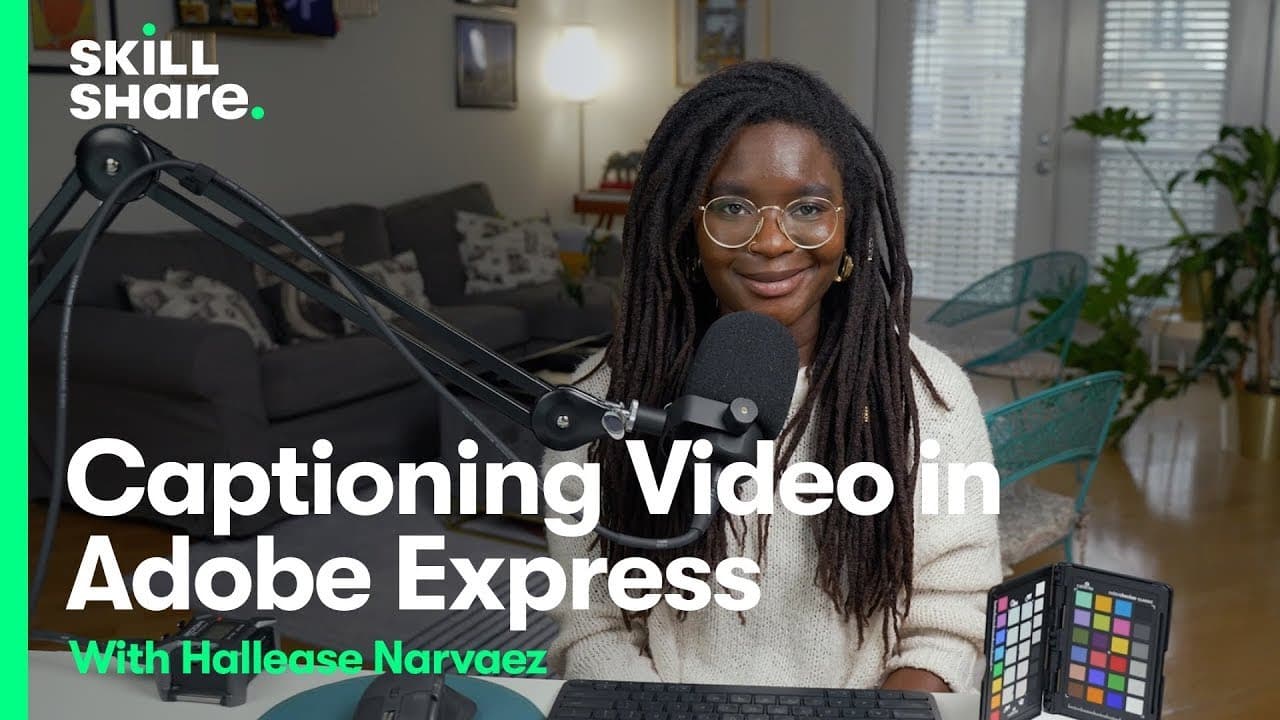
hello everyone I'm halis a digital Storyteller filmmaker and creative entrepreneur I love using my camera to document my life and tell stories online and I love editing everything I create in Adobe Premiere Pro but sometimes though you just want to create something quick without diving all the way into an industry standard nonlinear editor and that... Read More
Key Insights
- 👤 Adobe Express offers a user-friendly platform for quick video editing, suitable for beginners and professionals alike.
- 🎮 The caption video feature in Adobe Express allows for easy and efficient addition of captions to videos.
- 👤 Users can customize text, timing, and colors of captions in Adobe Express for a personalized touch.
- 💄 Adobe Express integrates well with various platforms such as Instagram reels, making it versatile for social media content creators.
- 🎮 Halis demonstrates the features of Adobe Express, showcasing its potential for enhancing videos quickly.
- 👶 Adobe Express continues to improve, with new features and languages being constantly added for an enhanced user experience.
- 👤 The flexibility of Adobe Express in resizing and adjusting captions offers convenience and creative freedom for users.
Install to Summarize YouTube Videos and Get Transcripts
Explore YouTube Video Summarizer or Get YouTube Transcript Extractor
Questions & Answers
Q: What is Adobe Express, and how does it streamline video editing?
Adobe Express is a quick video editing tool that simplifies the process, especially for adding captions. It offers a straightforward interface and limited but effective editing features to enhance videos efficiently.
Q: How does the caption video feature in Adobe Express work?
The caption video feature in Adobe Express allows users to conveniently upload media, easily edit captions in real-time, customize text styles, colors, and timing, and seamlessly integrate captions into their videos with precision.
Q: Can users resize and customize caption text in Adobe Express?
Yes, users can resize and customize caption text in Adobe Express, offering flexibility to match different platforms such as Instagram reels. Additionally, options for text colors and styles provide creative freedom.
Q: What are the benefits of using Adobe Express for video editing over other alternatives?
Adobe Express provides a user-friendly interface, simplified editing tools, and a quick workflow for adding captions, making it a convenient choice for users looking to enhance their videos efficiently.
Summary & Key Takeaways
-
Halis, a digital storyteller, showcases Adobe Express, ideal for quick editing without full software immersion.
-
The caption video feature in Adobe Express allows for easy and efficient addition of captions.
-
Users can upload media, edit captions quickly, customize text and color, and integrate captions seamlessly into videos.
Read in Other Languages (beta)
Share This Summary 📚
Summarize YouTube Videos and Get Video Transcripts with 1-Click
Try YouTube Summary with ChatGPT & Claude or YouTube Transcript Generator
Explore More Summaries from Skillshare 📚






Summarize YouTube Videos and Get Video Transcripts with 1-Click
Try YouTube Summary with ChatGPT & Claude or YouTube Transcript Generator