How to Configure NFS Server in FreeNas
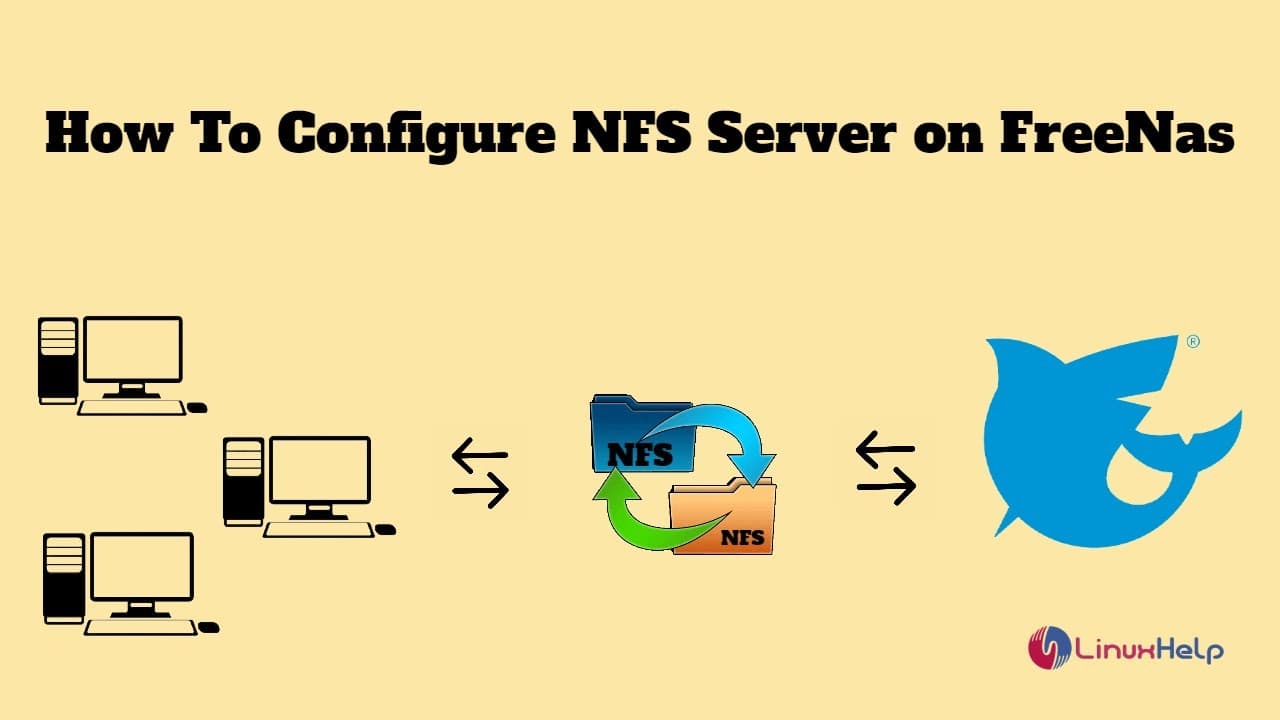
TL;DR
Learn how to set up and configure an NFS server on FreeNAS, an open-source software that provides various sharing services.
Transcript
foreign .com today's topic is how to configure NFS server on freenas freenas is an open source software that can be downloaded at no cost from freenas.org it was created in 2005 and it's based on the open source free BSD freenas provides various sharing services like NFS SMB APF iSCSI NFS used for sharing files between connect operating systems sta... Read More
Key Insights
- 🤗 FreeNAS is an open-source software that provides various sharing services, including NFS, SMB, AFP, and iSCSI.
- 😫 Configuring an NFS server on FreeNAS involves setting up storage pools, creating datasets, and enabling the NFS service.
- 🚵 Once configured, the NFS share can be accessed from other machines by mounting it using the server's IP address and share path.
- 🧑🏭 Datasets in FreeNAS act as logical storage containers for organizing and managing files.
- 🚵 The "mount" command is used to mount an NFS share on a local machine, allowing for easy file access and sharing.
- 🕸️ FreeNAS offers a web-based interface for easy management and configuration of the NFS server.
- 🤐 The process of configuring an NFS server on FreeNAS requires proper IP addressing, user authentication, and share permissions.
Install to Summarize YouTube Videos and Get Transcripts
Explore YouTube Video Summarizer or Get YouTube Transcript Extractor
Questions & Answers
Q: What is FreeNAS?
FreeNAS is an open-source software that provides sharing services like NFS, SMB, AFP, and iSCSI. It can be downloaded for free from freenas.org.
Q: How do you configure an NFS server on FreeNAS?
To configure an NFS server on FreeNAS, start the server, enter the FreeNAS IP in the browser, configure storage pools, create a dataset, and enable the NFS service. You can then check the available shares and mount the NFS share on a local machine.
Q: What is a dataset in FreeNAS?
A dataset is a logical storage container in FreeNAS that can be used for organizing and managing files. It acts like a folder or directory and can have specific permissions and properties.
Q: How can you mount an NFS share on a local machine?
To mount an NFS share on a local machine, you need to know the IP address of the NFS server and the path of the share. Using the "mount" command, you can specify the IP address and path to mount the share on a directory in the local machine's file system.
Key Insights:
- FreeNAS is an open-source software that provides various sharing services, including NFS, SMB, AFP, and iSCSI.
- Configuring an NFS server on FreeNAS involves setting up storage pools, creating datasets, and enabling the NFS service.
- Once configured, the NFS share can be accessed from other machines by mounting it using the server's IP address and share path.
- Datasets in FreeNAS act as logical storage containers for organizing and managing files.
- The "mount" command is used to mount an NFS share on a local machine, allowing for easy file access and sharing.
- FreeNAS offers a web-based interface for easy management and configuration of the NFS server.
- The process of configuring an NFS server on FreeNAS requires proper IP addressing, user authentication, and share permissions.
- FreeNAS is a cost-effective solution for setting up a file-sharing server using open-source software.
Summary & Key Takeaways
-
FreeNAS is an open-source software that offers sharing services like NFS, SMB, AFP, and iSCSI.
-
To configure an NFS server on FreeNAS, start the server, enter the FreeNAS IP in the browser, configure storage pools, create a dataset, and enable the NFS service.
-
Once configured, you can check the available shares from the FreeNAS server, mount the NFS share on a local machine, and create files on the share.
Read in Other Languages (beta)
Share This Summary 📚
Summarize YouTube Videos and Get Video Transcripts with 1-Click
Try YouTube Summary with ChatGPT & Claude or YouTube Transcript Generator