Camtasia 2022 | They Updated It And It's Awesome!
TL;DR
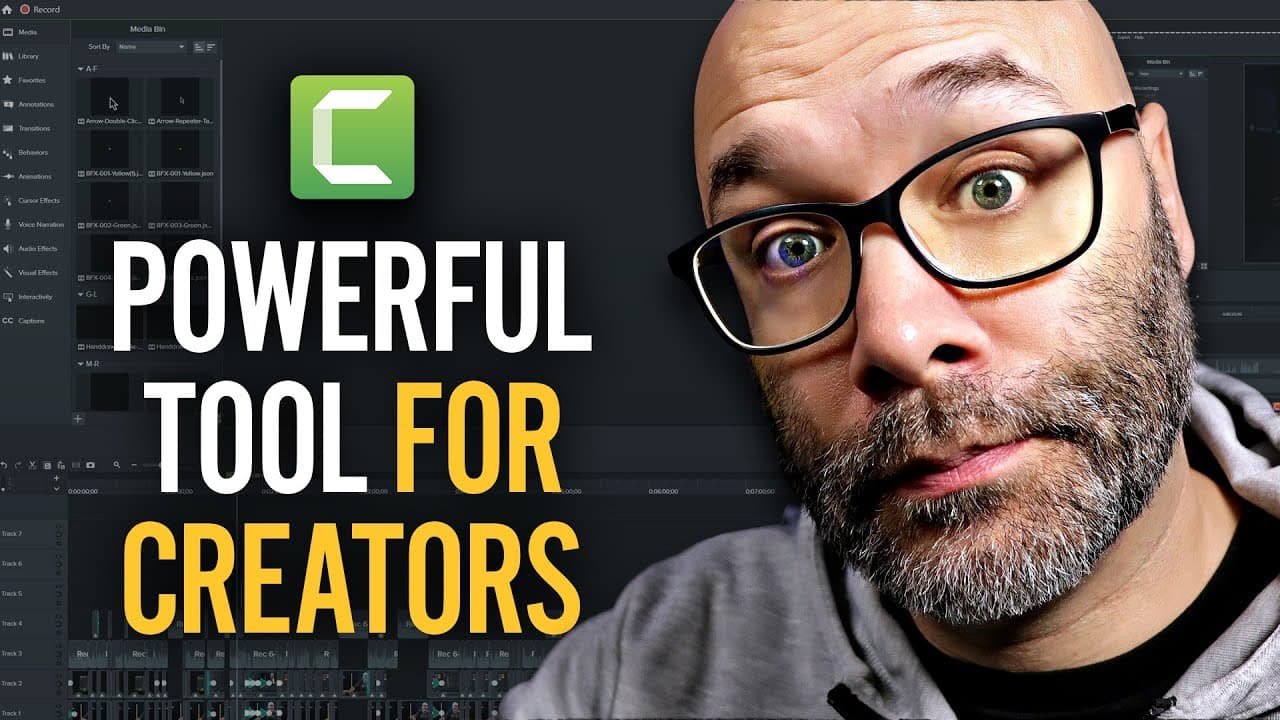
Camtasia 2022 offers new features that enhance video editing and screen recording, including the ability to add cursors on any file, improved cursor quality, a library with over a thousand new assets, new transitions, blend mode effects, faster exporting, and integration with Audiate for automated audio editing.
Transcript
- Camtasia 2022 is finally here. And if you're not familiar with Camtasia, it is an easy to use video editing and screen recording tool that can help you make your videos look a lot more professional and make 'em a lot more interesting with a lot less time and a lot less effort. But in this video, I'm gonna show you some of the new features that th... Read More
Key Insights
- 👶 Camtasia 2022 introduces new features to enhance video editing and screen recording, offering users more creative options and convenience.
- 🎮 The ability to add cursors to any video file or screenshot opens up possibilities for creating engaging and informative videos.
- 📼 The expanded library with over a thousand new assets provides users with a wide range of animations, callouts, and annotations to enhance their videos.
- 👻 The blend mode feature allows users to experiment with visual effects and create unique looks for their videos.
- 👤 The integration with Audiate simplifies audio editing, enabling users to quickly remove hesitations and filler words for a polished final product.
- 💨 Exporting videos has been made faster and more straightforward, saving users time and effort.
- 📼 Overall, Camtasia 2022 offers a comprehensive set of tools and features that can help users create professional and engaging videos with ease.
Install to Summarize YouTube Videos and Get Transcripts
Explore YouTube Video Summarizer or Get YouTube Transcript Extractor
Questions & Answers
Q: What are some of the new features in Camtasia 2022?
Camtasia 2022 introduces the ability to add cursors to video files, improved cursor quality, an expanded library with over a thousand new assets, new transitions, blend mode effects, faster exporting, and integration with Audiate for automated audio editing.
Q: How can users customize the cursors in Camtasia 2022?
Users can adjust the size, path, and animation of the cursors in Camtasia 2022. They can also use cursors on any video file or screenshot, making it possible to create the illusion of a screen recording even without actually recording the screen.
Q: What is Audiate and how does it integrate with Camtasia 2022?
Audiate is an automated audio editing tool integrated with Camtasia 2022. It transcribes the audio from video files and identifies filler words and hesitations. Users can easily edit and remove these elements, creating a smoother and more professional audio track.
Q: How has exporting videos been improved in Camtasia 2022?
Exporting videos in Camtasia 2022 has been made faster and more streamlined. Users can now export their projects directly to their local computers or upload them to platforms like YouTube or Vimeo with just a few clicks.
Summary & Key Takeaways
-
Camtasia 2022 introduces a new home screen with quick access to TechSmith products and resources.
-
The software offers the ability to add cursors to any video file or screenshot, with options to customize the cursor's size, path, and animation.
-
The updated library includes over a thousand new assets, such as callouts, cursor animations, hand-drawn annotations, gradients, and transitions.
-
The blend mode feature allows users to create unique visual effects by overlaying video footage or screen recordings.
-
Exporting videos has been made faster and more streamlined.
-
Camtasia now integrates with Audiate, an automated audio editing tool that transcribes and identifies hesitations and filler words, making it easier to edit and sync audio with video.
Read in Other Languages (beta)
Share This Summary 📚
Summarize YouTube Videos and Get Video Transcripts with 1-Click
Try YouTube Summary with ChatGPT & Claude or YouTube Transcript Generator
Explore More Summaries from Nick Nimmin 📚



Summarize YouTube Videos and Get Video Transcripts with 1-Click
Try YouTube Summary with ChatGPT & Claude or YouTube Transcript Generator