How To MIX ANY VOCAL Recorded On A LEWITT LCT 240 PRO Microphone!
TL;DR
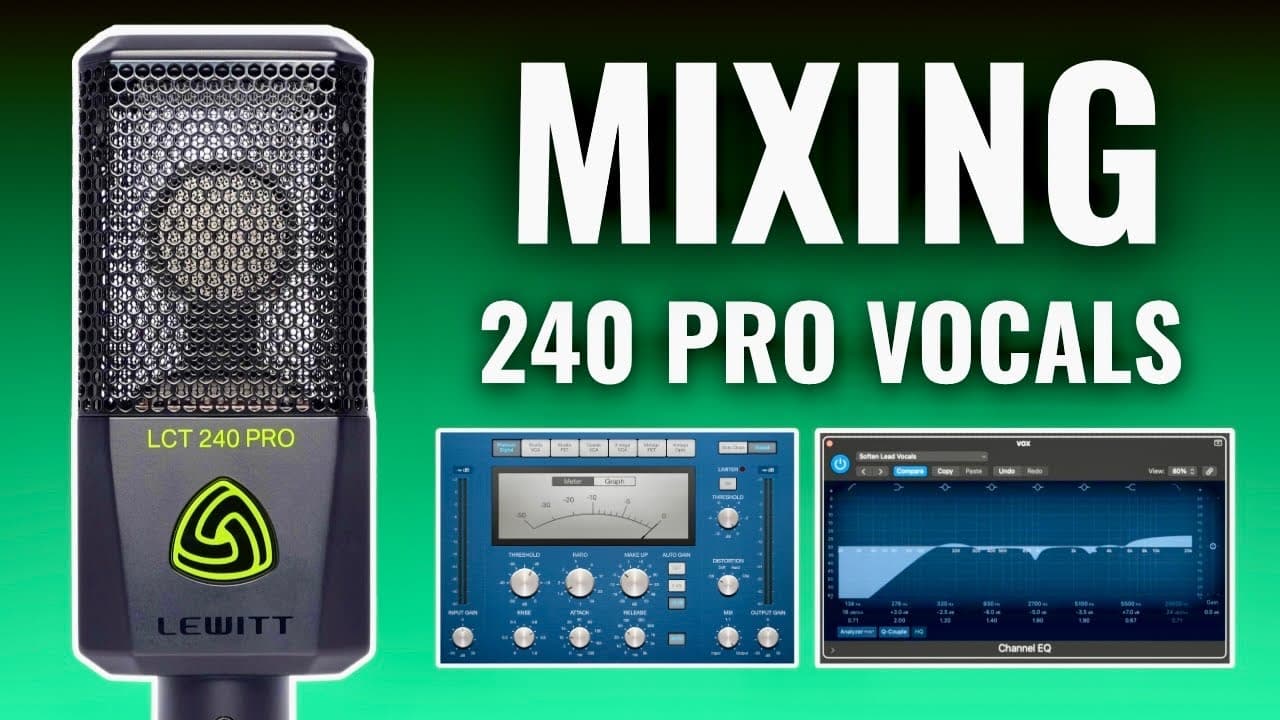
This tutorial demonstrates vocal mixing using stock plugins in Logic Pro, applicable across different DAWs.
Transcript
I'm about to show you how to mix any vocal recorded on a LD LCT 240 Pro microphone using only stock plugins for today's tutorial I'll be using logic pro but not to worry because every recording software has their own versions of the plugins I'm about to show you today so as long as you learn the concept you can apply it to any of them in this proje... Read More
Key Insights
- 🔊 The LD LCT 240 Pro microphone captures high-quality vocals but requires post-processing to optimize sound.
- 🍰 Minimizing sibilance is crucial in vocal recordings; a de-esser helps address this specific problem.
- 😘 EQ is essential for shaping vocals; a high-pass filter can clear unwanted low frequencies while still maintaining clarity.
- 🧡 Compression enhances vocal quality by balancing the dynamic range and providing a more polished sound.
- 🪡 When using EQ, boosting certain frequencies can add presence, but caution is needed to prevent harshness in the mix.
- 🏪 Storing a project as a template can save time and maintain consistency in audio production tasks.
- 👣 Understanding the function of each plugin helps in tailoring the mix to the unique requirements of different vocal tracks.
Install to Summarize YouTube Videos and Get Transcripts
Explore YouTube Video Summarizer or Get YouTube Transcript Extractor
Questions & Answers
Q: What is the primary function of a de-esser in vocal processing?
A de-esser is designed to reduce sibilance, which are harsh 's' sounds commonly found in vocal recordings. By setting the threshold to activate only during sibilant sounds and choosing the right frequency range, the de-esser can make vocals smoother and more pleasant to listen to without overly compressing the entire audio track.
Q: How can I effectively use EQ for vocal mixing?
EQ, or equalization, can shape the sound of vocals by boosting or cutting specific frequency bands. One effective technique is using a high-pass filter to eliminate low-frequency rumble, typically set around 100 Hz. After applying EQ boosts to highlight problematic frequencies, those can be cut by a few dB for a cleaner vocal sound.
Q: What are key parameters to adjust when using a compressor on vocals?
When applying compression to vocal tracks, important parameters to adjust include the threshold (the level at which the compressor activates), the ratio (determines how much compression is applied), attack (how quickly the compressor reacts), and release (how quickly it stops compressing after the sound drops below the threshold). Fine-tuning these ensures balanced vocal dynamics.
Q: How does a high shelf EQ benefit vocal tracks?
A high shelf EQ can enhance specific higher frequencies in a vocal track, typically around 10,000 Hz, which helps vocals stand out in mixes. However, it's important to avoid overdoing it, as excessive boosting can lead to harshness. Use it to add brightness only when the vocal sounds dull or lacks presence.
Q: Why should I save a session as a template in my DAW?
Saving a session as a template allows you to prepare for future recordings efficiently. By keeping all the necessary plugins and settings in one session, you can streamline your workflow and ensure consistency across recordings, eliminating the need to set everything from scratch each time.
Summary & Key Takeaways
-
The tutorial covers mixing vocals recorded with the LD LCT 240 Pro microphone using stock plugins, highlighting essential tools and techniques.
-
Key plugins discussed include a de-esser for sibilance control, an EQ for sound shaping, and a compressor for dynamic range management.
-
The presenter offers practical tips, such as saving template sessions for efficiency in future recordings.
Read in Other Languages (beta)
Share This Summary 📚
Summarize YouTube Videos and Get Video Transcripts with 1-Click
Try YouTube Summary with ChatGPT & Claude or YouTube Transcript Generator
Explore More Summaries from Home Studio Academy 📚

Summarize YouTube Videos and Get Video Transcripts with 1-Click
Try YouTube Summary with ChatGPT & Claude or YouTube Transcript Generator