How to Add More Effects to Your Instagram Story Camera
TL;DR
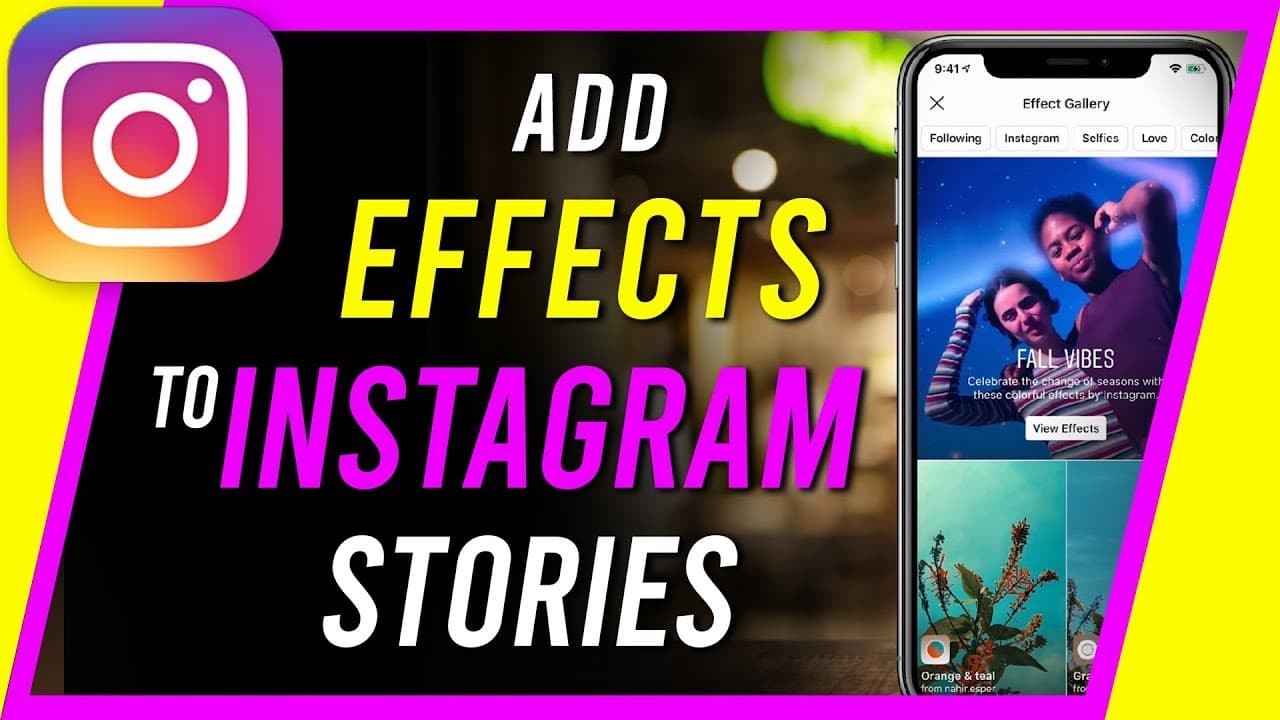
To add more effects to your Instagram story camera, open the effects gallery by swiping right in the camera mode. Explore both Instagram-created and user-generated effects, and save your favorites for easy access. You can customize, manage, and remove effects from your camera settings to enhance your stories creatively.
Transcript
everyone in today's Instagram video I wanted to show you how to add a lot more effects than the one that you see here created by Instagram to your Instagram story camera so a lot of people don't know that the effects that you see here are just a few available that you could add and customize here and if it's your first time here I make easy-to-foll... Read More
Key Insights
- 🫥 Instagram offers a hidden effects gallery with a multitude of options beyond the default effects visible on the story camera.
- 👤 Users can save favorite effects for quick access and apply them to their photos and videos effortlessly.
- 🎥 Customizing the Instagram story camera with a variety of effects enhances creativity and personalizes content shared on the platform.
- 👤 Accessing user-generated effects in addition to Instagram-created ones provides a diverse range of options for users to choose from.
- 👻 Removing unwanted effects from the camera settings is a simple process, allowing users to maintain a curated selection of effects.
- 👤 Saving effects to favorites on Instagram enables users to quickly access and apply their preferred filters when capturing stories.
- 👀 The ability to download and save effects as favorites expands the creative possibilities for users looking to enhance their Instagram content.
Install to Summarize YouTube Videos and Get Transcripts
Explore YouTube Video Summarizer or Get YouTube Transcript Extractor
Questions & Answers
Q: How can users access more effects for their Instagram story camera?
Users can access a variety of effects beyond the default options by tapping on the "Browse Effects" tab in the camera settings of their Instagram story camera. This allows them to explore Instagram-created effects and user-generated options for customization.
Q: How can users save their favorite effects on Instagram?
To save a favorite effect on Instagram, users can simply tap on the effect they like and then press the "Save Effect" button. This saves the effect to their camera for easy access and quick application to their stories.
Q: Can users remove effects they no longer want on their Instagram camera?
Yes, users can easily remove effects they no longer want on their Instagram camera. By tapping on the effect they wish to remove, selecting "More," and then choosing "Remove," the effect will be deleted from their camera options.
Q: How can users access additional camera styles and effects on Instagram?
Users can expand their options for camera styles and effects on Instagram by exploring the various tabs within the effects gallery, such as "Instagram," "Camera Styles," and more, to discover a wide range of creative filters and effects.
Summary & Key Takeaways
-
Many Instagram users are unaware of the wide range of effects available beyond the default ones visible on the story camera.
-
By accessing the effects gallery, users can explore Instagram-created effects as well as user-generated options.
-
Users can save favorite effects, customize their camera, and easily manage and remove effects as needed.
Read in Other Languages (beta)
Share This Summary 📚
Summarize YouTube Videos and Get Video Transcripts with 1-Click
Try YouTube Summary with ChatGPT & Claude or YouTube Transcript Generator
Explore More Summaries from Howfinity 📚






Summarize YouTube Videos and Get Video Transcripts with 1-Click
Try YouTube Summary with ChatGPT & Claude or YouTube Transcript Generator