How to Set Up Facebook Ads for Beginners Successfully
TL;DR
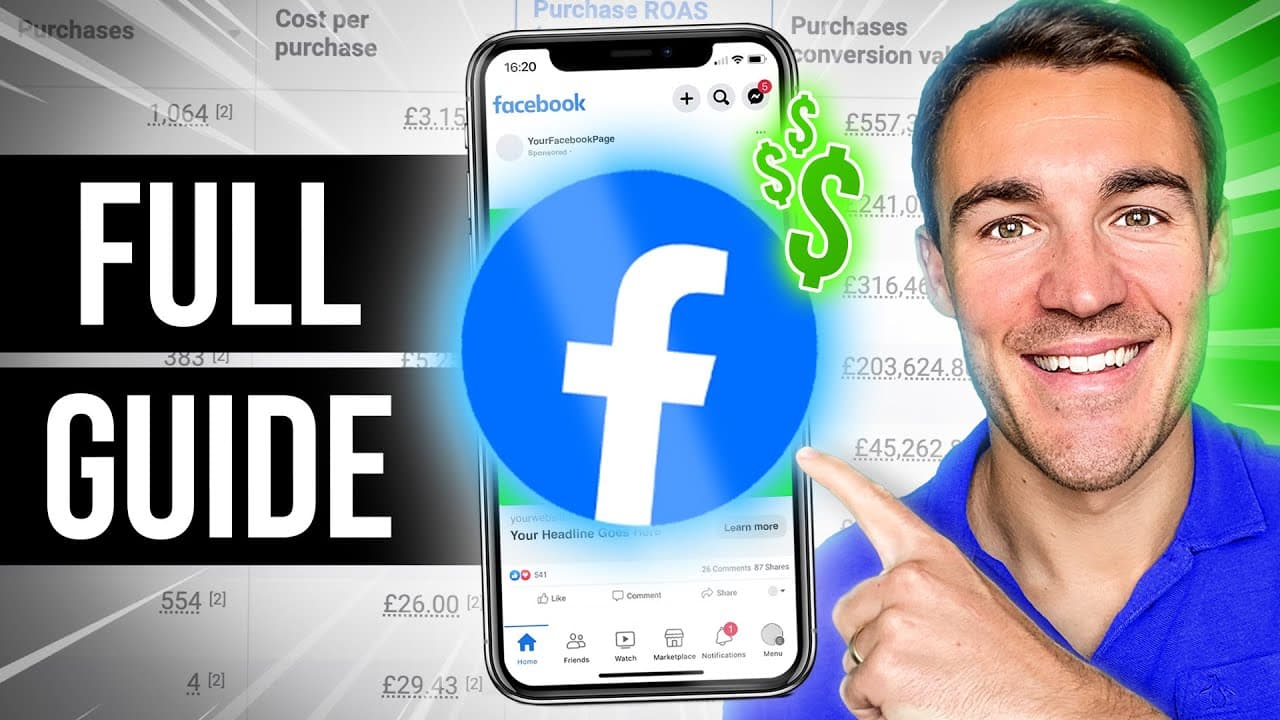
To set up Facebook ads as a beginner, create a Meta Business Manager account to organize your assets. Use the auction buying type for optimization and start with leads or sales as your campaign objective. Regularly monitor key metrics in Ads Manager to assess success and make adjustments as needed.
Transcript
in this video I'm going to go through the entire process of creating a Facebook ad campaign an Instagram ad campaign from scratch so if you've never run a Facebook ad before or you have but you're not sure that you set up everything correctly this is the exact video that you need it's going to walk you through every single step every single setting... Read More
Key Insights
- Setting up a Meta Business Manager account is crucial for organizing and running Facebook and Instagram ads effectively.
- Using Advantage Campaign Budget helps allocate budget to the best performing ad sets, optimizing overall campaign performance.
- For beginners, using auction as the buying type is recommended over reservation due to its flexibility and optimization capabilities.
- Choosing the right campaign objective, like leads or sales, is essential for Meta to optimize the campaign for desired results.
- Advantage Plus Audience allows for more flexible targeting by using suggestions rather than strict boundaries, beneficial for beginners.
- Instant forms can generate cheaper leads but often result in lower quality, whereas sending users to a website can yield higher quality leads.
- Utilizing Advantage Plus placements allows Meta to optimize ad placements for better performance, especially with leads or sales objectives.
- Monitoring results and cost per result in Ads Manager is key to assessing campaign success and making necessary adjustments.
Install to Summarize YouTube Videos and Get Transcripts
Explore YouTube Video Summarizer or Get YouTube Transcript Extractor
Questions & Answers
Q: How do you set up a Meta Business Manager account?
To set up a Meta Business Manager account, visit business.facebook.com and click on 'Create Account.' Fill in your business details and follow the prompts to complete the setup. This account will allow you to organize and manage all your Facebook and Instagram assets, such as pages and ad accounts, in one place.
Q: What is Advantage Campaign Budget and why should beginners use it?
Advantage Campaign Budget, previously known as Campaign Budget Optimization, allows Meta to allocate your budget to the best performing ad sets within a campaign. This optimization helps improve overall campaign performance by focusing resources on what works best, making it ideal for beginners who may not have the experience to manually adjust budgets effectively.
Q: Why is choosing the right campaign objective important?
Choosing the right campaign objective is crucial because it dictates how Meta optimizes your campaign. For example, selecting 'leads' or 'sales' ensures that Meta targets users most likely to complete those actions. This optimization is based on Meta's AI and machine learning capabilities, which analyze user behavior to deliver the best results.
Q: What are the benefits of using Advantage Plus Audience?
Advantage Plus Audience allows for more flexible targeting by treating your specified criteria as suggestions rather than strict boundaries. This flexibility enables Meta to expand beyond your initial targeting parameters to find potential customers who might not fit the exact criteria but are still likely to convert, making it beneficial for beginners.
Q: How do instant forms compare to directing users to a website?
Instant forms typically result in a lower cost per lead because they offer a seamless in-app experience for users. However, the leads generated are often of lower quality compared to those obtained by directing users to a website, where they can engage more deeply with your brand and its offerings.
Q: What is the role of Advantage Plus placements in ad performance?
Advantage Plus placements allow Meta to automatically select the best ad placements across Facebook and Instagram to optimize performance. This feature is particularly effective with leads or sales campaign objectives, as Meta focuses on placements that are more likely to drive the desired actions, reducing the need for manual placement adjustments.
Q: What metrics should be monitored to assess campaign success?
Key metrics to monitor include the 'results' column, which shows the number of conversions (leads or sales), and 'cost per result,' which indicates how much each conversion costs. These metrics help determine the campaign's effectiveness and profitability, guiding decisions on scaling, adjusting, or pausing the campaign.
Q: How can beginners optimize their ad creative?
Beginners can optimize ad creative by using Advantage Plus Creative, which employs Meta's AI to enhance images, add music, and adjust text placements for better performance. Keeping ad copy concise and benefit-focused, using attention-grabbing headlines, and testing different creative elements can also improve engagement and conversion rates.
Summary & Key Takeaways
-
The video provides a detailed walkthrough for beginners on setting up and running Facebook ad campaigns, starting from creating a Meta Business Manager account to launching the ad campaign.
-
It emphasizes the importance of selecting the right campaign objective, using Advantage Campaign Budget, and understanding the role of Advantage Plus Audience in optimizing ad performance.
-
The guide also covers the significance of monitoring key metrics like cost per result and provides insights on targeting options, ad placements, and creative optimization.
Read in Other Languages (beta)
Share This Summary 📚
Summarize YouTube Videos and Get Video Transcripts with 1-Click
Try YouTube Summary with ChatGPT & Claude or YouTube Transcript Generator
Explore More Summaries from Ben Heath 📚
Summarize YouTube Videos and Get Video Transcripts with 1-Click
Try YouTube Summary with ChatGPT & Claude or YouTube Transcript Generator