How to Use iMessages - Complete Tutorial
TL;DR
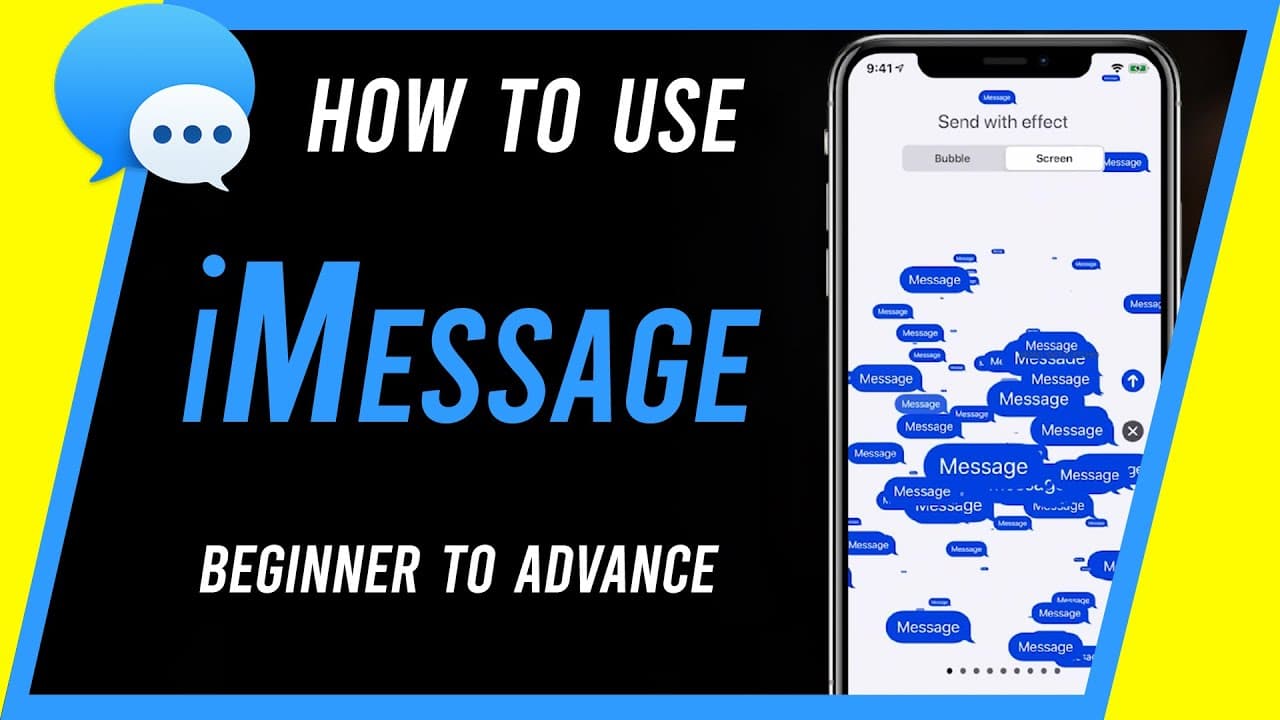
Learn how to efficiently use iMessage on Apple devices, including sending messages with special effects and utilizing advanced options.
Transcript
hey everyone in today's video i want to show you how to use imessage if you're new to using imessage that's basically apple's way of sending text messages or instant text messages and it works between all iphones ipads ipod touch and even works on mac computers and the big difference is unlike text messages you could use your wi-fi or your cell dat... Read More
Key Insights
- 🐕🦺 iMessage is Apple's instant text messaging service for seamless communication across all Apple devices.
- 😫 Setting up iMessage involves ensuring the service is turned on in settings and linking your phone number.
- 😀 Advanced options in iMessage include reactions, voice messages, photo sharing with effects, and in-app integration for additional services.
- 👨🔬 Efficiently manage conversations in iMessage by organizing chats, deleting message histories, searching for specific words, and utilizing the search bar effectively.
- 👻 iMessage allows for special effects like reactions, message effects, and the ability to send voice messages and photos with editing options.
- 😀 In-app integration in iMessage enables users to access services like Apple Pay, create memoji, and share content seamlessly.
- 😑 Utilize the special effects in iMessage to enhance communication and express emotions creatively.
Install to Summarize YouTube Videos and Get Transcripts
Explore YouTube Video Summarizer or Get YouTube Transcript Extractor
Questions & Answers
Q: What is iMessage and how does it differ from regular text messaging?
iMessage is Apple's instant text messaging service that works between Apple devices using Wi-Fi or cell data, allowing for special effects and reactions, unlike traditional text messages.
Q: How can I set up iMessage on my iPhone or iPad?
Set up iMessage by ensuring the service is turned on in settings, linking a phone number, and signing into your Apple ID to send and receive messages efficiently.
Q: What are some advanced options available in iMessage?
Advanced options in iMessage include reactions, copying messages, forwarding messages, sending voice messages, sharing photos with effects, and using in-app integration for services like Apple Pay.
Q: How can I efficiently manage conversations in iMessage?
Manage conversations in iMessage by navigating between individual chats, group messages, deleting message histories, searching for specific words, and utilizing the search bar for quick access to information.
Summary & Key Takeaways
-
iMessage is Apple's instant text messaging service for iPhone, iPad, iPod touch, and Mac computers, using Wi-Fi or cell data.
-
Set up iMessage by ensuring it's turned on in settings, linking your phone number, and signing into your Apple ID.
-
Send messages, use advanced options like reactions and effects, and manage conversations efficiently in the iMessage app.
Read in Other Languages (beta)
Share This Summary 📚
Summarize YouTube Videos and Get Video Transcripts with 1-Click
Try YouTube Summary with ChatGPT & Claude or YouTube Transcript Generator
Explore More Summaries from Howfinity 📚






Summarize YouTube Videos and Get Video Transcripts with 1-Click
Try YouTube Summary with ChatGPT & Claude or YouTube Transcript Generator