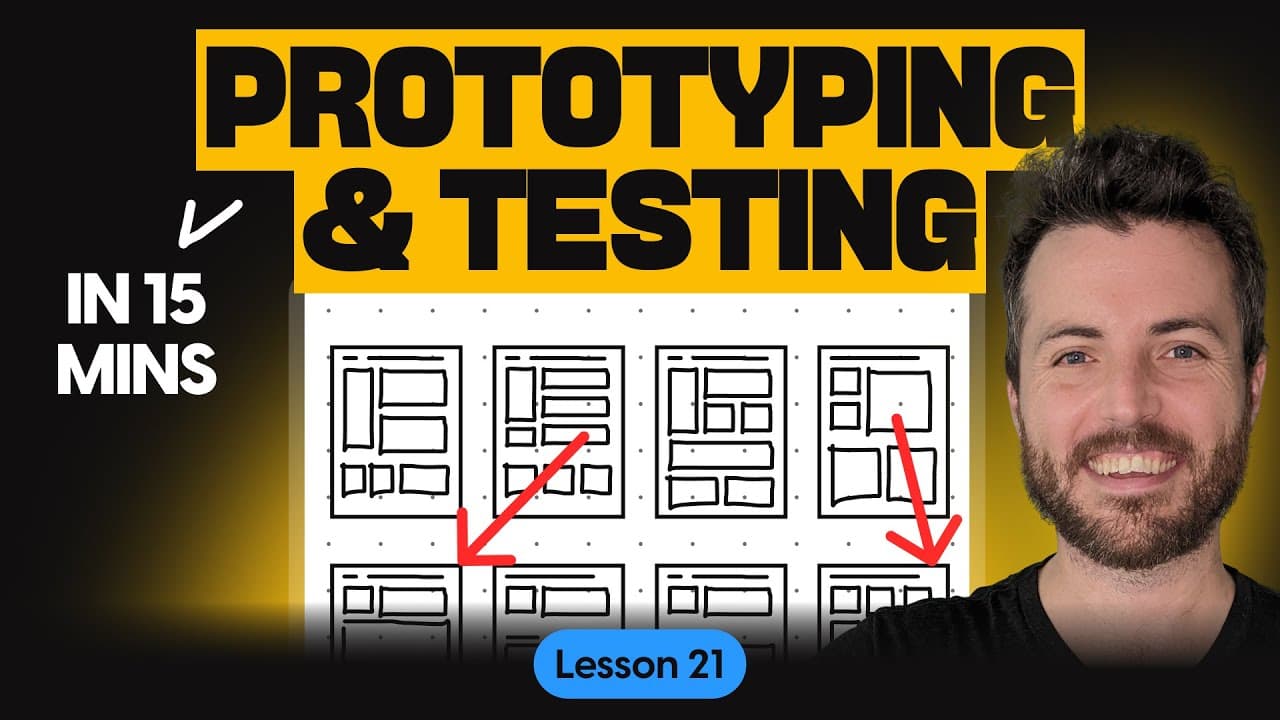
How to Design Prototypes and Conduct Usability Testing in UX Projects | Free UX course (Lesson 21)
TL;DR
Usability testing is essential for ensuring optimal customer experiences through prototypes.
Transcript
if you're building a new product how do you ensure that customers have the best experience similarly how would you discover usability issues and find areas where customers are struggling so you can fix those problems before the product is released the answer usability testing but you have to have something to test so unless you're testing an existi... Read More
Key Insights
- 🎨 Usability testing helps validate design decisions with factual data rather than opinions, thereby reducing subjective arguments in the design process.
- 🥅 The primary goal of usability testing is to ensure that the product is useful, relevant, and ultimately assists users in achieving their goals.
- 👻 Prototyping is crucial in design as it allows for early testing of concepts, helping save time and resources by identifying potential issues before full development.
- 😘 Low to high-fidelity prototypes can be employed based on the design stage, helping validate navigation and detailed interactions, respectively.
- 👤 A successful usability test generally involves four to eight target users, ensuring that feedback is relevant and meaningful.
- 🏆 Utilizing software like Dovetail facilitates efficient analysis of usability test data, helping to identify themes and common problems effectively.
- ⌛ Task completion metrics such as successful task completion, critical errors, and time on task provide clear performance indicators during usability testing.
Install to Summarize YouTube Videos and Get Transcripts
Explore YouTube Video Summarizer or Get YouTube Transcript Extractor
Questions & Answers
Q: What is the purpose of usability testing?
The main purpose of usability testing is to evaluate a product's effectiveness by observing real users as they complete typical tasks. This process helps identify usability issues, gather qualitative data, and measure participants' satisfaction, ultimately ensuring the product is useful and user-friendly.
Q: How can designers prepare for conducting usability tests?
Designers should begin by welcoming participants and providing an overview of the study. They should reassure participants that the testing focuses on the product, not the individual, and obtain consent for recording. Also, they should prepare tasks and scenarios related to the prototype for testing.
Q: What type of data should designers analyze after usability testing?
Following usability testing, designers should analyze both qualitative and quantitative data. This includes task completion rates, user satisfaction levels, and errors encountered. Identifying trends and common barriers across multiple sessions can provide insights into usability issues and areas for improvement.
Q: What are different types of prototypes in design?
Prototypes can be categorized into three types: coded prototypes using real code, paper prototypes consisting of sketches linked together, and digital prototypes that utilize software to create interactive mockups. Each type serves different purposes depending on the fidelity and the phase of the design process.
Q: How do usability testing and prototyping improve user experience?
Usability testing allows designers to see how real users interact with their prototypes, which uncovers usability issues and inefficiencies not apparent in theoretical designs. Prototyping facilitates rapid iteration and user feedback, ensuring that final products meet user needs and expectations.
Q: What are some recommended tools for digital prototyping?
Suggested tools for creating digital prototypes include Figma, Sketch, InVision, and Adobe XD. These tools enable designers to construct interactive models that can be shared with participants for remote usability testing, enhancing the feedback and validation process.
Summary & Key Takeaways
-
Usability testing evaluates products by observing real users, allowing designers to identify issues and improve user satisfaction effectively.
-
Prototypes are essential tools in the design process that enable early testing of concepts, helping designers validate ideas before full-scale development.
-
The process includes a series of structured steps: introduction, task execution, and analysis of both qualitative and quantitative data to inform design decisions.
Read in Other Languages (beta)
Share This Summary 📚
Summarize YouTube Videos and Get Video Transcripts with 1-Click
Try YouTube Summary with ChatGPT & Claude or YouTube Transcript Generator
Explore More Summaries from Kickass UX 📚

Summarize YouTube Videos and Get Video Transcripts with 1-Click
Try YouTube Summary with ChatGPT & Claude or YouTube Transcript Generator