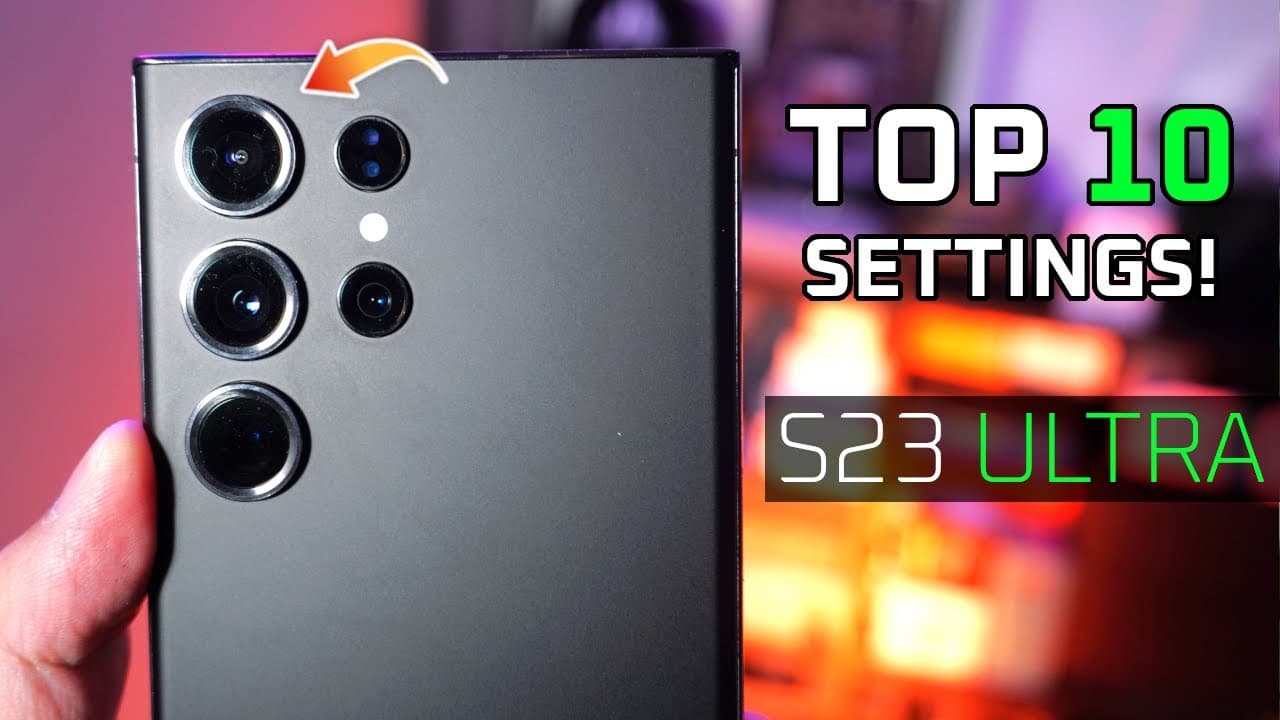
UNLEASH its potential! Samsung Galaxy S23 Ultra Settings Guide 🔥
TL;DR
Enhance your Samsung S23 Ultra experience with personalized settings for display, camera, and audio.
Transcript
wow so great now that you've gotten your brand new s23 Ultra and you've probably done the bare minimum which is signing into Google and pointing over your data is there anything else that needs to be done to maximize its potential well after using it for a few weeks I'm gonna give you my personal settings for the s23 ultra which involves the displa... Read More
Key Insights
- 😃 Utilizing dark mode is crucial for reducing eye strain and improving battery conservation, particularly during extended use.
- 📼 Setting the screen resolution to WQHD Plus enhances video clarity, beneficial for high-resolution media consumption but may affect battery life.
- 👻 Camera modifications, such as turning off scene optimizer, allow for more authentic image capturing, fostering creativity in photography.
- 🤟 Swipe gesture navigation offers a more efficient and modern user interface compared to traditional navigation buttons, enhancing overall usability.
- 🥺 Boosting system vibration intensity improves haptic feedback, making interactions more satisfying and similar to leading competitors like the iPhone.
- ❓ Adjusting audio settings, including enabling Dolby Atmos and choosing an appropriate equalizer, greatly enhances the audio experience on the S23 Ultra.
- 🤗 Access to developer mode opens up opportunities for users to experiment with advanced settings, enhancing personalization based on individual preferences.
Install to Summarize YouTube Videos and Get Transcripts
Explore YouTube Video Summarizer or Get YouTube Transcript Extractor
Questions & Answers
Q: Why is activating dark mode recommended for the S23 Ultra?
Activating dark mode is recommended as it reduces eye strain while using the device in low-light conditions. Furthermore, it helps conserve battery life, which is essential for extending usage time. Users can enjoy a more comfortable viewing experience while potentially saving energy.
Q: What screen resolution should I set for optimized media viewing?
For optimized media viewing, setting the screen resolution to WQHD Plus is advisable. This maximizes screen sharpness and is particularly beneficial when watching 4K content, providing better visual clarity. However, users should be cautious as this can impact battery life, making dark mode a helpful complement.
Q: How can I improve the audio experience on my S23 Ultra?
To enhance audio performance, enable both Dolby Atmos options in sound settings and select the pop equalizer for a balanced sound profile. This optimization works best with headphones or earbuds, significantly improving sound quality, especially in terms of clarity and richness during playback.
Q: What are the benefits of using swipe gestures instead of legacy navigation buttons?
Swipe gestures provide a more streamlined and modern approach to navigating the device, often making it quicker and more intuitive than using legacy navigation buttons. This can lead to a more pleasant user experience, allowing for a more immersive interaction with the S23 Ultra.
Q: Why is it suggested to turn off scene optimizer in the camera settings?
Turning off scene optimizer prevents the camera from artificially enhancing images, which can result in unrealistic color and contrast. By disabling this feature, users can capture photos that are more true to life, allowing for greater creative control and authenticity in photography.
Q: What does enabling developer mode allow users to do?
Enabling developer mode provides access to hidden settings and advanced features on the phone. Users can explore various options, including finding specific Bluetooth codec support, which can aid in optimizing audio performance for headphones and earbuds, ultimately leading to enhanced user satisfaction.
Summary & Key Takeaways
-
The video provides personalized settings for optimizing the Samsung S23 Ultra, focusing on display, camera, and audio configurations to enhance user experience.
-
Viewers are advised to activate dark mode for better battery performance and change screen resolution to WQHD Plus for sharper visuals, balancing preferences against battery consumption.
-
Camera settings such as turning off scene optimizer and using grid lines for better composition are recommended, along with adjustments in audio settings for improved sound quality.
Read in Other Languages (beta)
Share This Summary 📚
Summarize YouTube Videos and Get Video Transcripts with 1-Click
Try YouTube Summary with ChatGPT & Claude or YouTube Transcript Generator
Explore More Summaries from Aaron X Loud and Wireless Reviews 📚






Summarize YouTube Videos and Get Video Transcripts with 1-Click
Try YouTube Summary with ChatGPT & Claude or YouTube Transcript Generator