How to Draw a Piper Cub Airplane in Simple Steps
TL;DR
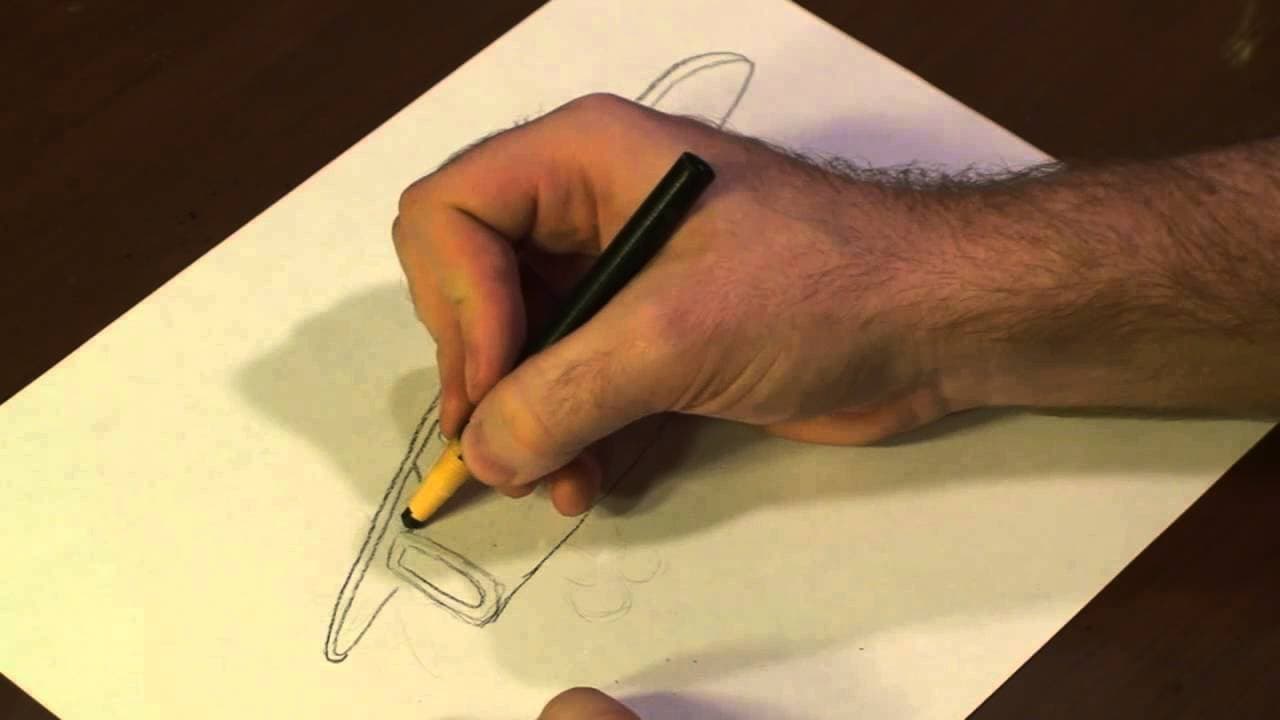
To draw a Piper Cub airplane, start by outlining basic angular shapes for the body and wings, then add details like the cabin and landing gear. Finish with a propeller and darken your lines for depth. This step-by-step approach makes it easier for beginners to create a recognizable Piper Cub.
Transcript
hello there I'm Mike weasner I'm an animator illustrator and graphic designer and today I'm going to show you how to draw a Piper Cub let's get started all right guys to begin with drawing our pepper Cub we're going to first begin by drawing out a little angular box draw another one inside of it and we're going to start using a line again drawing o... Read More
Key Insights
- 💠 Starting with basic shapes is a helpful technique for drawing complex objects.
- 😘 Adding details like the cabin, wings, tail fin, and landing gear brings the drawing to life.
- 🫥 Enhancing the drawing with darkened lines and a decal adds depth and realism.
- 🔰 Following a step-by-step tutorial can help beginners improve their drawing skills.
- 😃 Attention to small details like the propeller can make a big difference in the overall drawing.
- 🤩 Practice and patience are key elements in learning how to draw effectively.
- ❓ Experimenting with different techniques and styles can further develop artistic abilities.
Install to Summarize YouTube Videos and Get Transcripts
Explore YouTube Video Summarizer or Get YouTube Transcript Extractor
Questions & Answers
Q: What are the initial shapes used to start drawing a Piper Cub?
To begin drawing a Piper Cub, you start with angular boxes, followed by lines to outline the body, wings, cabin, tail fin, and landing gear.
Q: How do you add details like the propeller to the Piper Cub drawing?
To add the propeller, draw a little bump followed by the front part, enhancing the airplane's appearance.
Q: What are the final steps to complete the Piper Cub drawing?
The final steps involve darkening the lines to emphasize certain features and adding a decal to give the drawing more depth and detail.
Q: How can beginners improve their drawing skills with this tutorial?
Beginners can follow along with the clear and straightforward steps demonstrated by Mike Weasner to enhance their drawing skills and create a realistic Piper Cub airplane.
Summary & Key Takeaways
-
The video tutorial by Mike Weasner demonstrates step-by-step how to draw a Piper Cub airplane.
-
Starting with angular shapes, adding details like the cabin, wings, tail fin, and landing gear.
-
The final touches include adding a propeller and enhancing the drawing with darkened lines and a decal.
Read in Other Languages (beta)
Share This Summary 📚
Summarize YouTube Videos and Get Video Transcripts with 1-Click
Try YouTube Summary with ChatGPT & Claude or YouTube Transcript Generator
Explore More Summaries from ehow 📚

Summarize YouTube Videos and Get Video Transcripts with 1-Click
Try YouTube Summary with ChatGPT & Claude or YouTube Transcript Generator