How to Create Trailing Stop Orders on thinkorswim
TL;DR
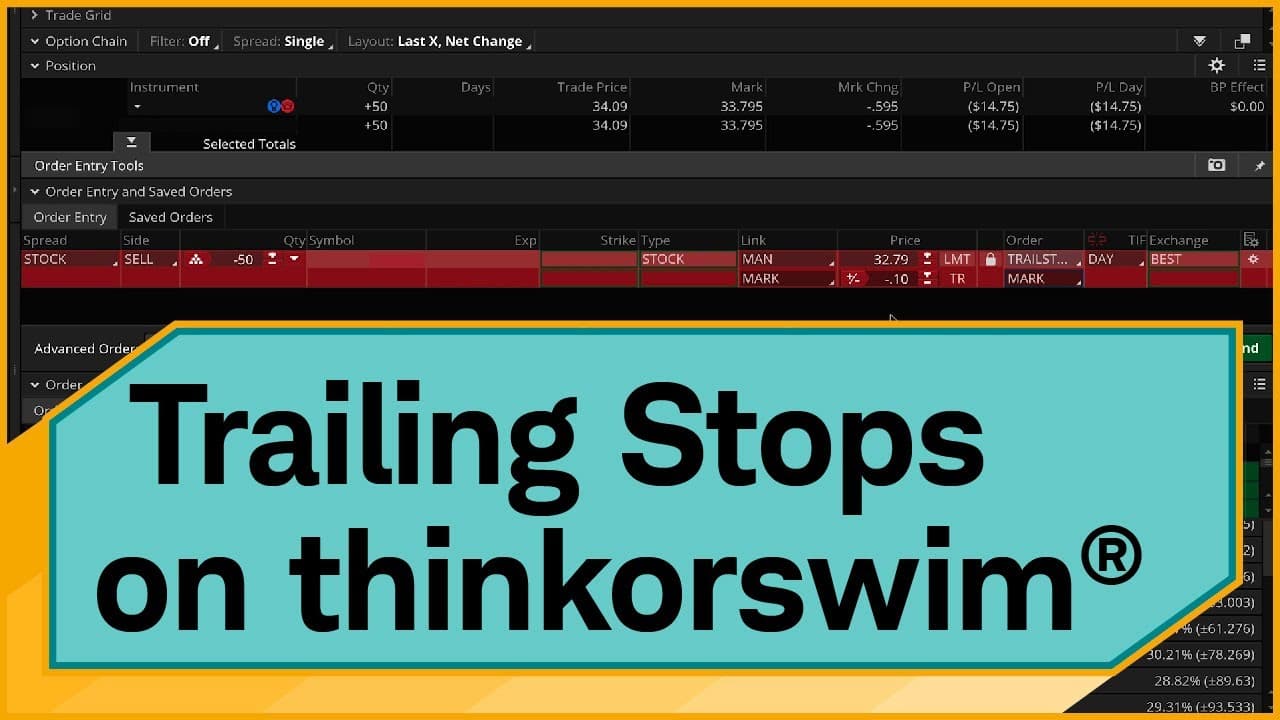
To create trailing stop orders on thinkorswim, right-click on a stock and select 'Create closing order', then choose 'TRAILSTOP'. You can set offsets in dollars or percentages, and opt for a trailing stop limit for more price control. Regular trail stops provide a higher likelihood of selling the stock, while limit orders enhance price control without guaranteeing a fill.
Transcript
Hello, traders. I'm Jeremy Kuhlman and in this video, I'm going to show you how to place trail stop orders on the thinkorswim® desktop platform. We're going to show you a few different examples, starting with how to do a trail stop based off of $1 offset; second, we're going to do one with a percentage offset; and finally, at the end, we're going t... Read More
Key Insights
- ✋ The thinkorswim desktop platform provides options for creating trail stop orders based on different offsets.
- 😷 Selecting the mark price as the reference point for trailing is suitable for liquid stocks, while using the bid or ask prices may be preferable for stocks with wider bid/ask spreads.
- ✋ Trail stop limit orders offer more price control but do not guarantee a fill, while regular trail stop orders provide a higher probability of selling but have less price control.
- 😫 It is important to consider the time frame and potential price changes when setting a trail stop order.
- 😫 The platform allows for adjusting the offset and setting orders as good 'til cancel for flexibility and convenience.
- 🪈 Monitoring working orders in the "Monitor" section of the platform helps track and manage trail stop orders.
Install to Summarize YouTube Videos and Get Transcripts
Explore YouTube Video Summarizer or Get YouTube Transcript Extractor
Questions & Answers
Q: What is a trail stop order?
A trail stop order is an order that automatically adjusts as the price of a stock moves, allowing traders to lock in profits or limit losses.
Q: How can I create a trail stop order on thinkorswim?
To create a trail stop order on thinkorswim, right-click on the stock you want to sell, select "Create closing order," choose "STOP," and then change it to "TRAILSTOP" and adjust the offset as desired.
Q: What is the difference between a trail stop order with a $1 offset and a percentage offset?
A trail stop order with a $1 offset adjusts the stop price by a fixed dollar amount, while a trail stop order with a percentage offset adjusts the stop price based on a percentage change from the mark price.
Q: When should I use a trail stop limit order?
A trail stop limit order should be used when you want more control over the price at which you sell a stock. This type of order allows you to set a limit price for the order once the stop price is triggered.
Summary & Key Takeaways
-
The video demonstrates how to create a trail stop order on the thinkorswim desktop platform.
-
The process is shown using examples with a $1 offset, percentage offset, and trail stop limit order.
-
The video also discusses considerations for selecting the price to trail, such as using the mark price or bid/ask spread.
Read in Other Languages (beta)
Share This Summary 📚
Summarize YouTube Videos and Get Video Transcripts with 1-Click
Try YouTube Summary with ChatGPT & Claude or YouTube Transcript Generator
Explore More Summaries from Charles Schwab 📚






Summarize YouTube Videos and Get Video Transcripts with 1-Click
Try YouTube Summary with ChatGPT & Claude or YouTube Transcript Generator