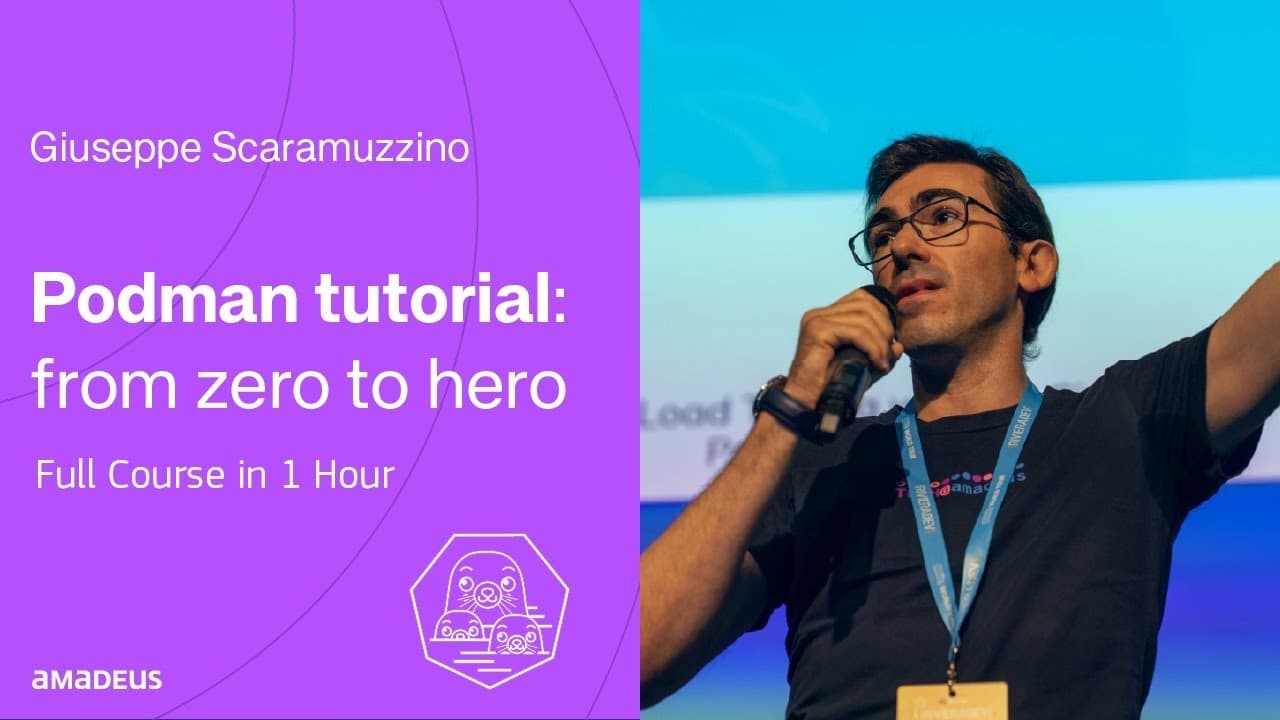
Podman Tutorial Zero to Hero | Full 1 Hour Course
TL;DR
Learn Podman for container management, an alternative to Docker.
Transcript
if I say containers what's come to mind Docker right don't worry it's fine but Docker is not the only tool available for creating air running containers there is also podman hello and welcome to this podman tutorial from Zero to Hero my name is jeppe I'm a senior software engineer at Amad together we will explore the world of bman let's start let's... Read More
Key Insights
- Podman is a daemonless, open-source tool for managing OCI containers, offering similar features to Docker but with added security benefits like rootless containers.
- Podman supports running containers in pods, a concept from Kubernetes, allowing for multi-container management and export as Kubernetes manifests.
- Installation of Podman varies by operating system, with specific commands for Ubuntu, macOS, and Windows, often involving virtual machines for non-Linux systems.
- Podman provides commands similar to Docker for managing containers, including search, pull, run, and inspect, making it user-friendly for those familiar with Docker.
- Podman allows for custom configuration of container registries, enabling the use of Docker Hub, GitHub Container Registry, and private registries.
- Podman supports building custom container images using Dockerfiles and provides commands for pushing these images to container registries.
- Podman offers the ability to generate Kubernetes YAML manifests from Podman pods, facilitating the transition from local development to Kubernetes deployment.
- Podman Desktop provides a graphical interface for managing Podman containers and Kubernetes, simplifying container management for users on various operating systems.
Install to Summarize YouTube Videos and Get Transcripts
Explore YouTube Video Summarizer or Get YouTube Transcript Extractor
Questions & Answers
Q: What is Podman and how does it differ from Docker?
Podman is a daemonless, open-source tool for managing OCI containers, offering features similar to Docker but with added security benefits. Unlike Docker, Podman can run containers as rootless, enhancing security by not requiring root privileges. It also integrates with Kubernetes, allowing for pod management and Kubernetes manifest generation.
Q: How can Podman be installed on different operating systems?
Podman can be installed on Ubuntu using 'sudo apt update' and 'sudo apt install podman'. On macOS, it can be installed via Homebrew with 'brew install podman'. For Windows, users can download the executable from the official GitHub repository. Non-Linux systems typically require a virtual machine to run containers.
Q: What are some key features of Podman?
Key features of Podman include daemonless operation, rootless containers for enhanced security, support for running containers in Kubernetes-like pods, and the ability to generate Kubernetes YAML manifests. It also allows custom configuration of container registries and offers a similar command set to Docker for ease of use.
Q: How does Podman support Kubernetes integration?
Podman supports Kubernetes integration by allowing containers to be run in pods, similar to Kubernetes pods. It can generate Kubernetes YAML manifests from Podman pods, facilitating the transition from local development to Kubernetes deployment. This feature helps developers manage and scale applications within a Kubernetes cluster.
Q: What is Podman Desktop and its benefits?
Podman Desktop is a graphical interface for managing Podman containers and Kubernetes. It simplifies container management by providing an intuitive user experience, allowing users to pull, build, and run images, manage pods, and generate Kubernetes manifests. It is available for Windows, macOS, and Linux, making it accessible to a wide range of users.
Q: How does Podman handle container registries?
Podman allows for custom configuration of container registries, enabling users to pull and push images from various registries like Docker Hub, GitHub Container Registry, or private registries. Users can create a separate registry configuration file in their user directory for custom settings, ensuring flexibility in registry management.
Q: What commands does Podman offer for container management?
Podman offers a range of commands similar to Docker, including 'podman search', 'podman pull', 'podman run', and 'podman inspect'. These commands allow users to find, download, run, and inspect containers, making Podman accessible for users familiar with Docker's command-line interface.
Q: How can users build and share custom container images with Podman?
Users can build custom container images with Podman using a Dockerfile, specifying build instructions for their application. Once built, images can be tagged and pushed to a container registry using 'podman push'. This allows developers to share their applications with others, facilitating collaboration and deployment.
Summary & Key Takeaways
-
Podman is an open-source, Linux-native tool for managing OCI containers, similar to Docker but with enhanced security features like rootless containers. It supports running containers in Kubernetes-like pods, allowing for multi-container management and export as Kubernetes manifests.
-
Podman can be installed on various operating systems, including Ubuntu, macOS, and Windows, often requiring a virtual machine for non-Linux systems. It offers commands similar to Docker for container management, making it accessible for Docker users.
-
Podman Desktop provides a user-friendly interface for managing containers and Kubernetes, supporting custom registry configurations and the generation of Kubernetes manifests. It simplifies container management and deployment for developers across different platforms.
Read in Other Languages (beta)
Share This Summary 📚
Summarize YouTube Videos and Get Video Transcripts with 1-Click
Try YouTube Summary with ChatGPT & Claude or YouTube Transcript Generator
Explore More Summaries from Amadeus for Developers 📚
Summarize YouTube Videos and Get Video Transcripts with 1-Click
Try YouTube Summary with ChatGPT & Claude or YouTube Transcript Generator