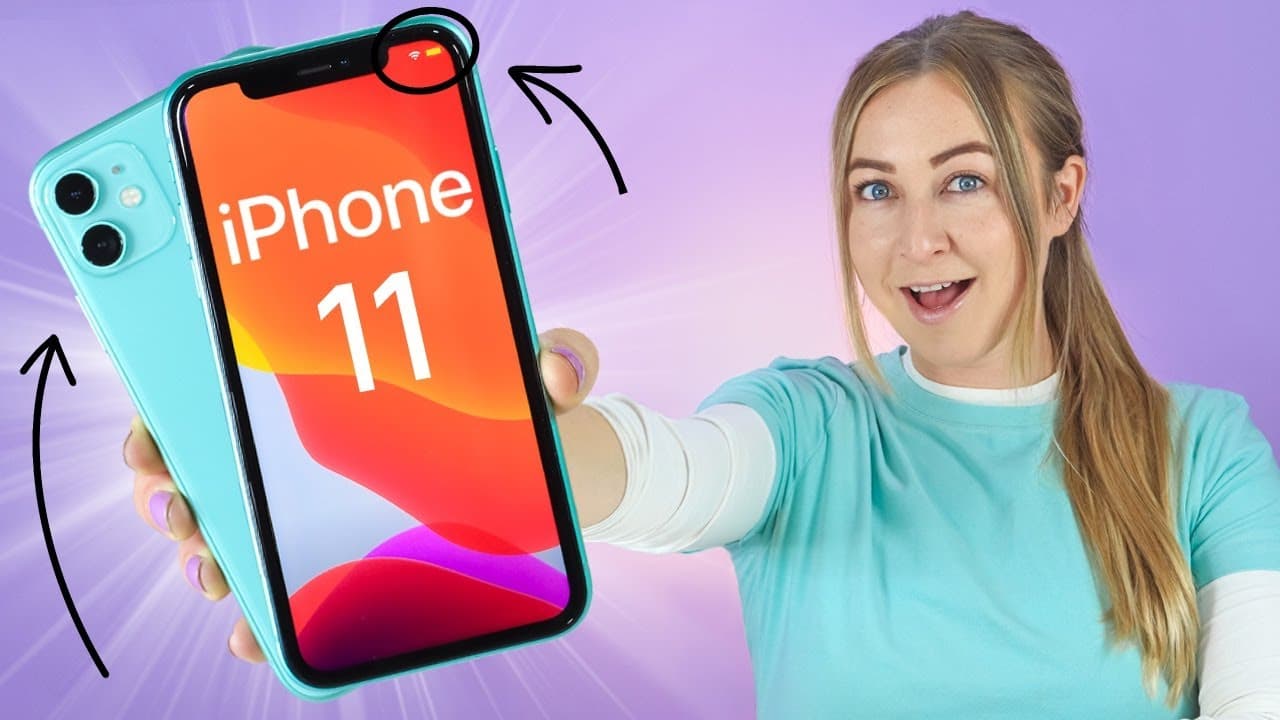
iPhone 11 Tips Tricks & Hidden Features + IOS 13 | THAT YOU MUST TRY!!! ( iPhone 11 Pro, 11 Pro Max)
TL;DR
Learn about 10 essential tips, tricks, and features for the iPhone 11, including gestures, camera functions, control center shortcuts, and more.
Transcript
I was 13 iPhone 11 I am shocked I have 10 tips tricks and any features that you guys absolutely must try now you can email like a pro using way more gestures and a whole bunch of other epic new features but also stay until the end of the video because I'm going to be giving away this app store gift card to one of you guys so let's get into it so st... Read More
Key Insights
- 👀 Apple Maps offers new features like 3D mapping and immersive look-arounds, enhancing the navigation experience.
- 🤳 The iPhone 11's camera capabilities include toggling lenses, capturing slow-motion selfies, and using backlighting for illuminated frames.
- 🎮 The control center provides quick access features for Wi-Fi, Bluetooth, and dark mode activation.
- 🍄 Creating personalized meme emojis adds a fun touch to contact photos.
- 😀 Quick actions for app shortcuts and previewing notifications make navigation more convenient.
- 💨 The quickpath keyboard feature enables faster and more accurate typing.
- 💌 Enhancing emails with customized text styles and attachments helps create professional-looking messages.
- 📜 Document scanning via the Files app simplifies the process of digitizing physical documents.
- 👻 Full-page screenshots and editing tools allow for easy annotation and sharing.
Install to Summarize YouTube Videos and Get Transcripts
Explore YouTube Video Summarizer or Get YouTube Transcript Extractor
Questions & Answers
Q: How can I navigate and explore using Apple Maps on the iPhone 11?
You can toggle between satellite view, access 3D mapping, rotate your view, and even experience an immersive 3D look-around feature by placing a pin on the map.
Q: What camera features are available on the iPhone 11?
Aside from toggling between lenses, you can easily transition from taking pictures to recording videos by holding down the shutter button. You can also capture slow-motion selfies and use backlighting to illuminate the frame.
Q: How can I quickly access Wi-Fi, Bluetooth, and dark mode on my iPhone 11?
Long-press the Wi-Fi or Bluetooth icons in the control center to connect to a network or device. Similarly, long-pressing the brightness icon allows you to toggle dark mode, which also changes the wallpaper to a darker tone.
Q: What are some useful shortcuts and gestures on the iPhone 11?
By clicking and holding app icons, you can access quick actions like viewing activity or posts on Instagram. Swiping down and long-pressing on notifications provides a preview and the ability to respond. The quickpath keyboard enables faster typing by swiping from letter to letter.
Summary & Key Takeaways
-
Explore the new features of Apple Maps, such as 3D mapping and immersive look-around experiences.
-
Discover camera tricks, like toggling between lenses, capturing slow-motion selfies, and using backlighting to illuminate the frame.
-
Learn about quick access features in the control center, including Wi-Fi and Bluetooth connections and dark mode activation.
-
Get creative with personalized meme emojis, quick actions for app shortcuts and notifications, and the quickpath keyboard feature.
-
Enhance your emails with customizable text styles, attachments, and document scanning capabilities.
-
Take advantage of full-page screenshots, editing tools, and useful gestures to scroll, undo/redo actions, select multiple files, and copy/paste text.
-
Enter a giveaway for a $30 App Store gift card by subscribing to the channel and commenting on your favorite tip or feature.
Read in Other Languages (beta)
Share This Summary 📚
Summarize YouTube Videos and Get Video Transcripts with 1-Click
Try YouTube Summary with ChatGPT & Claude or YouTube Transcript Generator
Explore More Summaries from Hayls World 📚






Summarize YouTube Videos and Get Video Transcripts with 1-Click
Try YouTube Summary with ChatGPT & Claude or YouTube Transcript Generator