How to Batch YouTube Content Efficiently
TL;DR
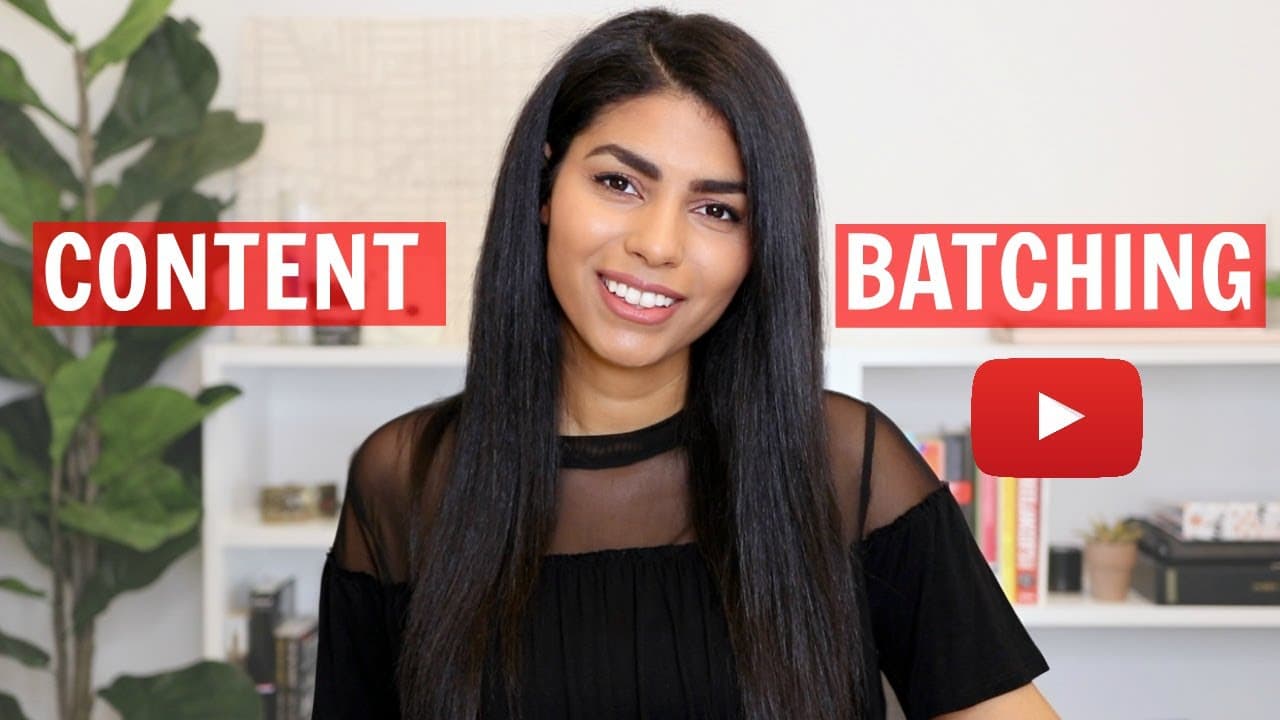
Batching video production is key for maintaining a consistent YouTube content calendar. By planning and filming multiple videos in one day, creators can save time and ensure a steady stream of content. Tools like VidIQ assist in optimizing video titles and topics by analyzing trends and search volumes.
Transcript
hello everyone welcome back to my channel or welcome to my channel if you're new today i'm going to be sharing my secrets for how i keep my youtube content calendar full and how i always have something available to post now i am a full-time business owner i own a creative marketing agency and i also own a coaching business where i help other freela... Read More
Key Insights
- Batching is the process of producing multiple videos in a single session to maintain a full content calendar.
- VidIQ is a tool that helps creators optimize video titles and topics by analyzing search volumes and trends.
- Planning video topics involves sourcing ideas from personal notes, viewer feedback, and trending topics.
- VidIQ features like 'Most Viewed' and 'Trend Alerts' assist in identifying popular content ideas.
- Optimizing video titles before filming helps target specific audiences and improves searchability.
- Using tools like Airtable can help organize and prioritize video topics based on potential impact.
- Blocking out dedicated filming days ensures uninterrupted content production and enhances video quality.
- Prepping equipment and outfits the night before filming can streamline the production process and maintain variety in videos.
Install to Summarize YouTube Videos and Get Transcripts
Explore YouTube Video Summarizer or Get YouTube Transcript Extractor
Questions & Answers
Q: How to efficiently manage a YouTube content calendar?
Efficiently managing a YouTube content calendar involves batching video production, which means filming multiple videos in one session to save time and ensure a steady content flow. Tools like VidIQ help optimize video titles and topics by analyzing trends and search volumes, making content more discoverable. Planning and organizing topics using tools like Airtable can prioritize content based on potential impact.
Q: What is content batching in YouTube video production?
Content batching in YouTube video production is the process of planning and filming multiple videos in a single session. This method saves time, reduces the need for frequent filming, and ensures a consistent flow of content. By preparing in advance and using tools like VidIQ for topic optimization, creators can maintain a full content calendar and improve video discoverability.
Q: How does VidIQ assist in YouTube content creation?
VidIQ assists in YouTube content creation by providing tools that help optimize video titles and topics. Features like 'Most Viewed' and 'Trend Alerts' analyze search volumes and trends, enabling creators to identify popular content ideas. VidIQ helps improve video discoverability by suggesting better tags, titles, and content ideas, ensuring videos reach a wider audience effectively.
Q: Why is optimizing video titles important before filming?
Optimizing video titles before filming is crucial because it helps target specific audiences and improves searchability. By refining titles based on search volumes and competition, creators can ensure their content is discoverable and relevant. This pre-filming optimization guides the content direction, ensuring videos are aligned with audience interests and trends, ultimately enhancing video performance.
Q: What tools can help organize YouTube video topics?
Tools like Airtable can help organize YouTube video topics by allowing creators to prioritize content based on potential impact and business objectives. Airtable provides a structured way to track video ideas, search volumes, and priority levels. This organization ensures a strategic approach to content creation, helping creators focus on topics with high potential for engagement and discoverability.
Q: How can dedicated filming days improve video quality?
Dedicated filming days improve video quality by providing uninterrupted time for content production. By blocking out entire days for filming, creators can focus solely on video creation without distractions. This approach allows for better preparation, including setting up equipment and planning outfits, leading to more polished and professional videos. Consistent filming days also maintain a steady content flow.
Q: What are the benefits of preparing equipment and outfits before filming?
Preparing equipment and outfits before filming streamlines the production process, ensuring a smooth and efficient filming session. By setting up cameras, lighting, and microphones in advance, creators can minimize technical issues and focus on content delivery. Planning outfits adds variety to videos, keeping the content visually engaging and maintaining viewer interest across multiple videos.
Q: How can viewer feedback influence video topic planning?
Viewer feedback plays a significant role in video topic planning by providing insights into audience interests and preferences. By analyzing comments and messages, creators can identify popular topics and areas where viewers seek more information. Incorporating viewer feedback into content planning ensures videos are relevant and engaging, fostering a stronger connection with the audience and increasing viewer satisfaction.
Summary & Key Takeaways
-
Batching content allows creators to efficiently manage their YouTube channels by filming multiple videos in one session. This technique helps save time and ensures a steady flow of content. Tools like VidIQ assist in optimizing video titles and topics by analyzing trends and search volumes, making content more discoverable.
-
VidIQ offers features such as 'Most Viewed' and 'Trend Alerts' that help identify popular content ideas. Planning video topics involves gathering ideas from personal notes, viewer feedback, and current trends. Optimizing titles before filming targets specific audiences and improves video searchability.
-
Using organizational tools like Airtable helps prioritize video topics based on potential impact and business objectives. Dedicated filming days prevent disruptions and enhance video quality. Preparing equipment and outfits beforehand streamlines the production process, maintaining variety in videos.
Read in Other Languages (beta)
Share This Summary 📚
Summarize YouTube Videos and Get Video Transcripts with 1-Click
Try YouTube Summary with ChatGPT & Claude or YouTube Transcript Generator
Explore More Summaries from Latasha James 📚





Summarize YouTube Videos and Get Video Transcripts with 1-Click
Try YouTube Summary with ChatGPT & Claude or YouTube Transcript Generator