All iPhone 14 Pro Owners Need To Know This
TL;DR
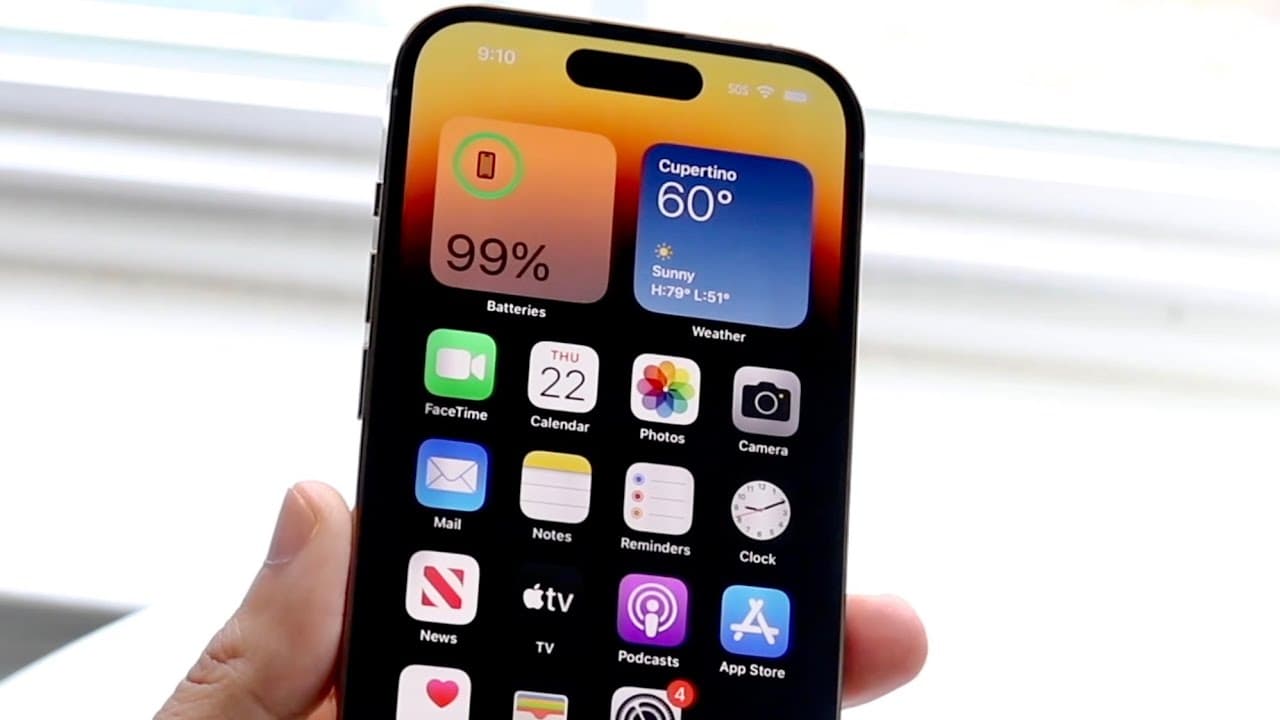
iOS 16.2 will enhance iPhone 14 Pro features by allowing users to modify always-on display settings.
Transcript
so in the next few days iOS 16.2 is about to officially drop on us and I cannot wait till this update actually comes out however a very interesting thing is about to happen and what is this well if you own an iPhone 14 pro or an iPhone 14 pro Max this update is probably going to be one of the most impactful updates for your device now why is that t... Read More
Key Insights
- 👤 The release of iOS 16.2 offers significant enhancements tailored for iPhone 14 Pro and Pro Max users.
- 👤 The ability to hide wallpapers and notifications on the always-on display caters to privacy concerns prevalent among users.
- 👤 Apple is progressively addressing user feedback, showcasing a shift towards more responsive product development.
- 🤨 The always-on display feature, despite initial popularity, has raised issues related to public exposure of notifications and wallpapers.
- 👤 Encouraging users to back up devices before updates is a critical practice that enhances data safety.
- 🇦🇨 The Dynamic Island feature remains popular and effective, complementing the always-on display functionality.
- 🖐️ Social media feedback has played a role in shaping Apple’s approach to software updates and features.
Install to Summarize YouTube Videos and Get Transcripts
Explore YouTube Video Summarizer or Get YouTube Transcript Extractor
Questions & Answers
Q: What are the key features of the iPhone 14 Pro that users appreciate?
The iPhone 14 Pro has introduced innovative features like the Dynamic Island and always-on display. These enhancements have significantly improved functionality and user interaction, making tasks like notifications and quick access to information more seamless. However, the always-on display has faced criticism for displaying sensitive information publicly, highlighting a need for privacy options.
Q: Why is the upcoming iOS 16.2 update considered impactful for iPhone 14 Pro users?
iOS 16.2 is significant for iPhone 14 Pro users as it directly addresses common complaints about the always-on display by allowing users to hide wallpapers and notifications. This flexibility offers users much more control over their device's aesthetics and privacy, making it a practical update that aligns with user feedback.
Q: What specific changes are expected with the iOS 16.2 update?
The key change in iOS 16.2 is the option to disable wallpaper and notifications on the always-on display. This addresses privacy concerns and preferences expressed by users, allowing them to enjoy the feature without worrying about what others might see. Moreover, this update reflects Apple’s responsiveness to customer needs.
Q: How can users prepare their devices for the iOS 16.2 update?
Users are advised to back up their devices before performing the update as a precaution. This step ensures that all vital data is saved. Additionally, once the update is installed, users should familiarize themselves with the new display settings to maximize the benefits of the latest features effectively.
Summary & Key Takeaways
-
iOS 16.2 is set to release soon, promising significant enhancements specifically for iPhone 14 Pro and Pro Max users.
-
A major improvement includes the new ability to hide wallpapers and notifications on the always-on display, addressing common user complaints.
-
Users are encouraged to back up their devices before updating and explore new display settings to customize their experience further.
Read in Other Languages (beta)
Share This Summary 📚
Summarize YouTube Videos and Get Video Transcripts with 1-Click
Try YouTube Summary with ChatGPT & Claude or YouTube Transcript Generator
Explore More Summaries from Simple Alpaca 📚






Summarize YouTube Videos and Get Video Transcripts with 1-Click
Try YouTube Summary with ChatGPT & Claude or YouTube Transcript Generator