How to Edit Videos with the Youtube Video Editor
TL;DR
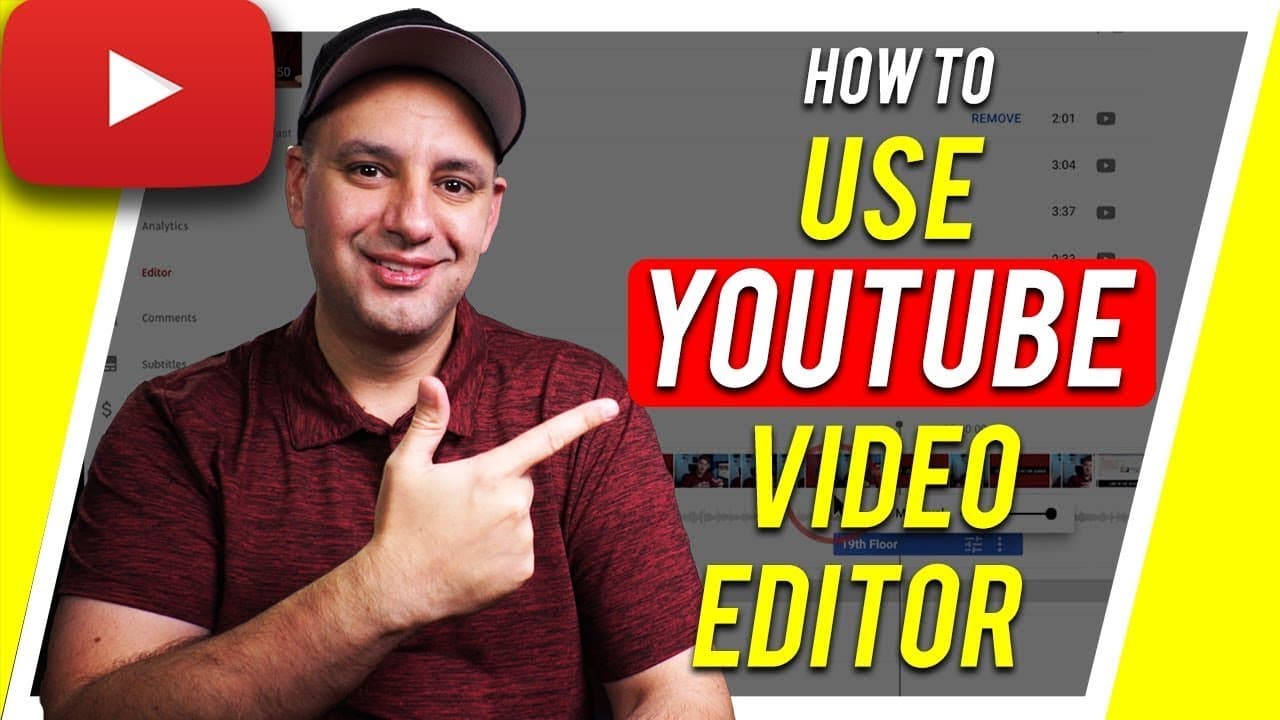
Learn to use YouTube's built-in video editor for trimming, adding music, blurring faces, and more.
Transcript
everyone in today's video i want to show you how to use the youtube editor youtube's website actually has a video editor built in where you could do a lot of different things you could actually trim your videos and take portions of the video out if you for example get into copyright issues or if you use the clip that you weren't supposed to and som... Read More
Key Insights
- 🫠 The YouTube video editor enables users to trim, blur faces, add music, and manage ad breaks directly on the platform.
- ❤️🩹 It is recommended to add end screens to videos for engagement and keeping viewers on the channel.
- 🎮 The editor is a useful tool for resolving copyright issues and enhancing videos after they have been published.
Install to Summarize YouTube Videos and Get Transcripts
Explore YouTube Video Summarizer or Get YouTube Transcript Extractor
Questions & Answers
Q: What are the main features of YouTube's video editor?
YouTube's video editor allows users to trim videos, adjust audio tracks, add music, blur faces, and manage ad breaks within the platform.
Q: Is the YouTube video editor accessible on mobile devices?
No, the YouTube video editor is only available on the YouTube website via a computer, not on mobile devices or the mobile app.
Q: How can users blur faces or sensitive information in their videos using the editor?
Users can easily blur faces or sensitive information in their videos by using the custom blur feature available in the YouTube video editor.
Q: Can users make changes to their videos permanently using the YouTube video editor?
Changes made in the YouTube video editor are not permanent until users press the "save" button, allowing them to preview their edits before finalizing them.
Summary & Key Takeaways
-
YouTube has a video editor allowing users to trim, add music, blur faces, and customize videos.
-
The editor is only accessible on the YouTube website via a computer, not on the mobile app.
-
Features include trimming videos, adjusting audio tracks, adding music, blurring faces, and managing ad breaks.
Read in Other Languages (beta)
Share This Summary 📚
Summarize YouTube Videos and Get Video Transcripts with 1-Click
Try YouTube Summary with ChatGPT & Claude or YouTube Transcript Generator
Explore More Summaries from Howfinity 📚






Summarize YouTube Videos and Get Video Transcripts with 1-Click
Try YouTube Summary with ChatGPT & Claude or YouTube Transcript Generator