How to Key Green Screen Footage in After Effects
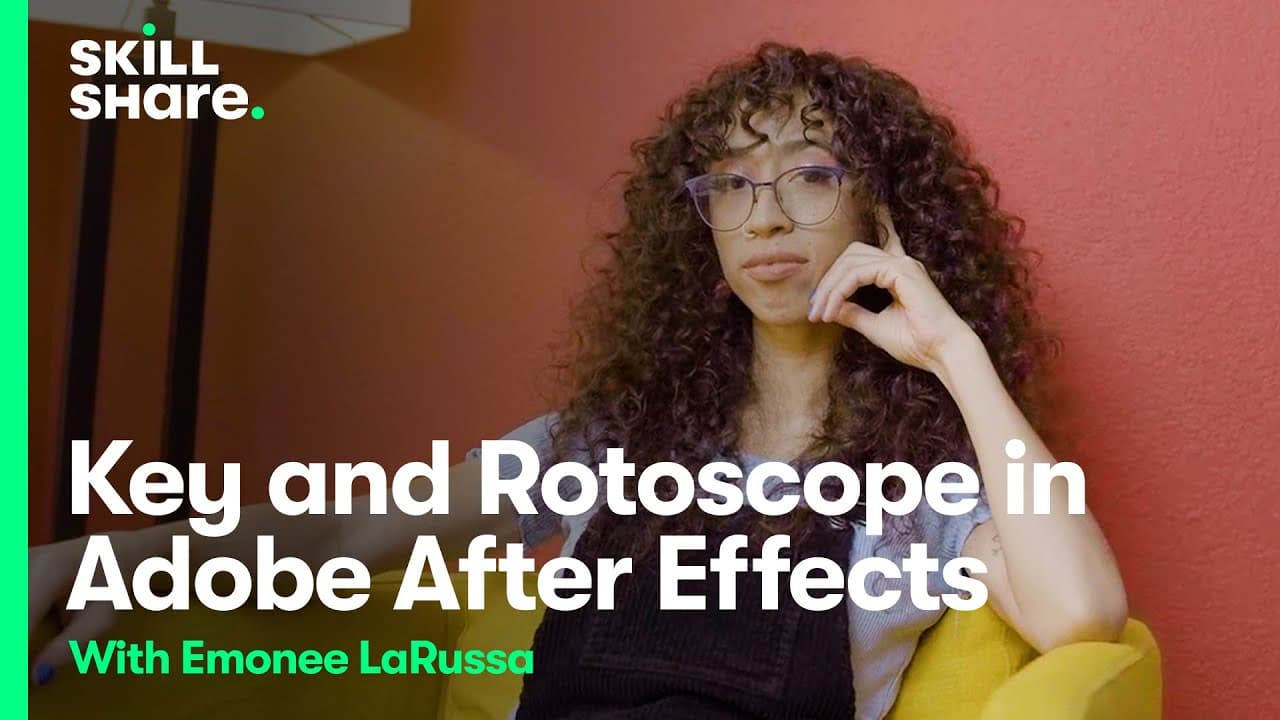
TL;DR
To key green screen footage in After Effects, use plugins like Keylight, Advanced Spill Suppressor, and Primatte Keyer 6 for optimal results. These tools help to refine edges, eliminate color spill, and seamlessly integrate subjects into backgrounds, enabling professional-quality visual effects.
Transcript
foreign begins we are going to start keying our background and putting our subject in our environment so I'm going to show you how to do this effect in After Effects natively but I'm also going to use some plugins that I think that you should get if you're really starting to invest in visual effects so one if you're just working in After Effects in... Read More
Key Insights
- ❓ FX Console by Video Copilot and Red Giant's VFX Suite are essential plugins for efficient workflow and advanced visual effects.
- 🤩 Mastering keying techniques like Key Light, Key Cleaner, and Advanced Spill Suppressor is crucial for professional green screen compositing.
- 🖐️ Rotoscoping plays a significant role in refining subject edges and eliminating spillage for seamless integration into backgrounds.
- 💚 Primatte Keyer 6 provides advanced keying tools and spill correction capabilities for superior green screen compositing results.
- ⚾ Comparing results between native After Effects plugins and subscription-based plugins like Primatte Keyer 6 showcases the differences in quality and efficiency.
- 🥠 Utilizing tools like screen matte adjustment helps fine-tune transparency levels and enhance keying precision.
- 👤 Subscription-based plugins offer enhanced features and results for users invested in professional visual effects production.
Install to Summarize YouTube Videos and Get Transcripts
Explore YouTube Video Summarizer or Get YouTube Transcript Extractor
Questions & Answers
Q: What are some essential After Effects plugins for streamlining workflow?
FX Console by Video Copilot is a free plugin that revolutionizes workflow by allowing quick access to effects without navigating through menus. Red Giant's VFX Suite offers advanced tools for visual effects enthusiasts.
Q: How does Key Light work to remove green screen backgrounds?
Key Light in After Effects uses a color keying method to remove specific shades of green, creating transparency around the subject. Fine-tuning the settings ensures a clean key for composite shots.
Q: What role does rotoscoping play in green screen compositing?
Rotoscoping is used to manually refine the edges of a subject cut out from a green screen, ensuring precise details and eliminating spillage. It helps maintain realism and integrate subjects seamlessly into backgrounds.
Q: How does Primatte Keyer 6 differ from native After Effects plugins for keying?
Primatte Keyer 6 offers advanced keying capabilities with tools to refine edges and handle spill correction effectively. Compared to native plugins, it provides cleaner and more professional results for green screen compositing.
Summary & Key Takeaways
-
Utilize After Effects plugins like FX Console and Red Giant's VFX Suite for efficient workflow and enhanced visual effects.
-
Master keying techniques like Key Light, Key Cleaner, and Advanced Spill Suppressor to seamlessly integrate subjects into backgrounds.
-
Compare results between native plugins and subscription-based plugins like Primatte Keyer 6 for optimal green screen effects.
Read in Other Languages (beta)
Share This Summary 📚
Summarize YouTube Videos and Get Video Transcripts with 1-Click
Try YouTube Summary with ChatGPT & Claude or YouTube Transcript Generator
Explore More Summaries from Skillshare 📚






Summarize YouTube Videos and Get Video Transcripts with 1-Click
Try YouTube Summary with ChatGPT & Claude or YouTube Transcript Generator