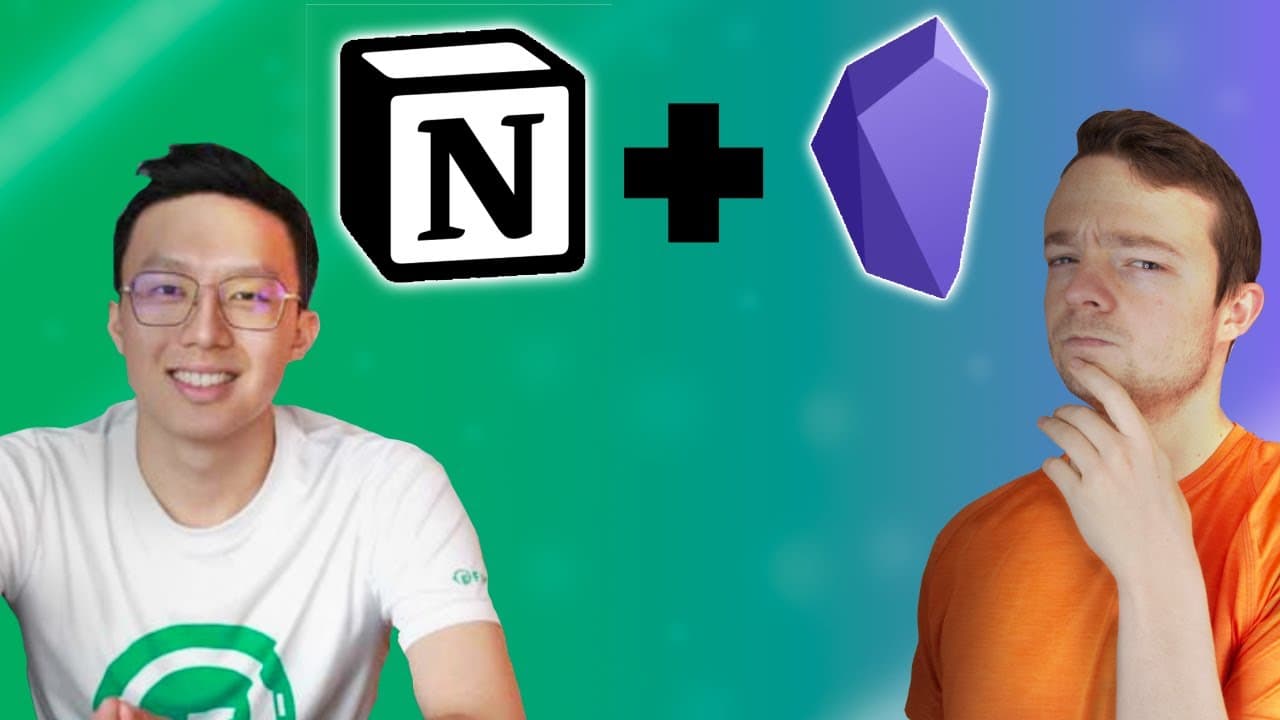
Conrad using Notion and Obsidian
TL;DR
Conrad Lynn shares his insights on using Notion for productivity and organization, including gamification and extended cognition.
Transcript
i wrote a book all about notion and in this video series i'm going to be talking to some of the contributors to the book how they are using notion to be productive and organized in their lives and today i spoke with conrad lynn the creator behind the co x3 community and the gamification project inside of notion all of the links will be in the descr... Read More
Key Insights
- 👻 Notion is a powerful tool for organizing thoughts, goals, and projects, allowing users to align their actions with their desired outcomes.
- ❓ Gamifying the workflow in Notion can enhance motivation and engagement by providing immediate action and gratification.
- ✋ Extended cognition, through tools like Notion and Obsidian, helps offload cognitive tax and enables individuals to focus on creativity and higher-level problem-solving.
- 📅 Using multiple tools, such as Google Calendar and Motion, in conjunction with Notion can help manage tasks and schedule more effectively.
Install to Summarize YouTube Videos and Get Transcripts
Explore YouTube Video Summarizer or Get YouTube Transcript Extractor
Questions & Answers
Q: How does Conrad use Notion and gamification to organize his thoughts and actions?
Conrad uses Notion to structure and organize his thoughts into actionable items that align with his goals. By gamifying the process, he adds immediate action and gratification to his to-do list, making it more engaging and motivating.
Q: How does Conrad prioritize his projects and tasks in Notion?
Conrad starts with goal setting and identifying key results. He then breaks down these outcomes into principled approaches that align with his goals. This helps him prioritize projects based on their alignment with his desired outcomes, ensuring he works on what brings him the most happiness.
Q: How does Conrad manage his tasks and calendar outside of Notion?
Conrad follows a multi-step process that involves setting routines, blocking focus times with the help of tools like Motion, and using Google Calendar. He also uses automation in Notion to sync event details and notes, ensuring he is well-prepared for meetings.
Q: How does Conrad incorporate extended cognition into his workflow?
Conrad believes in offloading mundane tasks and complexities to automation and tools, such as Notion and Obsidian. By doing this, he can focus on higher-level thinking and creativity, allowing him to be more efficient and confident in his work.
Key Insights:
- Notion is a powerful tool for organizing thoughts, goals, and projects, allowing users to align their actions with their desired outcomes.
- Gamifying the workflow in Notion can enhance motivation and engagement by providing immediate action and gratification.
- Extended cognition, through tools like Notion and Obsidian, helps offload cognitive tax and enables individuals to focus on creativity and higher-level problem-solving.
- Using multiple tools, such as Google Calendar and Motion, in conjunction with Notion can help manage tasks and schedule more effectively.
- The concept of a digital garden, facilitated by tools like Obsidian, allows for the growth and sharing of nascent ideas, fostering collaboration and learning within a community.
Summary & Key Takeaways
-
Conrad uses Notion as a tool to organize his thoughts, turn them into structured action items, and ensure they align with his goals.
-
He leverages Notion for goal setting, KPI measuring, project management, and to-do lists, all while gamifying the process for immediate action and gratification.
-
Conrad also highlights the importance of organizing and condensing information in Notion, replacing scattered files and documents.
Read in Other Languages (beta)
Share This Summary 📚
Summarize YouTube Videos and Get Video Transcripts with 1-Click
Try YouTube Summary with ChatGPT & Claude or YouTube Transcript Generator
Explore More Summaries from Danny Hatcher 📚
Summarize YouTube Videos and Get Video Transcripts with 1-Click
Try YouTube Summary with ChatGPT & Claude or YouTube Transcript Generator