How to Bypass Windows 11 CPU or TPM installation Requirements
TL;DR
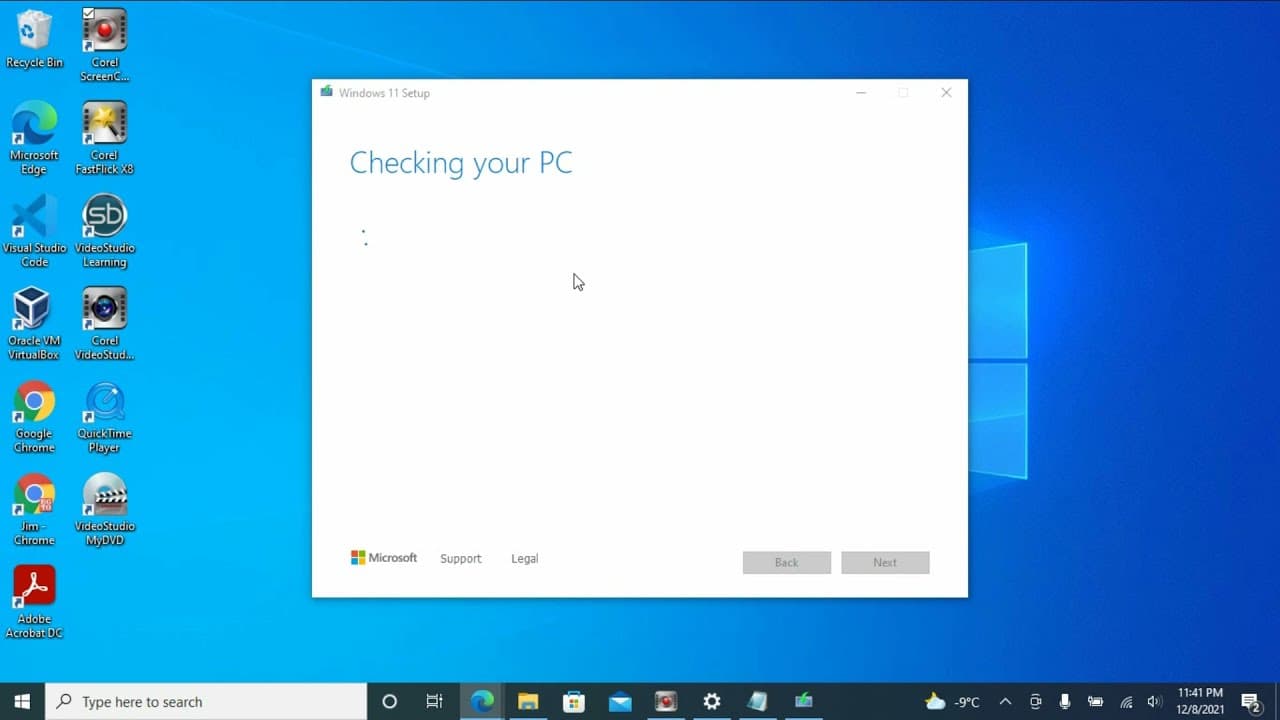
A guide to upgrading to Windows 11 while bypassing CPU requirements.
Transcript
hello welcome to my channel so in this video i will show you how to upgrade to windows 11 bypass the cpu requirement let's check my computer update it says this piece doesn't currently meet the minimum system requirement to run windows 11. if you check the pc sales check it will show you the process or not pass i will show you later so before doing... Read More
Key Insights
- 👤 Users should always back up their data before significant system upgrades to prevent data loss.
- ❓ The process to upgrade to Windows 11 can involve complex steps, including registry modifications for bypassing CPU requirements.
- 🍻 Careful navigation of Microsoft's website is required to find the correct download links for Windows 11.
- 🔉 Creating installation media for both Windows 10 and 11 beforehand provides a safeguard against installation failures.
- 🤩 Patience is key during installation as the process can take considerable time, up to 40 minutes or more.
- 🤩 Running the installation setup initially is necessary to generate relevant registry keys for modifications.
- 😚 The document highlights that certain precautions (like using a new USB drive) must be taken when creating installation media to ensure other data is not lost.
Install to Summarize YouTube Videos and Get Transcripts
Explore YouTube Video Summarizer or Get YouTube Transcript Extractor
Questions & Answers
Q: What should I do before attempting to upgrade to Windows 11?
Before you start the upgrade process, it is essential to back up all your personal data, including important documents. This precaution helps avoid any data loss if the installation fails. It’s also advisable to ensure that you have the right resources, such as a compatible USB drive, ready for creating Windows installation media.
Q: Why do I need to use the Registry Editor during the upgrade process?
The Registry Editor is utilized to create a new key that allows the Windows 11 upgrade to proceed despite CPU compatibility issues. The modification involves setting a specific value that the setup checks, letting it bypass certain hardware restrictions that would otherwise prevent the upgrade from succeeding.
Q: What happens if I encounter issues during the Windows 11 installation?
If the installation fails, the guide recommends reverting back to Windows 10 by utilizing a previously created installation media. It is essential to have a backup of Windows 10 installation media ready so you can restore your system without losing any critical functionality or data.
Q: What steps are involved in downloading Windows 11?
To download Windows 11, the viewer needs to search for the Windows 11 download on the Microsoft website, select the disk image option, choose the language, and proceed with the download. The installer will then be mounted, allowing the setup process to be initiated by running the installation file.
Q: Can I directly install Windows 11 on a computer that doesn't meet the requirements?
Yes, the video provides a workaround to install Windows 11 on computers that do not meet the minimum specifications by modifying registry settings. However, this approach carries risks, and the user should be aware that it could potentially impact system performance or stability.
Summary & Key Takeaways
-
The video provides a detailed tutorial on how to upgrade to Windows 11, focusing on circumventing the CPU requirement that many computers do not meet according to Microsoft's standards.
-
Important prerequisites include backing up personal data and checking system compatibility, with recommendations on how to proceed if the upgrade fails.
-
The presenter demonstrates the process of downloading Windows 11, altering registry keys, and potential fallback methods to revert to Windows 10 if needed.
Read in Other Languages (beta)
Share This Summary 📚
Summarize YouTube Videos and Get Video Transcripts with 1-Click
Try YouTube Summary with ChatGPT & Claude or YouTube Transcript Generator
Explore More Summaries from E Micro Tech 📚

Summarize YouTube Videos and Get Video Transcripts with 1-Click
Try YouTube Summary with ChatGPT & Claude or YouTube Transcript Generator