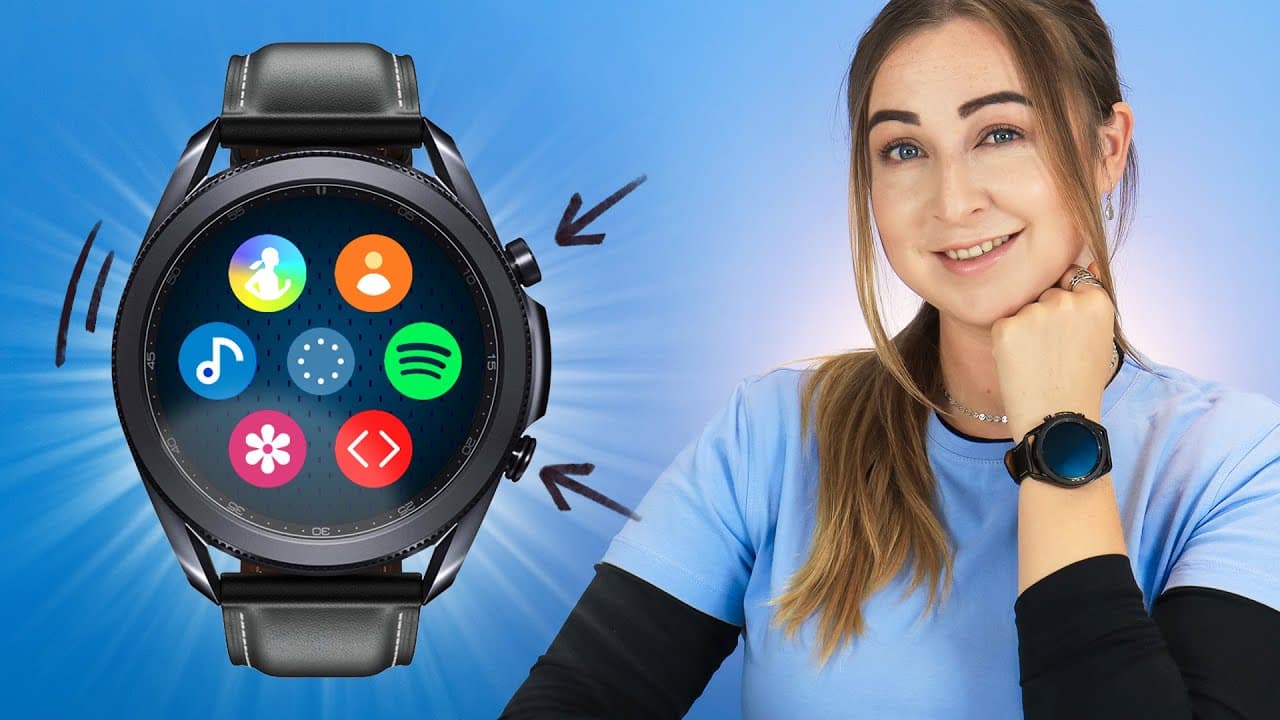
Galaxy Watch 3 Tips Tricks & Hidden Features!!!
TL;DR
Discover how to control your phone's camera, customize watch faces, download Spotify playlists, extend battery life, connect with iPhones, use your watch as a trackpad, find lost devices, and access advanced fitness features on the Samsung Galaxy Watch 3.
Transcript
there it is the samsung galaxy watch 3. and if you're definitely looking for a smartwatch that is compatible with all devices get any notification spotify without your phone trackpad control and so much more then get ready for some tips tricks and hidden features on this bad boy so guys let's get into it so a pretty cool feature with the galaxy wat... Read More
Key Insights
- 😀 The Samsung Galaxy Watch 3 offers convenient features such as remote camera control, notifications from various apps, and the ability to respond to messages.
- 🎧 Downloading Spotify playlists and tracks to the watch allows for music playback without the need for a phone.
- 👀 Customizing watch faces and matching them to your outfit using My Style adds a personal touch to your watch.
- 📳 Extending battery life through Power Saving mode and Grayscale mode helps ensure longer usage without recharging.
- 🤗 The watch is compatible with iPhones, opening it up to a wider range of users.
- 💨 Using the watch as a trackpad provides a unique and practical way to control your device.
- 😀 The Find My Phone app on the watch helps locate misplaced devices, providing convenience and security.
Install to Summarize YouTube Videos and Get Transcripts
Explore YouTube Video Summarizer or Get YouTube Transcript Extractor
Questions & Answers
Q: How can you control your phone's camera using the Samsung Galaxy Watch 3?
To control your phone's camera, you can use the Camera Controller app on the watch, which allows you to see what your phone's camera sees, adjust focus, set timers, and even change camera modes.
Q: Can you respond to notifications directly from the Samsung Galaxy Watch 3?
Yes, you can respond to most notifications by using the microphone icon on the watch to dictate your message. You can also use other methods, such as quick replies or typing on the watch's screen.
Q: Is it possible to download Spotify playlists and tracks to the Samsung Galaxy Watch 3?
Yes, you can download your favorite Spotify playlists and tracks directly to your watch, allowing you to listen to music without needing your phone. Just select the playlist and toggle on the download option in the Spotify app on your watch.
Q: How can you customize watch faces on the Samsung Galaxy Watch 3?
You can easily customize watch faces by selecting from a variety of options in the Galaxy Wearables app. Some watch faces offer additional customization options, such as complications that display extra metrics or the ability to match your watch face color to your outfit using the My Style feature.
Q: How can you extend the battery life of the Samsung Galaxy Watch 3?
You can save battery life by using Power Saving mode or Grayscale mode. Triple tap with two fingers on the watch screen to enable Grayscale mode, which conserves battery power by displaying everything in black and white. Make sure to enable this feature in the Accessibility settings.
Q: Is the Samsung Galaxy Watch 3 compatible with iPhones?
Yes, the watch is compatible with iPhones. You can download the Galaxy Wearables app on your iPhone to connect it to the watch, although some features may not work as on Android devices.
Q: How can you use the Samsung Galaxy Watch 3 as a trackpad?
By using the PPT Controller app, you can turn your watch into a trackpad to control your device. You can tap on the watch screen to open apps or use the bezel to navigate, providing a convenient and cool way to interact with your phone or even control presentations on a TV screen.
Q: Can you find your misplaced device using the Samsung Galaxy Watch 3?
Yes, the watch includes a Find My Phone app that helps you locate your phone by making it ring and vibrate. You can also use the app to locate your watch by making it ring. This feature provides peace of mind and assurance in case you misplace your devices.
Summary & Key Takeaways
-
The Samsung Galaxy Watch 3 allows you to control your phone's camera remotely, adjusting settings and taking photos or videos from your watch.
-
You can receive and respond to notifications from various apps directly on your watch, including emails, messages, Instagram DMs, and WhatsApp messages.
-
The watch allows you to download Spotify playlists and tracks, eliminating the need for your phone to listen to your favorite music.
Read in Other Languages (beta)
Share This Summary 📚
Summarize YouTube Videos and Get Video Transcripts with 1-Click
Try YouTube Summary with ChatGPT & Claude or YouTube Transcript Generator
Explore More Summaries from Hayls World 📚






Summarize YouTube Videos and Get Video Transcripts with 1-Click
Try YouTube Summary with ChatGPT & Claude or YouTube Transcript Generator