Meet the future of responsive website design: Editor X
TL;DR
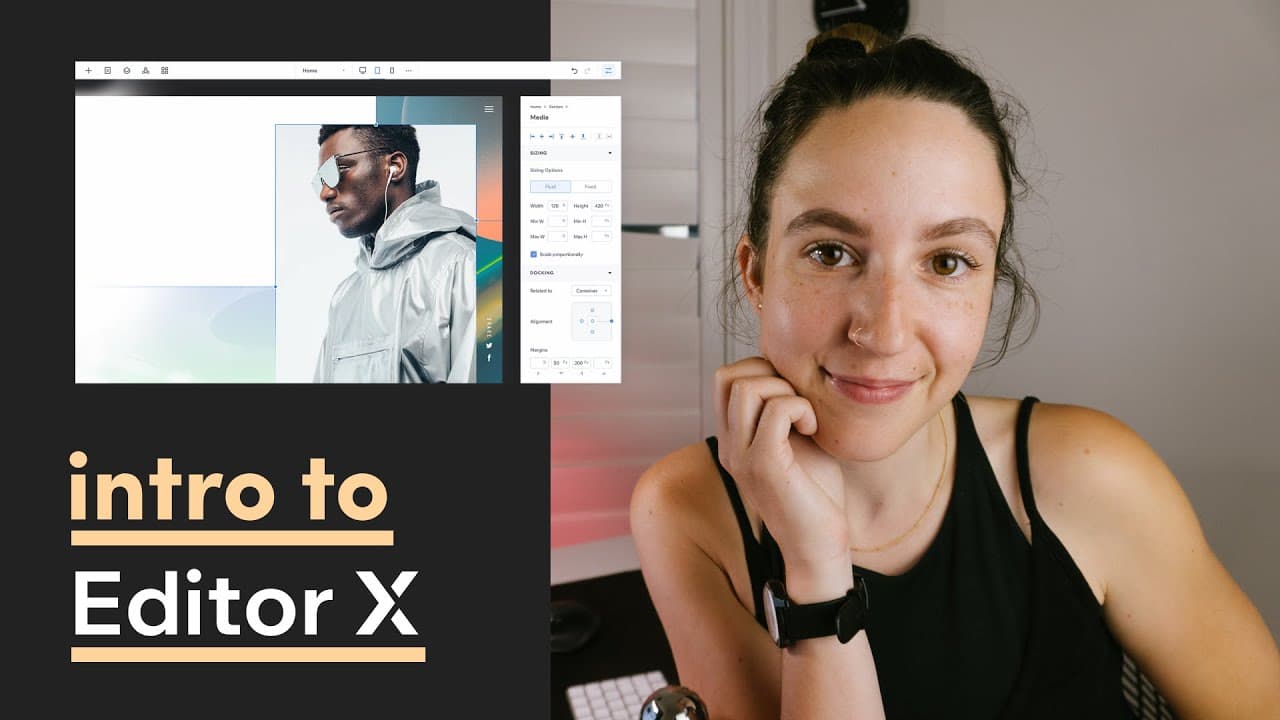
Editor X is a no-code web design tool offering flexible grids and full control over breakpoints.
Transcript
hey friend welcome back to the channel my name is femke and in this video today i want to show you a new tool called editor x editor x is a no code visual design tool with flexible grids and full on break point control it's an advanced web creation platform made for designers and also agencies using its powerful design capabilities and web infrastr... Read More
Key Insights
- 😄 Editor X is specifically designed for designers, allowing ease of use through a seamless visual interface.
- 🎨 The platform provides advanced features like flexible breakpoints and reusable blocks, enhancing design consistency across multiple pages.
- 😈 Users have the option to access development tools through a dev mode, permitting custom coding for advanced functionality.
- 🧡 The tool combines Wix's established web infrastructure and design ecosystem, providing an extensive range of integrated features such as e-commerce and CMS.
- 👤 Templates within Editor X help users easily begin their design journey, streamlining the learning process of the platform.
- ❓ Structuring a website becomes intuitive with elements categorized into sections and containers for better organization.
- 👻 The inspector tool allows precise control over element alignment, sizing, and fluidity for different device orientations.
Install to Summarize YouTube Videos and Get Transcripts
Explore YouTube Video Summarizer or Get YouTube Transcript Extractor
Questions & Answers
Q: What makes Editor X different from other no-code web design tools?
Editor X stands out due to its advanced design capabilities and flexible layout control. Unlike other tools, it allows designers to manipulate breakpoints seamlessly, offering full customization and drag-and-drop functionalities similar to design software like Figma, making it highly attractive for professional creators.
Q: Can users utilize templates within Editor X, and how do they assist in web design?
Yes, Editor X provides a range of templates that users can start from or play with to become familiar with the platform. These templates serve as a practical approach to understand layout options and design elements, allowing users to quickly visualize their ideas before creating from scratch.
Q: How does Editor X facilitate responsive design for different devices?
Editor X includes built-in support for various breakpoints, allowing designers to preview designs on different devices. Users can easily customize layouts for desktops, tablets, and mobile devices by stacking elements, adjusting sizes, and ensuring the overall design fits all screen sizes effectively.
Q: What are the costs associated with using Editor X for web design?
Editor X is free to use for creating and publishing live websites, but to access advanced features such as connecting a custom domain or accepting payments, users must upgrade their account. Starting prices for these enhanced functionalities begin at $18 per month.
Summary & Key Takeaways
-
Editor X is a no-code visual web design platform created by the Wix team, allowing for seamless website creation using flexible grids and advanced design features.
-
The tool provides a user-friendly workspace for adding elements and customizing layouts for different device breakpoints, making it suitable for designers and agencies alike.
-
Despite being free for basic usage, advanced features such as connecting a custom domain or payment processing require a monthly subscription starting at $18.
Read in Other Languages (beta)
Share This Summary 📚
Summarize YouTube Videos and Get Video Transcripts with 1-Click
Try YouTube Summary with ChatGPT & Claude or YouTube Transcript Generator
Explore More Summaries from femke.design 📚


Summarize YouTube Videos and Get Video Transcripts with 1-Click
Try YouTube Summary with ChatGPT & Claude or YouTube Transcript Generator