What Are the Best iPhone Apps to Use in 2022?
TL;DR
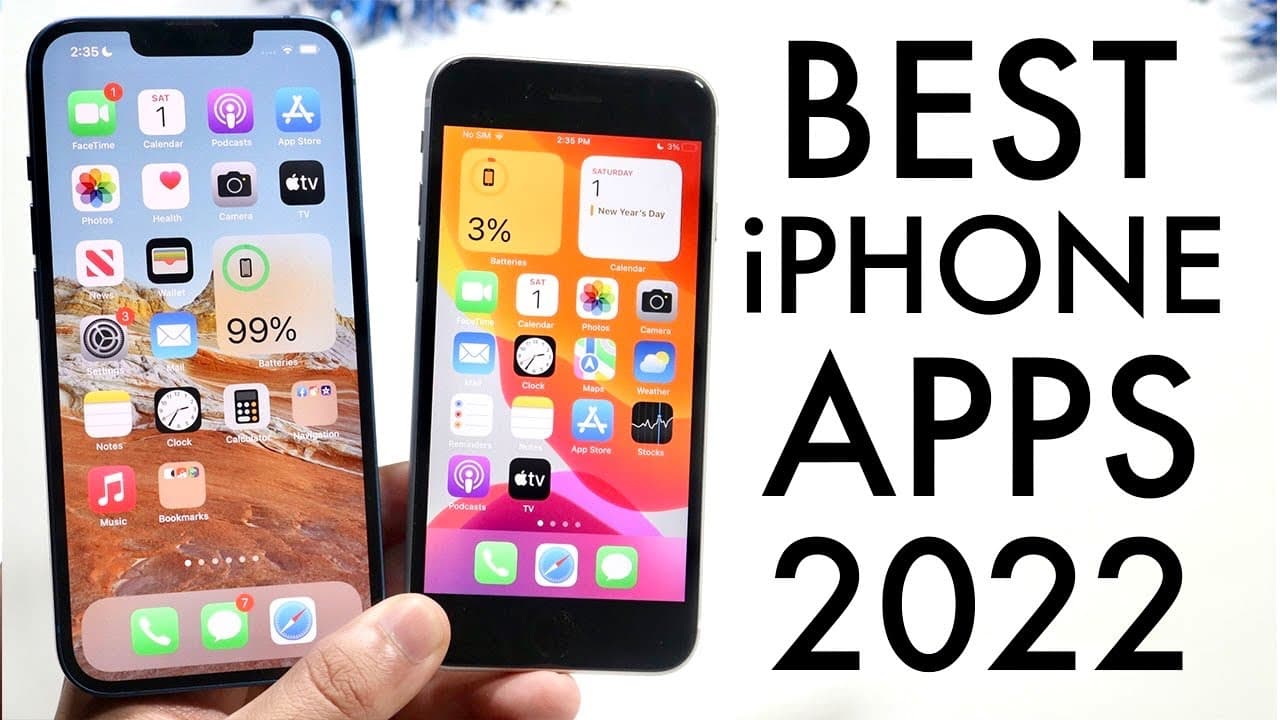
The best iPhone apps for 2022 include the Eclipse emulator for retro gaming, PixArt for photo editing, and essential social media apps like Snapchat, Instagram, TikTok, and Twitter. Additionally, productivity apps such as Google Calendar, Apollo for Reddit, Siri Shortcuts, iMovie for video editing, and GarageBand for music production enhance the overall iPhone experience.
Transcript
so 2022 just officially came out so let's go ahead and talk about some of my favorite iphone apps of probably to this whole entire year to be honest i feel like i'm gonna talk a lot about these specific applications so let's get into it the very first app you can't even get it on the app store it's actually the eclipse emulator and i probably shoul... Read More
Key Insights
- 😀 The Eclipse emulator is a standout app for retro gaming on iPhones without the drawbacks of jailbreaking.
- 🔉 PixArt offers advanced photo editing features that resonate with social media trends, enhancing visual content production.
- 🎁 Google Calendar's multi-day view capability improves planning and organization compared to iOS's default calendar app.
- 👤 Siri Shortcuts enables significant customization and automation, empowering users to enhance their device's functionality.
- 🎮 iMovie serves as a powerful yet simple video editing solution, making video creation accessible to casual users.
- 👂 GarageBand complements iMovie as a music creation tool, providing comprehensive functionalities for sound editing and production.
- 🔉 Popular social media platforms like Snapchat, Instagram, TikTok, and Twitter remain essential for connectivity and content sharing in 2022.
Install to Summarize YouTube Videos and Get Transcripts
Explore YouTube Video Summarizer or Get YouTube Transcript Extractor
Questions & Answers
Q: What is the Eclipse emulator and why is it recommended?
The Eclipse emulator is a Game Boy Advance emulator for iPhone that doesn't require jailbreaking. It allows users to play classic games without the risk of the app being revoked since it isn't available in the App Store. The emulator is praised for its reliability, making it a top choice for gaming on iPhones.
Q: How does PixArt stand out among photo editing apps?
PixArt is favored for its extensive features designed for photo editing and creativity. Users can edit photos directly within the app, rather than relying on the default photo app. It is particularly popular among social media users, as many trends utilize the editing capabilities of PixArt, giving it a dedicated following.
Q: What are some key features of Google Calendar that make it preferable?
Google Calendar is appreciated for its three-day view, allowing users to see more than one day at a time, in contrast to the default iOS calendar's limitation. It provides real-time updates, reliability, and integrates seamlessly with other Google services, making it a commonly recommended productivity app.
Q: What functions does Siri Shortcuts provide for iPhone users?
Siri Shortcuts is a versatile automation tool that allows users to customize their iPhones extensively. It can automate tasks, modify app icons, change charging sounds, and create shortcuts for common actions, enhancing user experience. The app is particularly valuable for those wanting to personalize their devices significantly.
Q: Why is iMovie a recommended app for video editing on iPhones?
iMovie is a free, user-friendly video editing app built by Apple that offers a wide range of editing features. It is often preferred for its easy export options and intuitive interface, making it suitable for casual video creators. It's a great tool for anyone looking to edit videos on their iPhones effectively.
Q: What benefits does GarageBand offer to music creators?
GarageBand is a robust music editing application that comes pre-installed on many iPhones. It provides users with tools to create, mix, and edit music easily, catering to various levels of expertise. GarageBand also allows for recording and exporting audio, making it an essential app for music enthusiasts.
Summary & Key Takeaways
-
The video discusses various favorite iPhone apps for 2022, including the Eclipse emulator, which allows users to play Game Boy Advance games without jailbreaking.
-
Popular photo and social media apps like PixArt, Snapchat, Instagram, TikTok, and Twitter are highlighted for photo editing and connectivity.
-
Productivity apps like Google Calendar, Apollo (for Reddit), Siri Shortcuts, iMovie, and GarageBand are recommended for their usability and capabilities.
Read in Other Languages (beta)
Share This Summary 📚
Summarize YouTube Videos and Get Video Transcripts with 1-Click
Try YouTube Summary with ChatGPT & Claude or YouTube Transcript Generator
Explore More Summaries from Simple Alpaca 📚






Summarize YouTube Videos and Get Video Transcripts with 1-Click
Try YouTube Summary with ChatGPT & Claude or YouTube Transcript Generator