Turn Text into full animated video for free with Ai
TL;DR
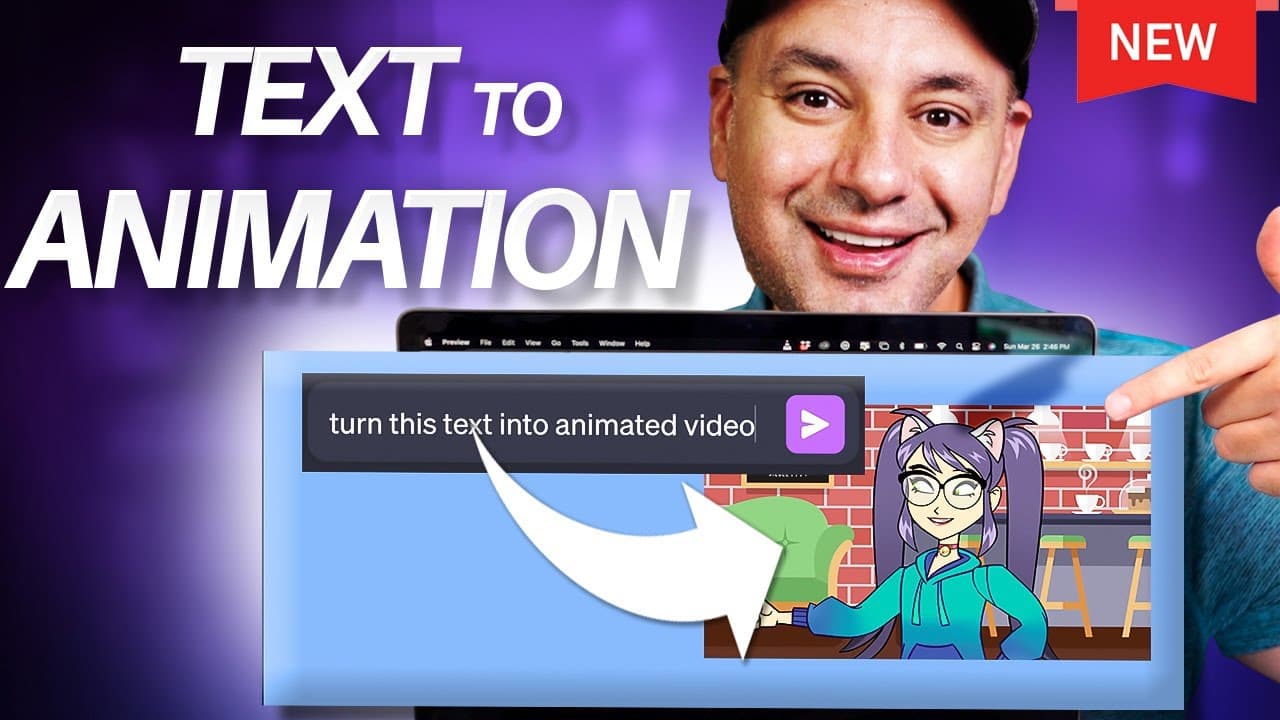
Easily create animated videos using AI tools in under five minutes.
Transcript
there's a brand new way by using couple different AI tools to turn text into a full animated video and this whole process is going to take less than five minutes you don't need any technical skills to do it and it's completely free so Step One is generating the text you could obviously write your own but I'm going to use chat GPT to generate the te... Read More
Key Insights
- 🎮 Utilize ChatGPT to generate engaging text for your video script.
- 🎮 11 Labs offers AI-generated voices as audio files for your video.
- 👤 Adobe Express provides a user-friendly platform to create animated videos with customization options.
- 🧘 Adobe Express offers text, image, and resizing options for editing your video.
- 🎮 Resize your video for various platforms like Instagram and TikTok with Adobe Express.
- 🥡 The video creation process takes less than five minutes with AI tools.
- ❓ Explore additional resources for learning AI and generative AI on the Netflix-style platform.
Install to Summarize YouTube Videos and Get Transcripts
Explore YouTube Video Summarizer or Get YouTube Transcript Extractor
Questions & Answers
Q: What is the first step in creating an AI-animated video?
The first step involves generating text for your video script, which can be done using tools like ChatGPT to create compelling content.
Q: How can you convert the text into an audio file?
You can use tools like 11 Labs to transform the text into an AI-generated voice, offering different presets and options to customize the voice for your video.
Q: Which tool can you use to turn the audio into an animated video?
Adobe Express is the perfect platform to convert your audio file into an animated video, providing a range of characters, backgrounds, and customization options for your video.
Q: What editing options are available in Adobe Express?
Adobe Express offers a variety of editing options, including adding text, images, stickers, emojis, and resizing options to tailor your video for different platforms and purposes.
Summary & Key Takeaways
-
Use ChatGPT to generate text for your video script.
-
Use 11 Labs to convert the text into an AI-generated voice.
-
Utilize Adobe Express to turn the audio into an animated video with customization options.
Read in Other Languages (beta)
Share This Summary 📚
Summarize YouTube Videos and Get Video Transcripts with 1-Click
Try YouTube Summary with ChatGPT & Claude or YouTube Transcript Generator
Explore More Summaries from Howfinity 📚






Summarize YouTube Videos and Get Video Transcripts with 1-Click
Try YouTube Summary with ChatGPT & Claude or YouTube Transcript Generator