iOS 13 In 2021! (Should You Still Use It?)
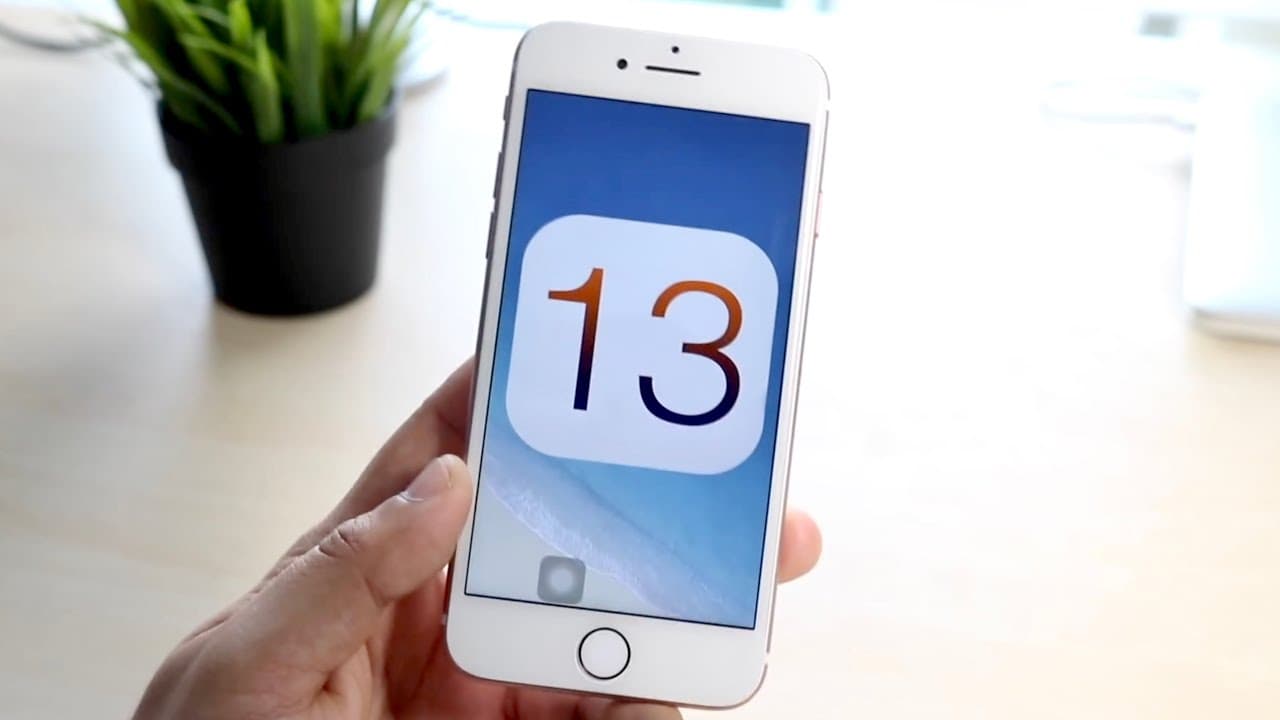
TL;DR
iOS 13 was a notable but minimal update compared to its successors.
Transcript
welcome back everyone i kind of wanted to talk about ios versions that came out before and see how they hold up in 2021. now i've already done a couple of these videos with like ios 7 and ios 5 i think back in the day but now i want to talk about you know ios 13 a newer version of software that was still technically supported up until last year and... Read More
Key Insights
- 🥶 iOS 13 represented a pivotal moment, being the last version to drop support for some older devices.
- 👤 Dark mode was one of the most popular features of iOS 13, aligning with user expectations for a visually comfortable experience.
- 💗 Apple continued to enhance privacy features, reflecting growing concerns over data security.
- 👂 The update maintained a focus on usability, introducing a more natural-sounding Siri and improved messaging features.
- 😫 Despite being considered a minimal update, iOS 13 laid foundational enhancements that set the stage for subsequent iOS versions.
- ⌛ Real-time updates were introduced, a rarity for Apple, indicating responsiveness to security vulnerabilities.
- 👤 Criticism arose regarding the extensive device support, noting the frustration over prolonged updates that can negatively impact user experience.
Install to Summarize YouTube Videos and Get Transcripts
Explore YouTube Video Summarizer or Get YouTube Transcript Extractor
Questions & Answers
Q: What were the major features introduced with iOS 13?
iOS 13 brought several key features, including a much-anticipated dark mode, which improved visual accessibility for users. The update also introduced a new system-wide gesture interface, allowing users to easily copy, paste, or cut text with three fingers. Additionally, privacy features and the "Sign in with Apple" functionality aimed at enhancing security.
Q: How did iOS 13 adapt to the onset of the pandemic?
In response to the pandemic, iOS 13 included essential updates like exposure notifications. Apple took proactive measures to enhance user security by integrating features that assisted in health tracking during the pandemic. This edition showed Apple's commitment to leveraging technology to support public health during challenging times.
Q: Why was the gesture interface significant in iOS 13?
The introduction of a new gesture interface was a significant improvement in usability within iOS 13. Users could perform text actions like copy and paste through simple gestures, minimizing reliance on traditional menus and enhancing efficiency. This feature reflected Apple's push towards more intuitive touchscreen interactions.
Q: How did battery optimization change with iOS 13?
iOS 13 incorporated a battery lifespan extender, which allowed for more efficient charging by limiting fast charging to 80%. After reaching this threshold, the device would trickle charge to 100%, promoting better battery health over time. This feature was particularly important for prolonging the life of lithium-ion batteries in iPhones.
Summary & Key Takeaways
-
iOS 13 introduced crucial features like dark mode and a new gesture interface, enhancing user experience across supported iPhones and iPads.
-
The update also included privacy enhancements, real-time updates, and new charging features aimed at prolonging battery lifespan during the pandemic.
-
Despite not being revolutionary, iOS 13 paved the way for subsequent updates and maintained support for many Apple devices until transitioning to iOS 14.
Read in Other Languages (beta)
Share This Summary 📚
Summarize YouTube Videos and Get Video Transcripts with 1-Click
Try YouTube Summary with ChatGPT & Claude or YouTube Transcript Generator
Explore More Summaries from Simple Alpaca 📚






Summarize YouTube Videos and Get Video Transcripts with 1-Click
Try YouTube Summary with ChatGPT & Claude or YouTube Transcript Generator