Why You Shouldn't Install iOS 15 On Old iPhones
TL;DR
Avoid installing iOS 15 on older iPhones immediately after release.
Transcript
welcome back everyone as most of you know ios 15 is about to come out officially in about a week and a half probably less than that and i'm gonna tell you guys if you have an older iphone including an iphone probably even like an iphone 11 or older i would probably recommend not installing ios 15 officially when it first comes out i would highly re... Read More
Key Insights
- 🥶 Users should wait for stability updates before upgrading to new iOS versions on older devices.
- 🥶 iOS updates are primarily optimized for the latest models, resulting in potential compatibility issues with older iPhones.
- 🥶 Past experiences with new iOS versions indicate common issues such as battery drain and slow performance on older devices.
- 👤 iOS 14 remains a solid and dependable operating system option for many users.
- 🥶 Apple’s software tests primarily focus on newer models, which can leave older generation devices vulnerable to problems.
- 👤 Features introduced in new updates might not be essential for users who primarily use standard functions on their devices.
- ❓ Cautious upgrading practices can prevent the frustration associated with software instability.
Install to Summarize YouTube Videos and Get Transcripts
Explore YouTube Video Summarizer or Get YouTube Transcript Extractor
Questions & Answers
Q: Why should users delay updating to iOS 15?
Delaying the update allows users with older iPhones to avoid the initial bugs and glitches commonly present in new software releases. Early versions of new software can strain older hardware because they are typically optimized for newer models, which can result in a degraded performance experience.
Q: What specific problems might older iPhone models encounter with iOS 15?
Older iPhone models, particularly those dating from 2017 or earlier, may experience performance issues such as decreased battery life, slower processing speeds, and frequent app crashes. These devices often struggle with updates tailored for newer hardware, causing frustration for users relying on their devices for everyday tasks.
Q: What is the alternative for users who are hesitant to upgrade?
Users can maintain their current iOS 14 version, which has provided stable performance and features. They can wait for a few minor updates, like iOS 15.0.1 or 15.0.2, which are likely to resolve early bugs before considering an upgrade.
Q: Are the features of iOS 15 significantly better than those in iOS 14?
The enhancements in iOS 15 do not offer groundbreaking improvements over iOS 14. Many users may find that they can accomplish the same tasks as before, which diminishes the urgency to upgrade immediately. The stability and reliability of iOS 14 can outweigh the less critical new features offered in iOS 15, particularly for older devices.
Summary & Key Takeaways
-
Users with older iPhone models should wait to upgrade to iOS 15 to avoid early bugs and issues that frequently arise with new software.
-
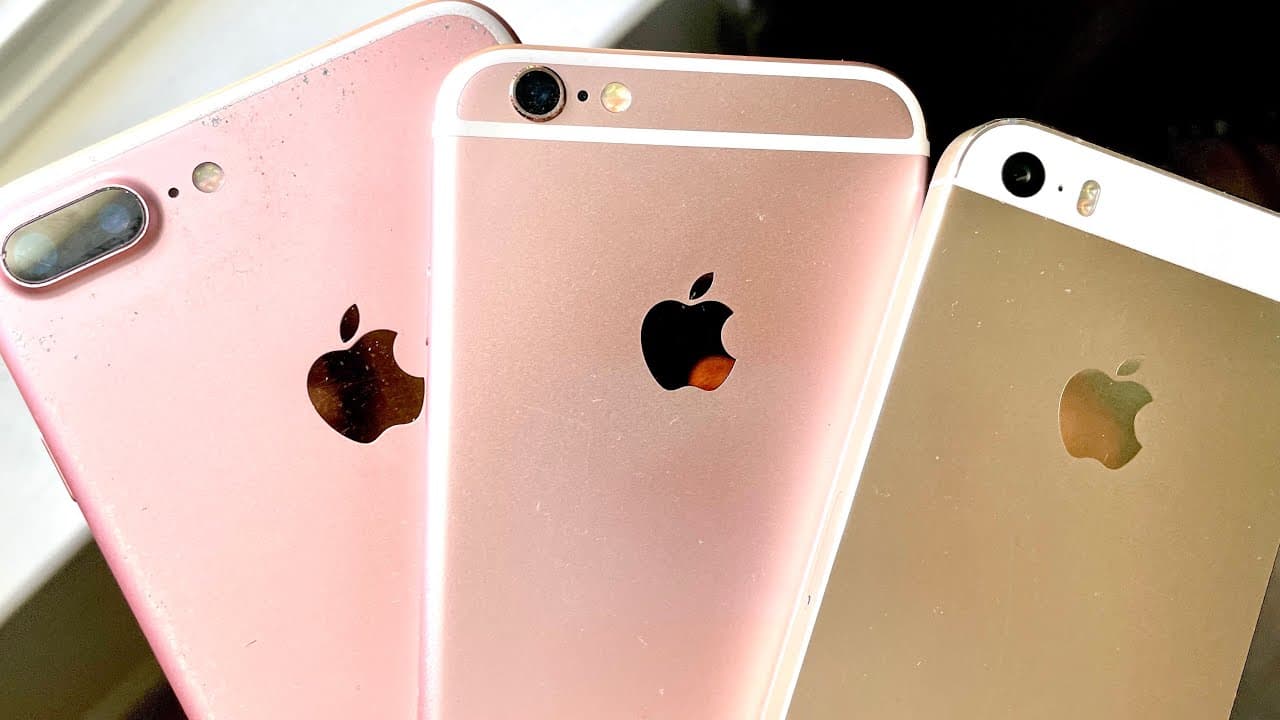
Many updates are optimized for recent iPhone models, potentially leading to poor performance on older generations like the iPhone 6s and 7.
-
iOS 14 has proven to be stable and effective, and most features offered in iOS 15 do not significantly enhance the experience for older device users.
Read in Other Languages (beta)
Share This Summary 📚
Summarize YouTube Videos and Get Video Transcripts with 1-Click
Try YouTube Summary with ChatGPT & Claude or YouTube Transcript Generator
Explore More Summaries from Simple Alpaca 📚






Summarize YouTube Videos and Get Video Transcripts with 1-Click
Try YouTube Summary with ChatGPT & Claude or YouTube Transcript Generator