HOW TO DUBSTEP | BEGINNERS TUTORIAL [HEROBUST STYLE]
TL;DR
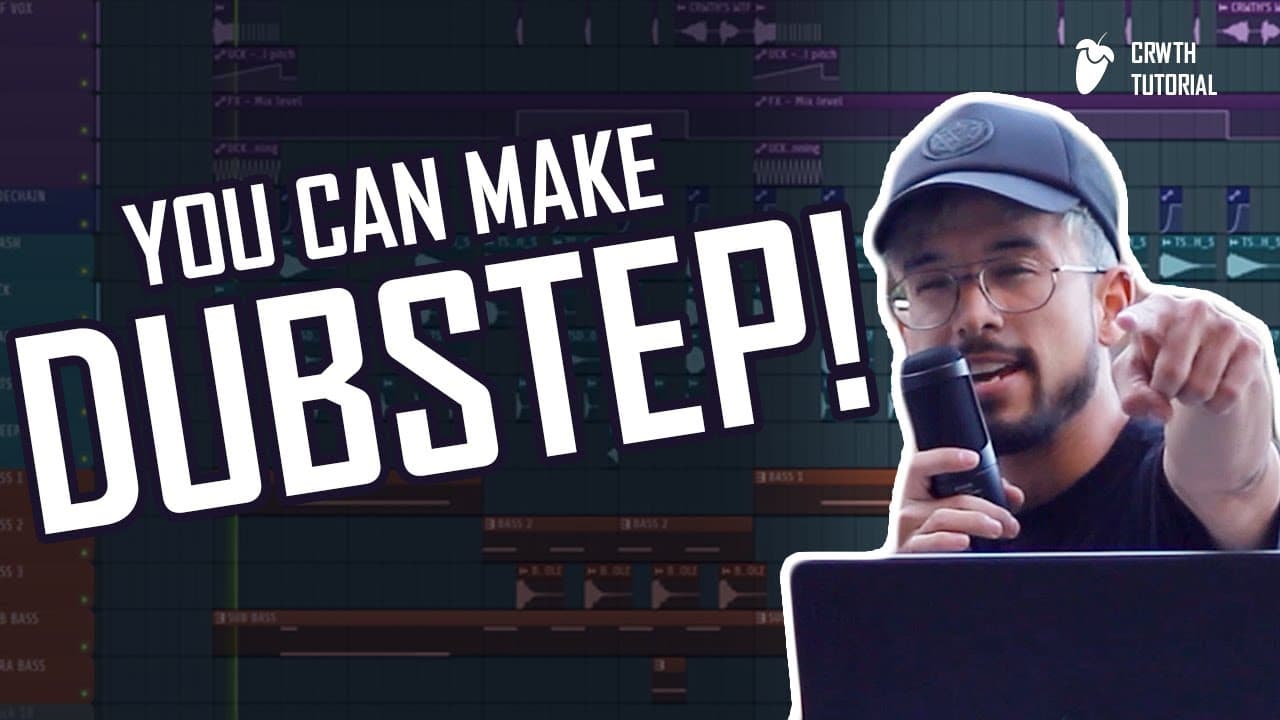
Learn the basics of making music in FL Studio with this simplified tutorial for beginners.
Transcript
what's going on guys welcome back to the video my name is Alex recruiter whatever the Frick you want to call me in today I'm gonna show you how to this tutorials give you for my beginners out there if you don't know how the to make music you have no idea where to start I'm gonna show you in this video I'm gonna make it super simple because this is... Read More
Key Insights
- 👤 FL Studio is a popular choice for beginners in music production due to its user-friendly interface.
- 👣 Layering drums and using sample packs can add depth and variety to your tracks.
- 👋 Sound design in FL Studio can be achieved through plugins and experimentation with wave tables and automation.
- 👣 Arranging tracks and adding vocals can elevate the overall quality of your music.
- 👣 FL Studio offers features like sidechain compression and automation clips to enhance the dynamics of your tracks.
- 🪜 Exploring presets and utilizing effects like delay can add character to your vocals.
- 👂 Building up tracks with elements like build-ups and extra sounds can create a more professional and complete sound.
Install to Summarize YouTube Videos and Get Transcripts
Explore YouTube Video Summarizer or Get YouTube Transcript Extractor
Questions & Answers
Q: What is FL Studio and why is it a popular choice for music production?
FL Studio is a digital audio workstation that allows users to create, edit, and arrange music. It is popular among beginners and professionals for its user-friendly interface and extensive features.
Q: How do I add drums to my music in FL Studio?
To add drums, you can select and layer different drum samples in FL Studio. Simply click and drag the drum samples into the DAW and arrange them in the pattern you desire.
Q: What is the purpose of using sample packs in music production?
Sample packs provide pre-recorded sounds that can be used to enhance and add variety to your tracks. They are especially useful for genres like dubstep that require heavy and saturated sounds.
Q: How can I create unique sounds in FL Studio?
FL Studio offers various tools for sound design. You can use plugins like Patcher Rack to add saturation, EQ curves, and other effects to shape the sound. Experimenting with wave tables and automation can also help in creating unique sounds.
Key Insights:
- FL Studio is a popular choice for beginners in music production due to its user-friendly interface.
- Layering drums and using sample packs can add depth and variety to your tracks.
- Sound design in FL Studio can be achieved through plugins and experimentation with wave tables and automation.
- Arranging tracks and adding vocals can elevate the overall quality of your music.
- FL Studio offers features like sidechain compression and automation clips to enhance the dynamics of your tracks.
- Exploring presets and utilizing effects like delay can add character to your vocals.
- Building up tracks with elements like build-ups and extra sounds can create a more professional and complete sound.
- FL Studio provides additional resources like preset packs and racks for users to enhance their music production experience.
Summary & Key Takeaways
-
The video is a beginner's guide to making music using FL Studio, a digital audio workstation.
-
The content covers various elements of music production, including selecting and layering drums, using sample packs, creating patterns and automation, sound design, and arranging tracks.
-
The tutorial also includes tips for adding vocals and building up tracks for a more professional sound.
Read in Other Languages (beta)
Share This Summary 📚
Summarize YouTube Videos and Get Video Transcripts with 1-Click
Try YouTube Summary with ChatGPT & Claude or YouTube Transcript Generator