Best Malware Analysis Tools | Learn Malware Analysis
TL;DR
Learn about essential malware analysis tools, from basic to advanced, for both static and dynamic analysis.
Transcript
hello and welcome to the PC security channel in this video we will go through some of the best malware analysis tools that I use on a regular basis that should help you analyze any new Exe file in a static or dynamic capacity now obviously one of the first tools you need to do dynamic analysis is a virtual machine if you don't know how to set one u... Read More
Key Insights
- 💁 Process Explorer and Process Hacker offer detailed information about running processes, making them useful for both beginners and advanced users.
- 👂 Autoruns provides an extensive list of programs that run at startup, helping identify malware infections.
- 👻 Process Monitor allows for in-depth examination of process actions and offers powerful filtering capabilities.
- 💁 PE Studio is a beginner-friendly tool for static analysis, providing essential information about executable files.
- 👨💻 DN Spy is a D compiler that converts compiled code into readable source code, making it useful for analyzing dotnet executables.
- 🎚️ AnSaKyRo is an advanced tool for disassembling and analyzing files at the assembly level, offering powerful capabilities for advanced researchers.
- 🤩 The key to successful malware analysis is using the right combination of tools for both static and dynamic analysis.
Install to Summarize YouTube Videos and Get Transcripts
Explore YouTube Video Summarizer or Get YouTube Transcript Extractor
Questions & Answers
Q: What is Process Explorer, and how can it help with malware analysis?
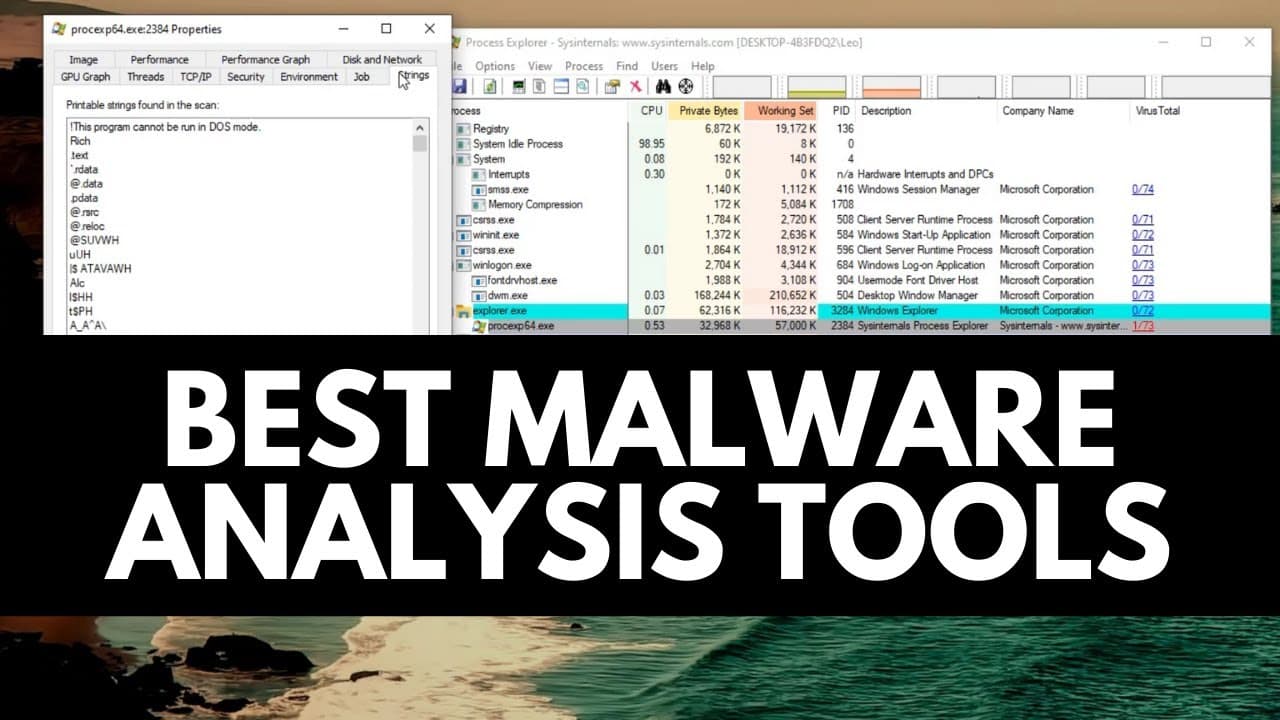
Process Explorer is a tool that displays information about running processes on a system. It allows users to analyze a process's path, command line, auto-start location, performance graphs, network activity, and more, making it useful for identifying and analyzing malware.
Q: How does Autoruns help in identifying malware?
Autoruns provides a comprehensive list of programs that run at startup, including those that may be malicious. It also offers a VirusTotal plugin, which quickly identifies any malicious processes running on a system, making it an effective tool for quick diagnostics.
Q: What can Process Monitor do for advanced malware analysis?
Process Monitor allows users to monitor processes and examine all their actions, from registry queries to file creation attempts. With the ability to filter and exclude specific entries, users can focus on specific actions of interest and analyze them in-depth.
Q: How can PE Studio assist in static analysis of malware?
PE Studio is a beginner-friendly tool that provides a detailed analysis of executable files. It offers file hashes, metadata, indicators of compromise, and even allows users to view the file's strings. It simplifies the process of getting a quick overview of malware files.
Summary & Key Takeaways
-
Process Explorer: Provides detailed information about running processes, including CPU and RAM usage, descriptions, and company names.
-
Autoruns: Lists all programs that run at startup, making it useful for identifying malware.
-
Process Monitor: Monitors processes and shows all operations, allowing for in-depth analysis of their actions.
-
PE Studio: A beginner-friendly tool for static analysis, providing information about executable files and potential indicators of malware.
Read in Other Languages (beta)
Share This Summary 📚
Summarize YouTube Videos and Get Video Transcripts with 1-Click
Try YouTube Summary with ChatGPT & Claude or YouTube Transcript Generator
Explore More Summaries from The PC Security Channel 📚






Summarize YouTube Videos and Get Video Transcripts with 1-Click
Try YouTube Summary with ChatGPT & Claude or YouTube Transcript Generator