How to Set Up the Facebook Pixel for Ads in 2025
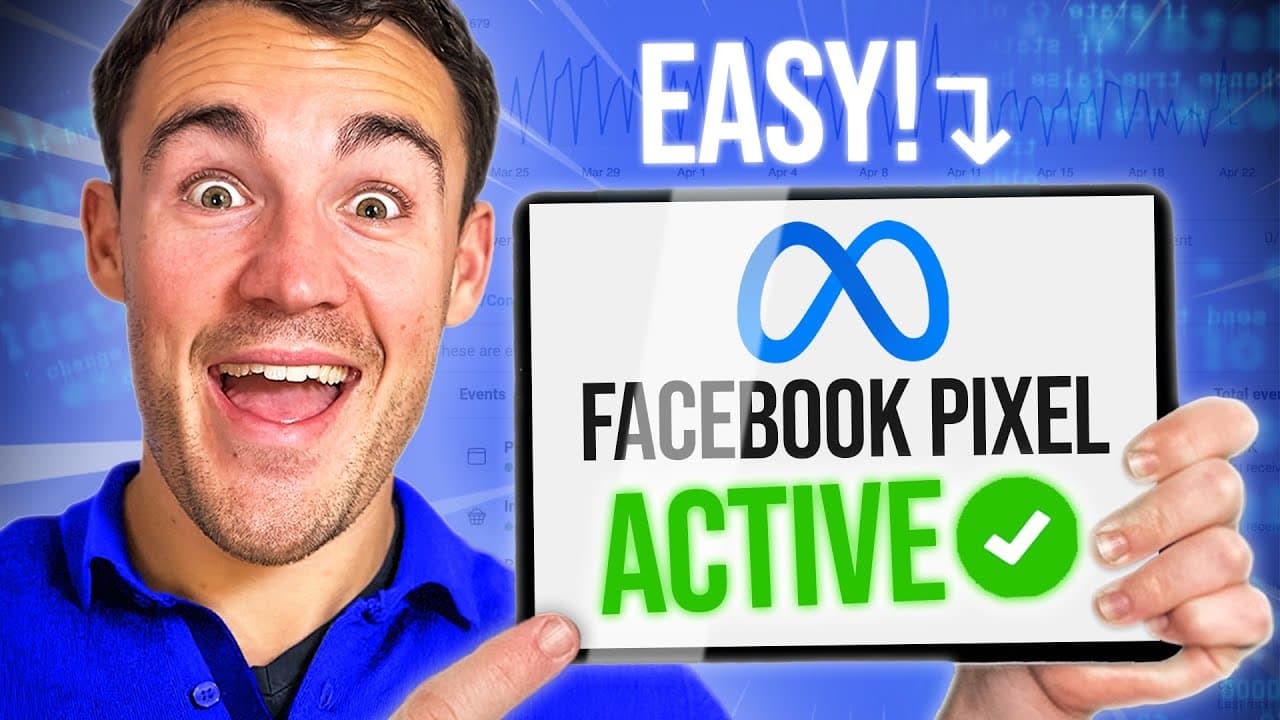
TL;DR
To set up the Facebook Pixel for effective ad tracking, access Facebook Ads Manager, navigate to Events Manager, and install the Pixel using the provided code or a WordPress plugin. Ensure that conversion events, such as purchases or leads, are configured to enable data collection and optimization. Use the Meta Pixel Helper extension to verify successful installation.
Transcript
if you're using Facebook ads and Instagram ads to send people to your website or landing pages you have to have the Facebook pixel set up properly without it your campaigns are guaranteed to fail and in this video I'm going to show you the quick and easy way to get the Facebook pixel set up the right way so before I walk you through the step-by-ste... Read More
Key Insights
- The Facebook Pixel is essential for tracking user actions post-ad interaction, enabling advertisers to measure campaign success and ROI effectively.
- Proper installation of the Pixel allows Meta's machine learning to optimize ad campaigns by understanding user actions and demographics.
- Setting up the Pixel involves navigating Facebook's Ads Manager, accessing the Events Manager, and configuring data sources.
- WordPress users can easily install the Pixel using a plugin, while other platforms like Shopify have integrated solutions for seamless setup.
- Conversion events are crucial for tracking specific user actions, such as purchases or leads, and must be configured in the Events Manager.
- Meta Pixel Helper, a Chrome extension, assists in verifying the correct installation and functionality of the Pixel on websites.
- Some previous requirements like domain verification and aggregated event measurement are no longer necessary due to Meta's updates.
- Hiring technical help for complex setups can save time and ensure accurate Pixel installation, especially for non-technical users.
Install to Summarize YouTube Videos and Get Transcripts
Explore YouTube Video Summarizer or Get YouTube Transcript Extractor
Questions & Answers
Q: What is the Facebook Pixel and why is it important?
The Facebook Pixel is a piece of code that allows advertisers to track user actions on their website after interacting with Facebook or Instagram ads. It is crucial because it provides data on conversions, enabling advertisers to measure the success of their campaigns and optimize them for better performance and ROI.
Q: How can WordPress users install the Facebook Pixel?
WordPress users can install the Facebook Pixel by logging into their admin dashboard, navigating to the plugins section, and searching for the 'Meta Pixel for WordPress' plugin. After installing and activating the plugin, they need to connect their Facebook account, select the correct ad account and Pixel ID, and configure the settings to ensure proper tracking.
Q: What are conversion events and how are they set up?
Conversion events are specific user actions, such as purchases or lead submissions, that advertisers want to track on their websites. They are set up in the Events Manager by defining the URL or action that triggers the event. This setup helps Meta optimize campaigns by understanding what constitutes a successful conversion.
Q: What is the Meta Pixel Helper and how is it used?
The Meta Pixel Helper is a Google Chrome extension that helps verify the correct installation and functionality of the Facebook Pixel on websites. It shows whether the base code and conversion events are properly set up, providing green ticks for successful setups. It can also be used to check competitors' websites for Pixel usage.
Q: Are there any previous Facebook Pixel setup requirements that are no longer necessary?
Yes, some previous requirements such as domain verification and aggregated event measurement, which were introduced after iOS 14.5, are no longer necessary due to updates by Meta. While domain verification is still recommended, it is not essential, simplifying the setup process for advertisers.
Q: What should non-technical users do if they struggle with Pixel setup?
Non-technical users who find the Pixel setup process challenging should consider hiring technical help through platforms like Fiverr or Upwork. This can save time and ensure accurate installation, as professionals can handle the technical aspects of the setup, especially when manual code integration is required.
Q: How does Meta's machine learning utilize the Pixel data?
Meta's machine learning uses the data collected by the Pixel to optimize ad campaigns by understanding user actions and demographics. By analyzing data such as purchase behavior, time of day, and user age, Meta can improve targeting and ad performance, helping advertisers achieve better results.
Q: What is the process for setting up the Pixel on non-WordPress websites?
For non-WordPress websites, the setup process involves using partner integrations available in the Events Manager. Advertisers select their website platform, such as Shopify or WooCommerce, and follow the integration instructions. If the platform is not listed, manual code integration may be required, for which hiring technical help is recommended.
Summary & Key Takeaways
-
The Facebook Pixel is a vital tool for advertisers using Facebook and Instagram ads, enabling them to track user actions on their websites post-ad interaction. It helps in assessing the success of campaigns by measuring conversions and optimizing ad performance through Meta's machine learning.
-
Setting up the Facebook Pixel involves accessing the Ads Manager and Events Manager in Facebook, where users can configure data sources and install the Pixel on their websites. The process is straightforward for WordPress users via plugins, while other platforms like Shopify offer integrated solutions.
-
Conversion events must be set up to track specific user actions, such as purchases or leads, which helps in optimizing campaigns. The Meta Pixel Helper Chrome extension can be used to verify installation. Meta has simplified some previous requirements, reducing the complexity of the setup process.
Read in Other Languages (beta)
Share This Summary 📚
Summarize YouTube Videos and Get Video Transcripts with 1-Click
Try YouTube Summary with ChatGPT & Claude or YouTube Transcript Generator
Explore More Summaries from Ben Heath 📚
Summarize YouTube Videos and Get Video Transcripts with 1-Click
Try YouTube Summary with ChatGPT & Claude or YouTube Transcript Generator