How I Automated My YouTube Channel Using AI and Made Thousands
TL;DR
Learn how to use AI to automate the entire process of creating a YouTube channel, from branding to script writing, visuals, voiceovers, and more.
Transcript
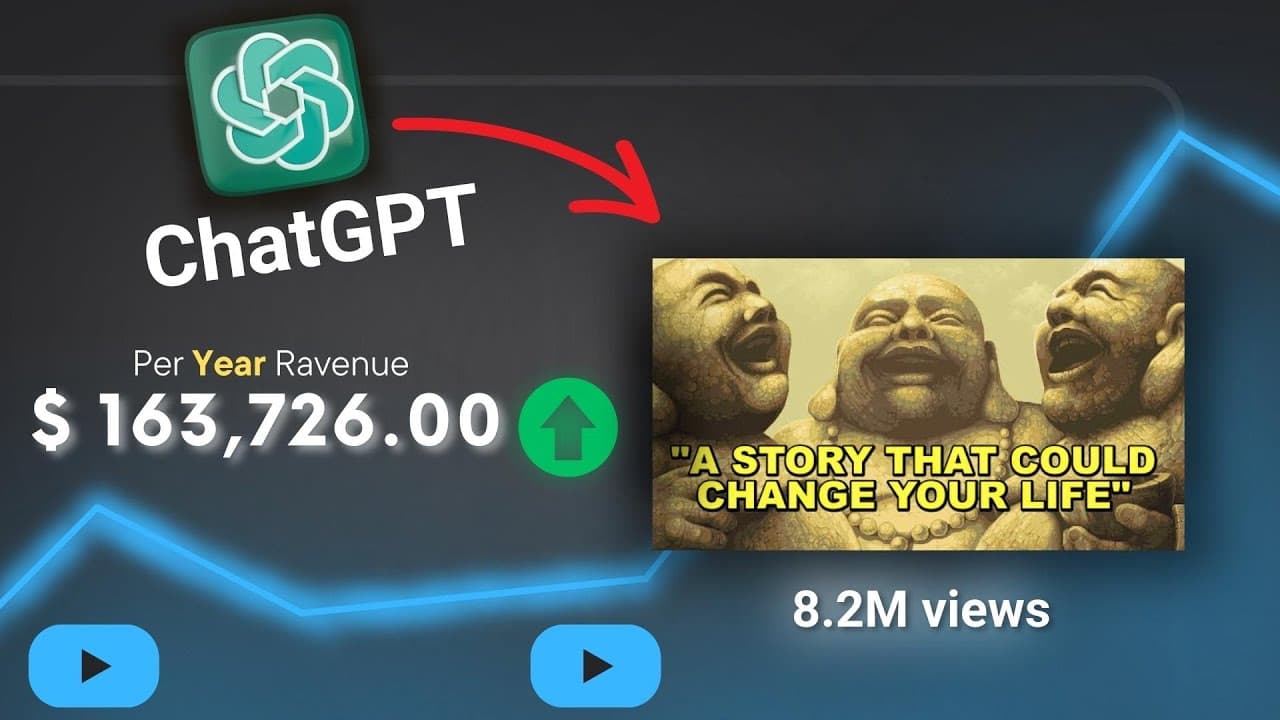
this short story for motivation has got 8.5 million views in one air this story is 6.1 million and this one is 5.1 million in today's video I'm going to show you how I made that kind of video only with AI I plan to automate the entire career process from script writing the visuals to voiceovers and more I came across this idea I'll scrolling on You... Read More
Key Insights
- ⌛ AI technology can automate the entire process of creating a YouTube channel, from branding to video production, significantly saving time and effort.
- 👯 Targeting specific groups of people, such as procrastinators needing motivation, can be achieved with the help of AI-generated content, enhancing the channel's appeal.
- ✋ AI tools like 11labs.eo and Stable Diffusion can be utilized for generating voiceovers and creating visuals, respectively, ensuring high-quality content.
- 🔨 AI tools like Canva.com enable the creation of visually appealing thumbnails quickly and easily.
Install to Summarize YouTube Videos and Get Transcripts
Explore YouTube Video Summarizer or Get YouTube Transcript Extractor
Questions & Answers
Q: How can AI automate the process of creating a YouTube channel?
AI can automate tasks such as script writing, generating visuals and voiceovers, creating branding assets, video editing, and even generating video thumbnails, making the entire process efficient and streamlined.
Q: What kind of audience can be targeted using AI-generated short stories?
AI can help target specific groups of people, such as those who procrastinate and need motivation. By asking for short story ideas focusing on such themes, AI can generate content that resonates with the target audience.
Q: What AI tools can be used for video editing?
There are various AI-powered video editing tools available, such as 11labs.eo, which uses advanced AI technology to generate realistic voices for voiceovers. Additionally, Stable Diffusion can be used to create custom illustrations or image edits for video scenes.
Q: How can AI help in generating video thumbnails and titles?
Tools like Canva.com provide templates for YouTube thumbnails. AI can suggest keywords and generate title and description options based on the content, allowing for quick and automated creation of engaging thumbnails and titles.
Key Insights:
- AI technology can automate the entire process of creating a YouTube channel, from branding to video production, significantly saving time and effort.
- Targeting specific groups of people, such as procrastinators needing motivation, can be achieved with the help of AI-generated content, enhancing the channel's appeal.
- AI tools like 11labs.eo and Stable Diffusion can be utilized for generating voiceovers and creating visuals, respectively, ensuring high-quality content.
- AI tools like Canva.com enable the creation of visually appealing thumbnails quickly and easily.
- By leveraging AI, individuals can automate and streamline their YouTube channel creation process, potentially leading to higher success and earnings.
Summary & Key Takeaways
-
The content discusses how AI can automate the process of creating a successful YouTube channel, using a specific example of short stories for motivation.
-
It covers steps including creating a YouTube channel, branding with the help of AI-generated assets, targeting a specific audience, and using AI to generate short stories and voiceovers.
-
The video also demonstrates how to use AI tools for video editing, creating subtitles, and generating thumbnails, ultimately allowing for a fully automated YouTube channel.
Read in Other Languages (beta)
Share This Summary 📚
Summarize YouTube Videos and Get Video Transcripts with 1-Click
Try YouTube Summary with ChatGPT & Claude or YouTube Transcript Generator