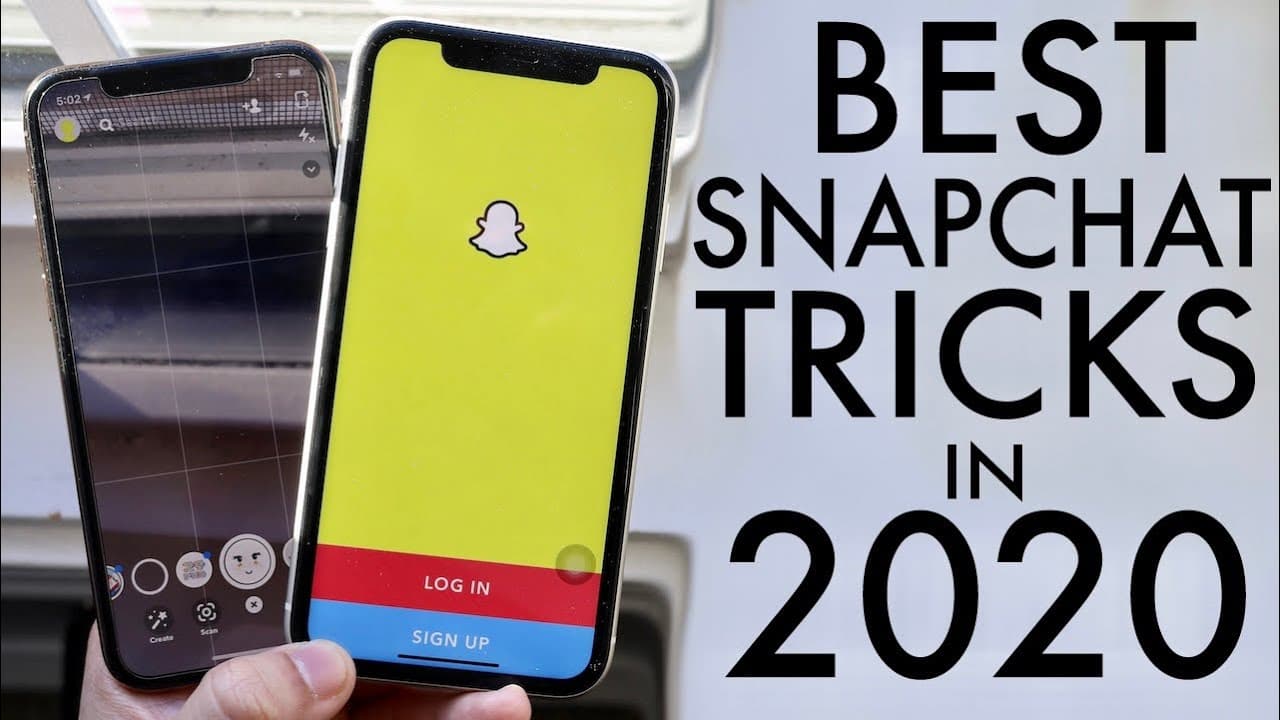
BEST SNAPCHAT Tricks & Tips In 2020! (Snapchat Secrets)
TL;DR
Discover useful Snapchat features and tricks to enhance your experience in 2020.
Transcript
while everyone welcome back to the channel another year another snapchat comparison not even a comparison just like some trip sticks trips whatever tips and tricks are like snapchat and how it holds up in 20/20 new things like that I think I've made so many snapchat videos throughout my lifetime and even my second channel talks so much about snapch... Read More
Key Insights
- 👊 The video highlights an innovative method of taking screenshots in Snapchat chats that bypasses notification alerts.
- 👤 Customization of emoji skin tones reflects Snapchat's inclusivity and awareness of diverse user preferences.
- 😒 Implementing data-saving settings can significantly enhance the functionality of Snapchat during travel or extended use.
- 🧑🏭 Two-factor authentication is recommended for influencers or users with significant engagement, enhancing account security.
- 👤 The flashback feature offers nostalgic reminders of past moments, enriching user engagement with their content history.
- 🤱 Users can improve their Snapchat experience by learning to hide unwanted content in the Discover feed, tailoring their social media experience.
- 😚 Automatic saving of stories to Memories simplifies how users manage their content, ensuring they don’t lose important memories.
Install to Summarize YouTube Videos and Get Transcripts
Explore YouTube Video Summarizer or Get YouTube Transcript Extractor
Questions & Answers
Q: What new screenshot method was introduced for Snapchat chats?
A user can screenshot Snapchat chats without the sender being notified. By switching to another app while taking the screenshot, notifications can be avoided. This method is simple and less time-consuming than alternative approaches that involve deleting and reinstalling the app.
Q: How can users customize emoji skin tones on Snapchat?
By accessing the Snapchat settings under "Manage," users can choose emoji skin tones from options like yellow, white, black, and brown. This feature personalizes the Snapchat experience, allowing users to express themselves more accurately through marked emoji representations.
Q: What is the importance of enabling data saver on Snapchat?
Enabling the data saver feature helps reduce battery usage and cellular data consumption. Users can set it for a specific duration or until turned off, ensuring that they can use Snapchat efficiently without using excessive resources during extended periods.
Q: How can Snapchat users ensure their accounts are secure?
Users can activate two-factor authentication from the account settings for added security. By linking a phone number, users receive a verification code for each login, making unauthorized access more difficult and protecting sensitive content.
Q: What does the flashback feature do on Snapchat?
Flashback sends notifications reminding users of photos and stories shared on specific dates in previous years. This feature allows users to reminisce about memories created on Snapchat, enhancing the emotional connection to their content over time.
Q: What options do users have for saving their Snapchat stories?
Snapchat now allows users to automatically save their stories to "Memories," the app's cloud service for photos and videos. This feature ensures that users don't lose ephemeral content and can access it later without remembering to save every time.
Summary & Key Takeaways
-
The video provides an overview of new Snapchat features and tips for 2020, focusing on improved methods for chatting and screenshotting.
-
Viewers learn how to customize emoji skin tones and enable data-saving features to improve device performance while using Snapchat.
-
The creator emphasizes security through two-factor authentication and showcases how to automatically save stories and memories, enhancing user experience.
Read in Other Languages (beta)
Share This Summary 📚
Summarize YouTube Videos and Get Video Transcripts with 1-Click
Try YouTube Summary with ChatGPT & Claude or YouTube Transcript Generator
Explore More Summaries from Simple Alpaca 📚






Summarize YouTube Videos and Get Video Transcripts with 1-Click
Try YouTube Summary with ChatGPT & Claude or YouTube Transcript Generator