A Beginner’s Guide to DaVinci Resolve
TL;DR
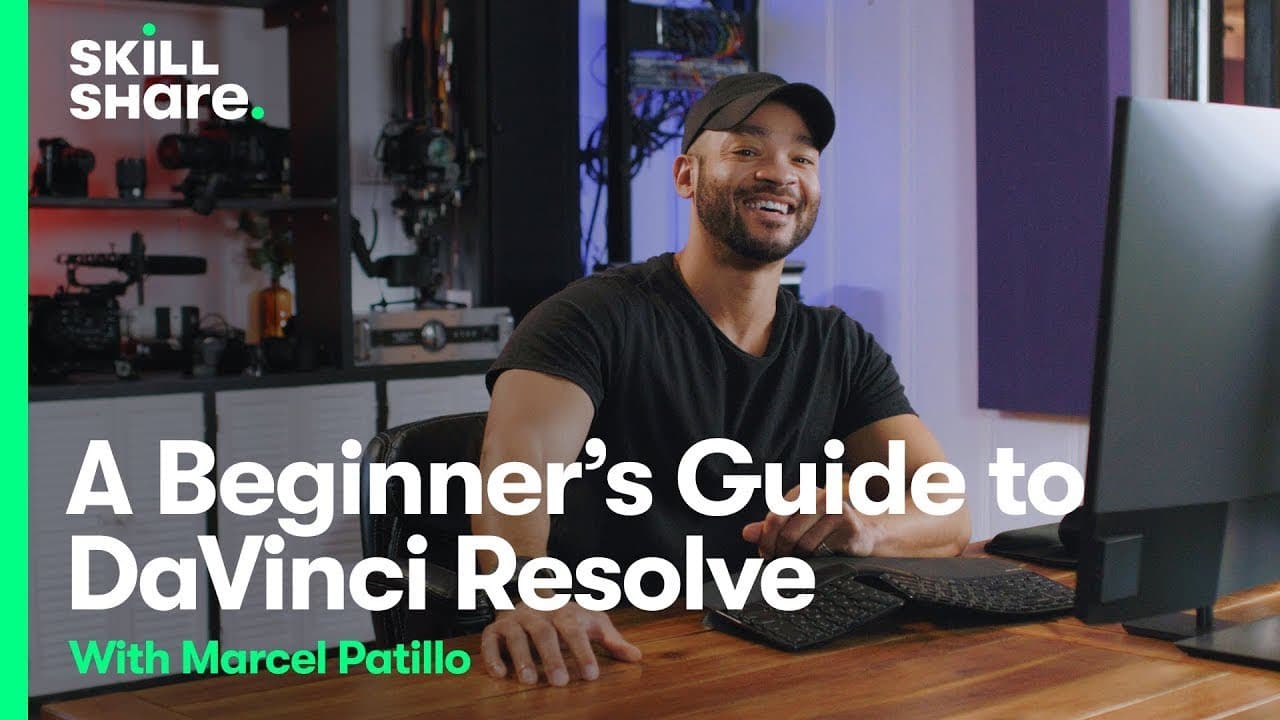
- Marcel Patillo provides an exclusive look at DaVinci Resolve's post-production features and interface.
Transcript
I'm Marcel patillo and I'm a filmmaker and YouTuber my class on skillshare just launched it's all about post-production and DaVinci Resolve and guess what today I'm sharing an exclusive sneak peek with you stay tuned so now we'll start with lesson three where we'll go over the UI of Dimitri resolve and the first thing you'll see when you click on t... Read More
Key Insights
- 🏣 DaVinci Resolve is an all-in-one post-production tool for video editing, color grading, visual effects, and audio production.
- 📽️ The project manager in DaVinci Resolve allows users to organize and manage multiple projects efficiently.
- 🏣 DaVinci Resolve offers various tabs for editing, fusion (VFX), color grading, audio (Fairlight), and delivery, catering to all post-production needs.
- 🧘 Users can import media, create timelines, and access editing tools easily in DaVinci Resolve.
- 🎮 DaVinci Resolve's interface provides tools for video transitions, audio controls, effects, timeline manipulation, and visual enhancements.
- 📼 The edit tab in DaVinci Resolve offers a comprehensive view of assets, transitions, audio, and video elements for efficient editing.
- 💇 DaVinci Resolve's cut tab is useful for quickly editing long interviews or consolidating content, focusing on cutting tasks without detailed audio controls.
Install to Summarize YouTube Videos and Get Transcripts
Explore YouTube Video Summarizer or Get YouTube Transcript Extractor
Questions & Answers
Q: What is DaVinci Resolve and its primary function?
DaVinci Resolve is an all-in-one post-production tool designed for video editing, color correction, audio production, and visual effects.
Q: How can users manage projects in DaVinci Resolve?
Users can organize projects, import media, and create timelines within the project manager and media page of DaVinci Resolve.
Q: What are the main tabs and functions in DaVinci Resolve for post-production?
DaVinci Resolve offers tabs for editing, fusion (VFX), color grading, audio (Fairlight), and delivery, providing a comprehensive suite of tools for post-production tasks.
Q: How does DaVinci Resolve streamline the post-production process?
DaVinci Resolve's interface allows seamless access to media pools, editing tools, effects, audio controls, and timeline manipulation, making it a convenient all-in-one solution for post-production tasks.
Summary & Key Takeaways
-
Marcel Patillo introduces DaVinci Resolve as an all-in-one post-production tool.
-
He demonstrates project management, media importing, and timeline creation.
-
The tutorial covers video editing tools, audio controls, effects, and timeline manipulation in DaVinci Resolve.
Read in Other Languages (beta)
Share This Summary 📚
Summarize YouTube Videos and Get Video Transcripts with 1-Click
Try YouTube Summary with ChatGPT & Claude or YouTube Transcript Generator
Explore More Summaries from Skillshare 📚





Summarize YouTube Videos and Get Video Transcripts with 1-Click
Try YouTube Summary with ChatGPT & Claude or YouTube Transcript Generator